Wow, that post was 4 years so I guess it’s just going to happen
I have tried to follow videos of using a custom themes folder but they break my site.
All I really want to do is change the menu (navbar) and menu dropdown color. I don’t care if it gets overwritten in an update, and I can redo those minor changes.
.navbar {
{
background-color: #534d64;
}
The CSS in inspect points to public/dist/styles.d5a2e831ecac31c7.css)
not a CSS folder. I can’t even find the code after unminifying that file.
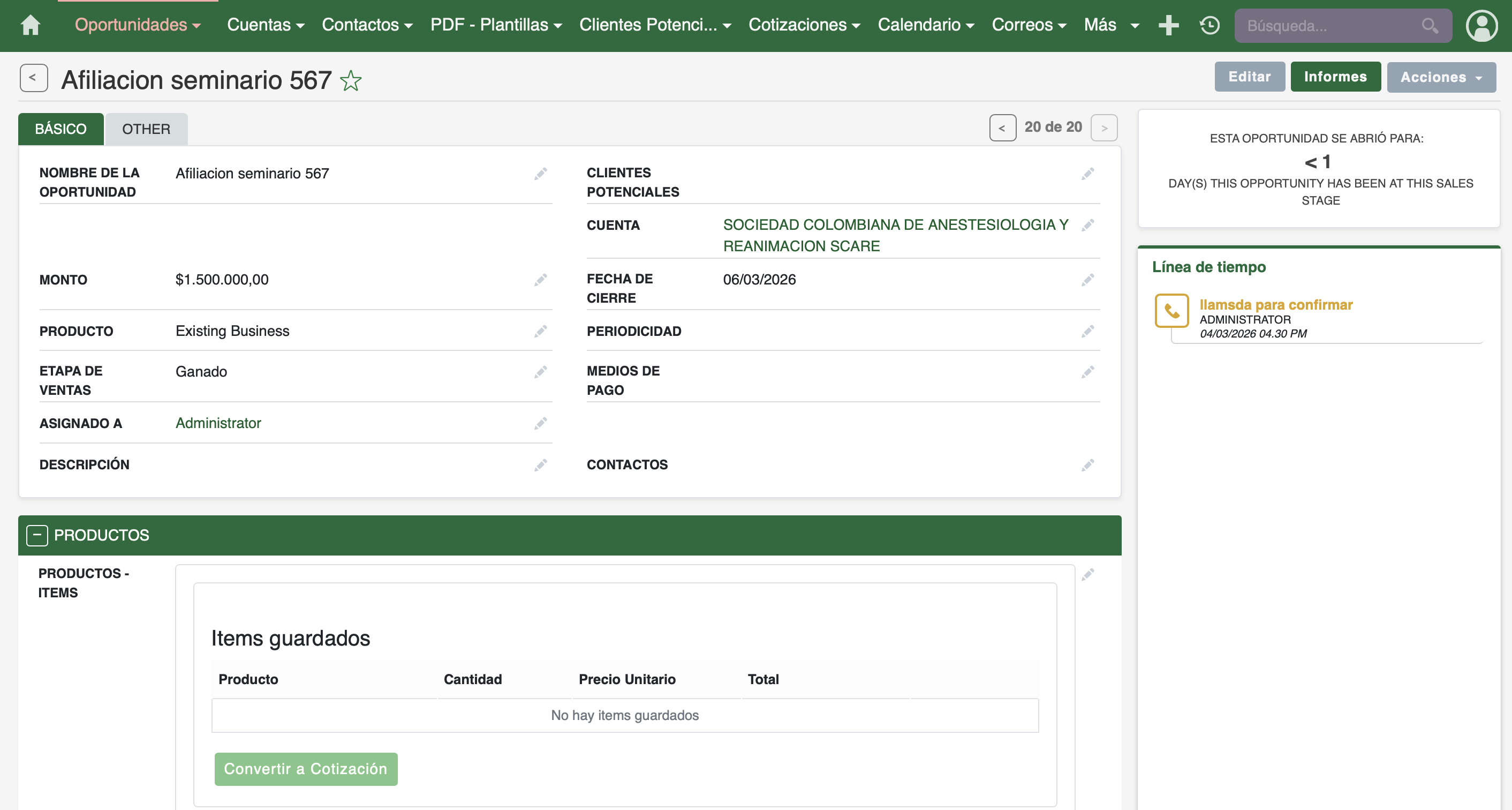
For anyone struggling with this: I managed to change colors in SuiteCRM 8 by directly editing the compiled Angular CSS file located at public/dist/styles.[hash].css (in my case styles.d5a2e831ecac31c7.css). This controls the main SuiteCRM 8 modules UI.
However, keep in mind that SuiteCRM 8 has a dual frontend architecture — the Angular frontend uses that compiled CSS, but legacy views (dashboards, dashlets, and some admin pages) still use the legacy PHP theme, just like in SuiteCRM 7. For those, you need to override the CSS the same way you would in SuiteCRM 7, using the custom theme path under public/legacy/custom/themes/.
So in short: two separate CSS files, two separate frontends — changes to one won’t affect the other.
According to the roadmap, this feature will likely be available in upcoming versions. However, I think you may have to wait at least a year or more before it arrives.
All changes are upgrade-safe, and you can easily deploy them again with just one click if you accidentally make a mistake with the colors. You can also fully revert back to the original SuiteCRM theme anytime without needing any technical knowledge.
So crazy a simple thing like adding a piece of CSS is still not supported. Rly dont get why they keep on adding things when the basics are still not here in the V8.
Hi @creativologist, I ran into the same issue on 8.8 and can confirm this isn’t just a misconfiguration.
Right now, the “Themes” section in admin doesn’t seem to be functional in the way it was in SuiteCRM 7 (blank page, changes not persisting, etc.). From what I’ve found, color and theme customization in SuiteCRM 8 is not exposed via the UI yet.
For anyone trying to change colors (e.g. navbar, buttons), there are basically three options:
Edit the compiled CSS in /public/dist/styles*.css
→ Quick and works immediately, but will be overwritten on rebuild/update.
Proper way: modify SCSS variables in the frontend source and rebuild
→ More stable, but requires working with the Angular build process.
Temporary workaround: use browser-based CSS overrides
→ Only affects your local view.