I just wanted to share a quick update on something I’ve been working on — a WordPress-native client portal for SuiteCRM.
The goal was to build something similar to the old Joomla portal, but more modern:
Built entirely as a WordPress plugin (shortcodes, REST endpoints, admin settings).
No SuiteCRM customizations required — you just connect via OAuth2.
Uses the SuiteCRM V8 API, with support for both 7.x and 8.x.
Secure behind the WordPress login, with nonce-protected REST calls.
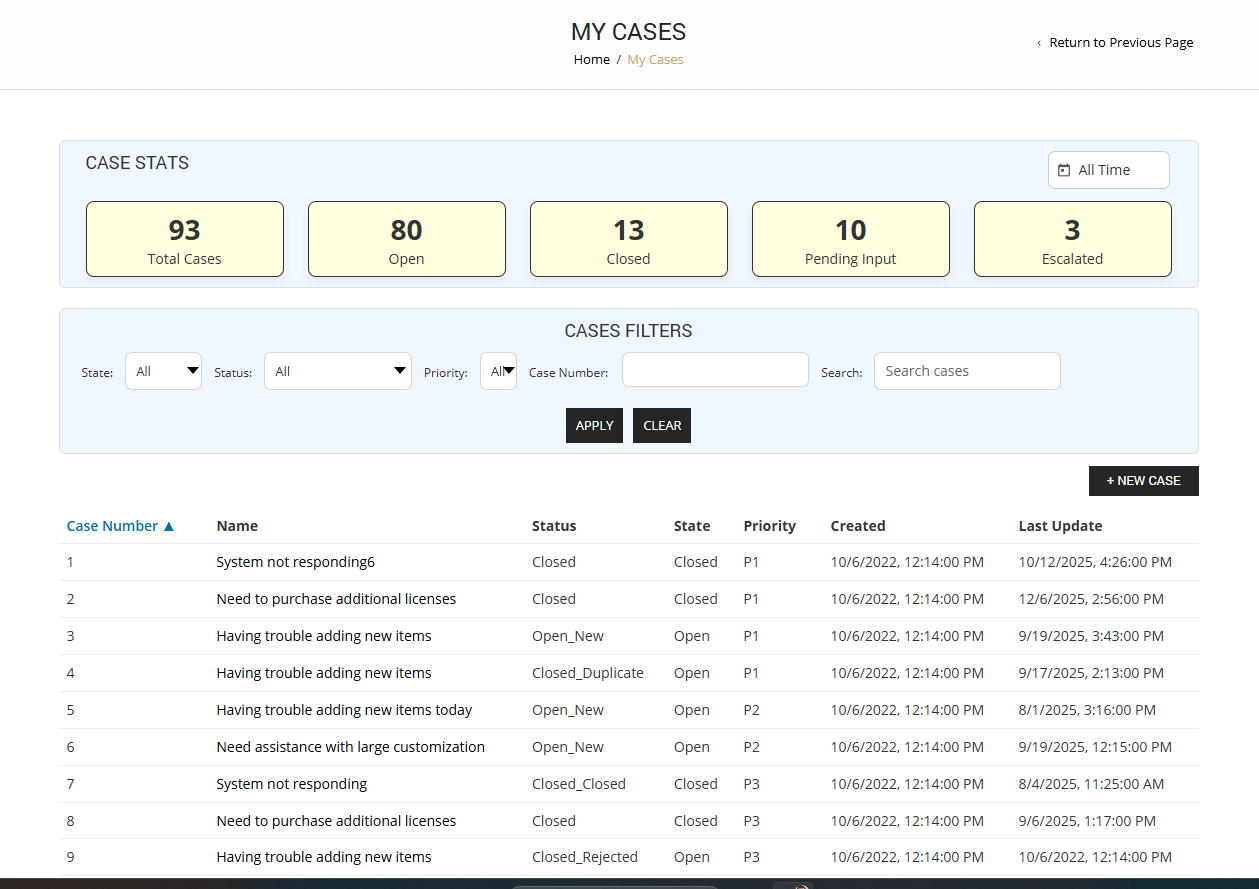
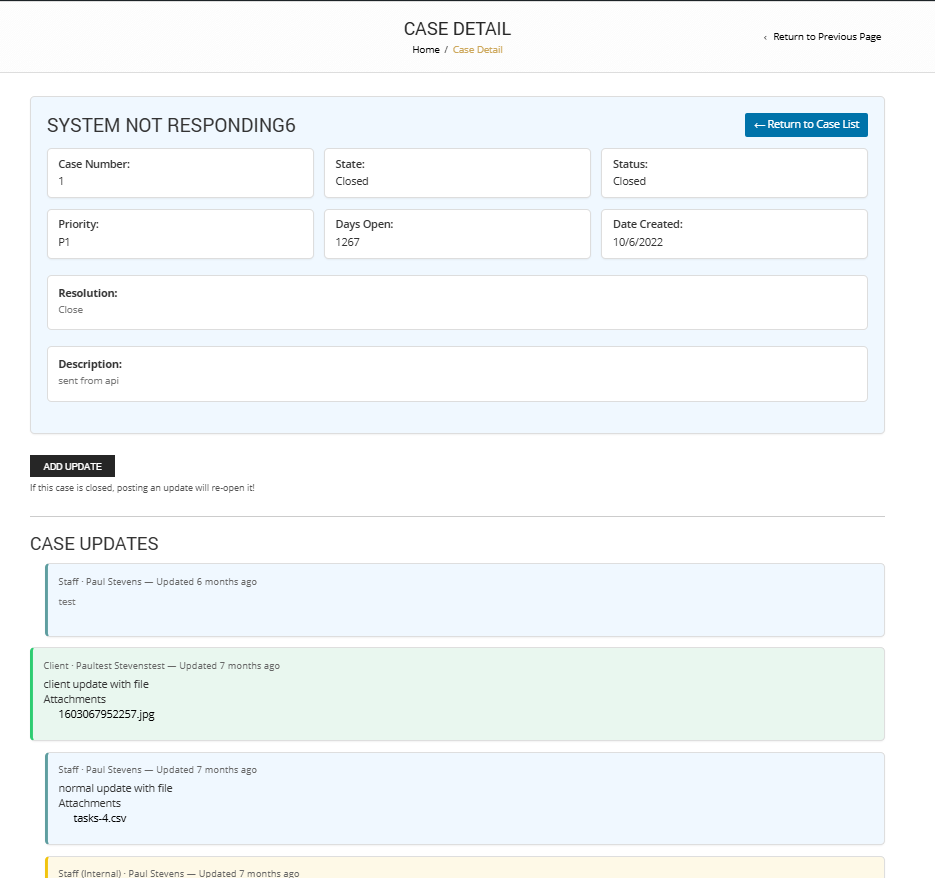
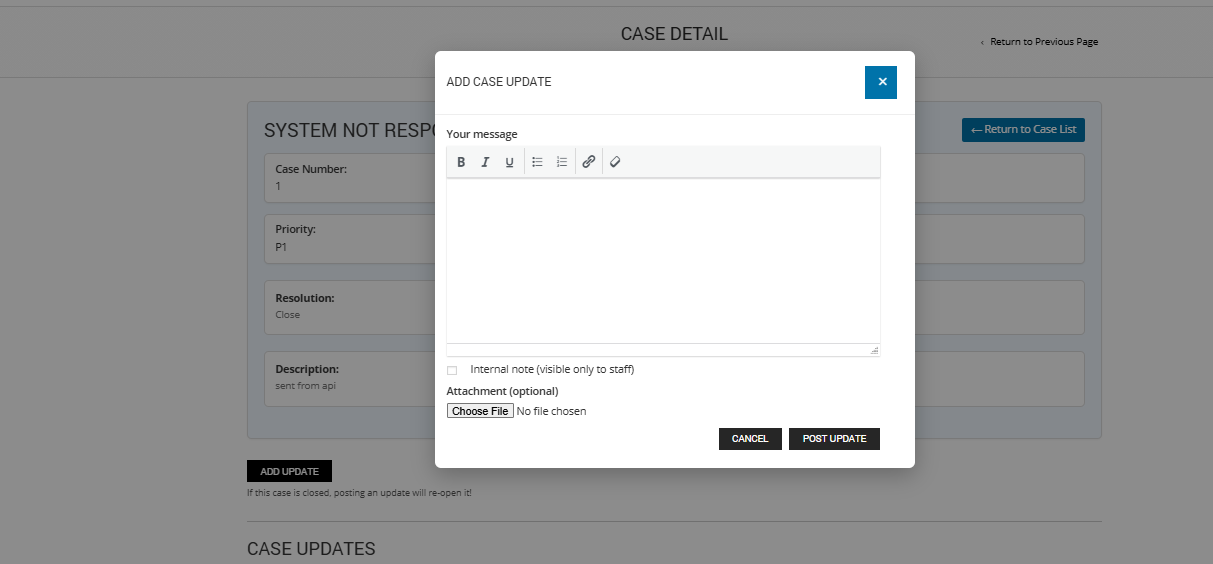
Right now the basics are working: case list with filters & pagination, case detail view, and case updates (including internal vs client replies). Next up is case creation and file attachment polish.
I’m putting together a quick teaser video to show where it’s at. If anyone’s interested in early testing or just getting notified when it’s ready, feel free to reach out.
Would also love any feedback — especially from anyone who’s used the Joomla portal heavily and knows what worked or didn’t.
Displays total, open, closed, escalated, and pending cases at a glance.
Allows quick filtering so users can drill directly into specific case types.
Helps clients and staff stay on top of support workload without scanning full case lists.
2. Layered Security Model
We’ve restructured the plugin so access control is enforced consistently across shortcodes, REST endpoints, and JavaScript rendering. Highlights include:
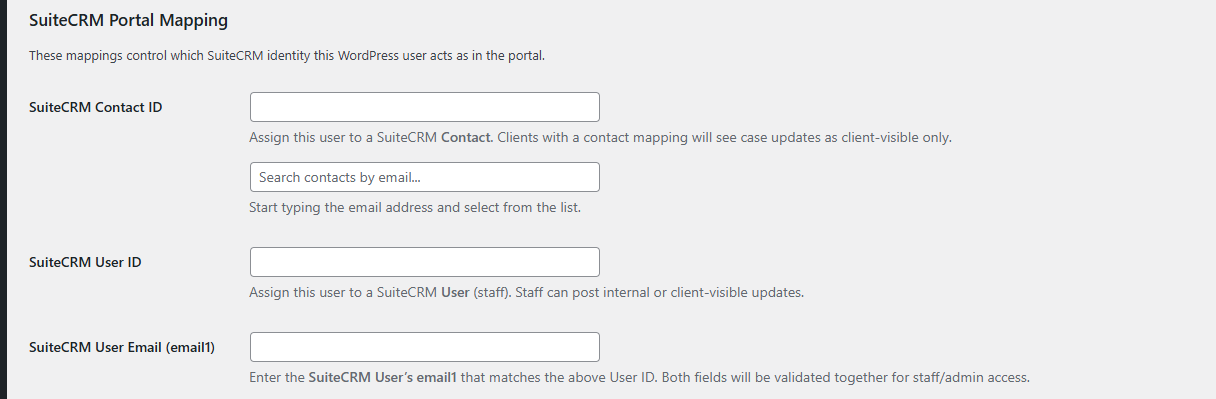
User ↔ Contact Mapping: WordPress users must be explicitly mapped to a SuiteCRM Contact to view their cases.
Staff/User Validation: WordPress admins and staff are mapped to SuiteCRM Users, and both User ID + email address are validated against SuiteCRM before granting staff-level access.
Case Ownership Checks: Clients can only view case details or updates if their mapped Contact ID has a valid relationship with the case in SuiteCRM.
Graceful Failures: Instead of spinning loaders or raw errors, users without access now see clear messages like “You do not have access to this case. Please contact your administrator.”
Attachment Protection: Even file downloads (attachments on case updates) now respect the same access rules to prevent unauthorized access by guessing IDs.
Together, this makes the portal secure by default, transparent for admins, and much more user-friendly.
I’ve been using this myself in production now for a few months and its been working great. I’d really like to find a beta tester who would like to use this in production for a small application.
Please reach out to me if interested.
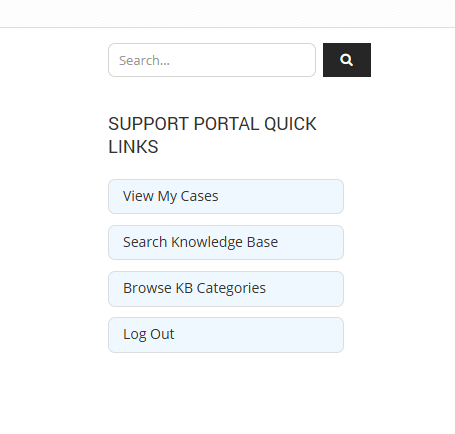
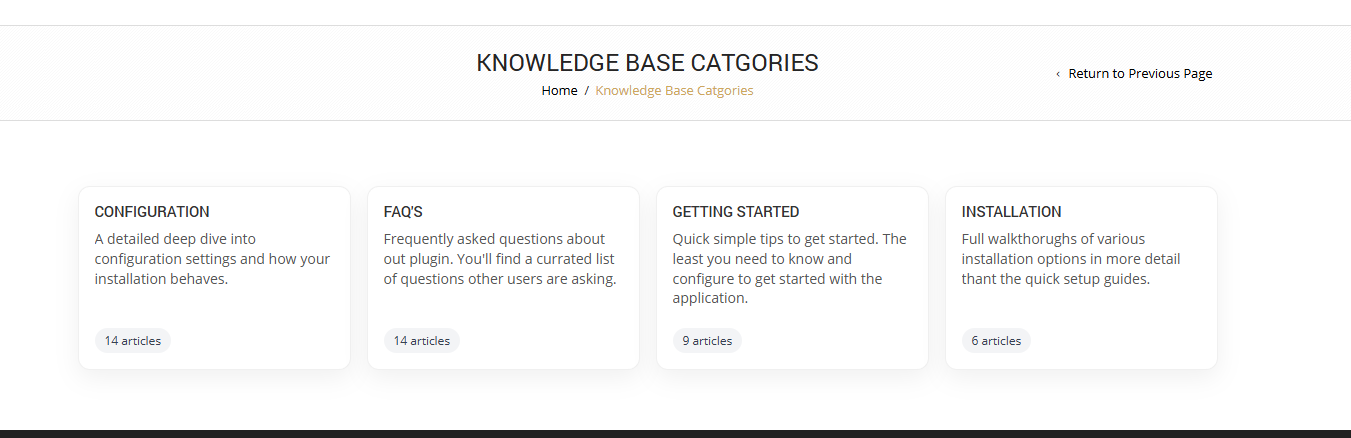
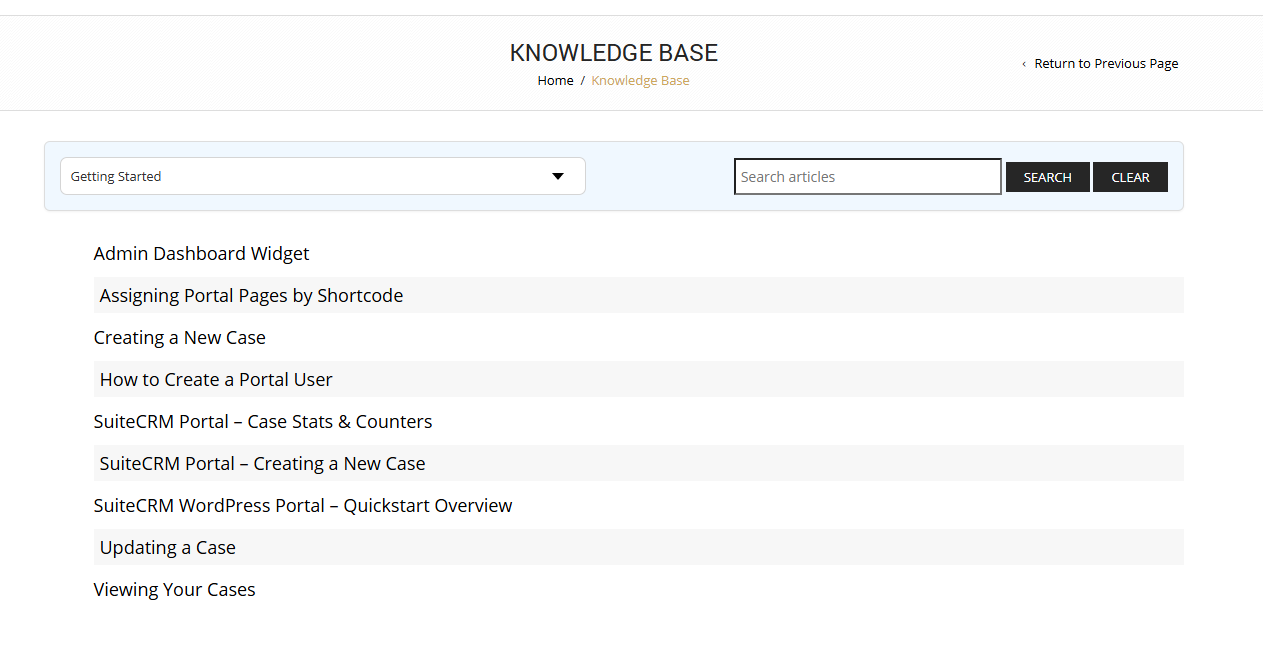
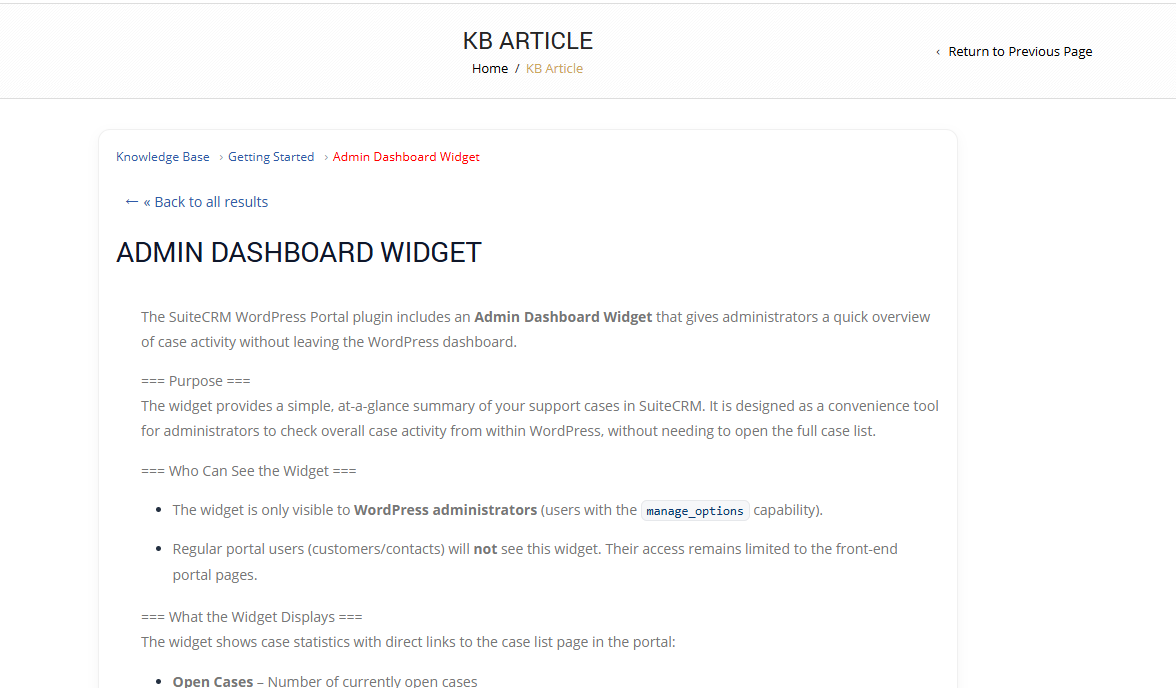
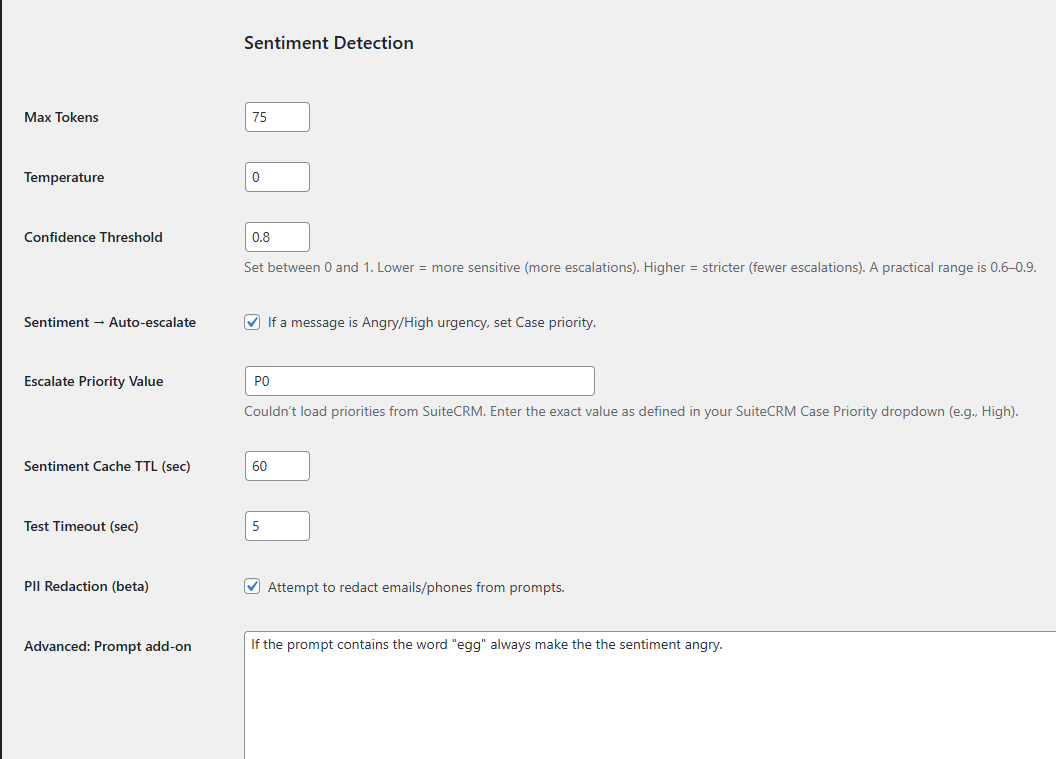
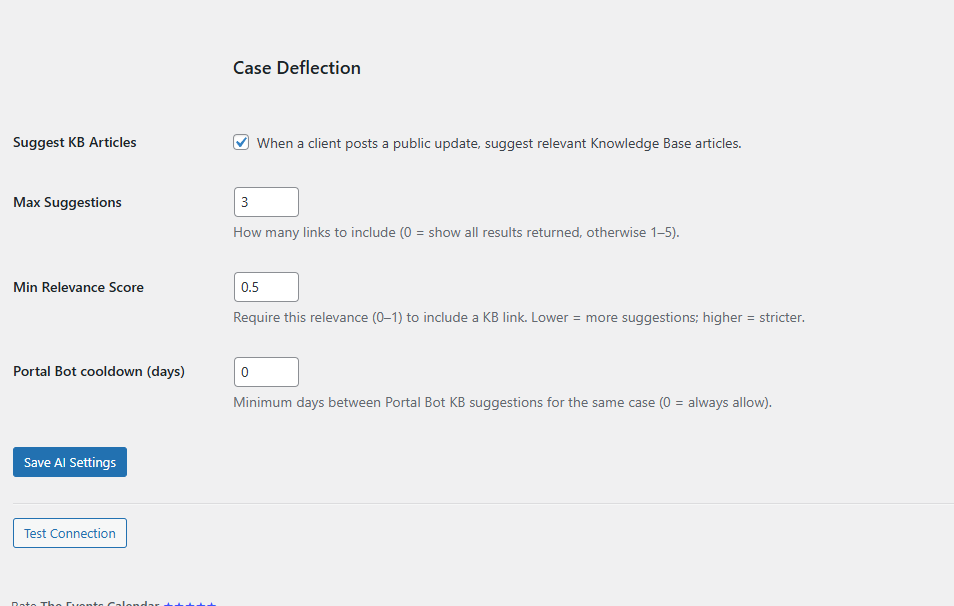
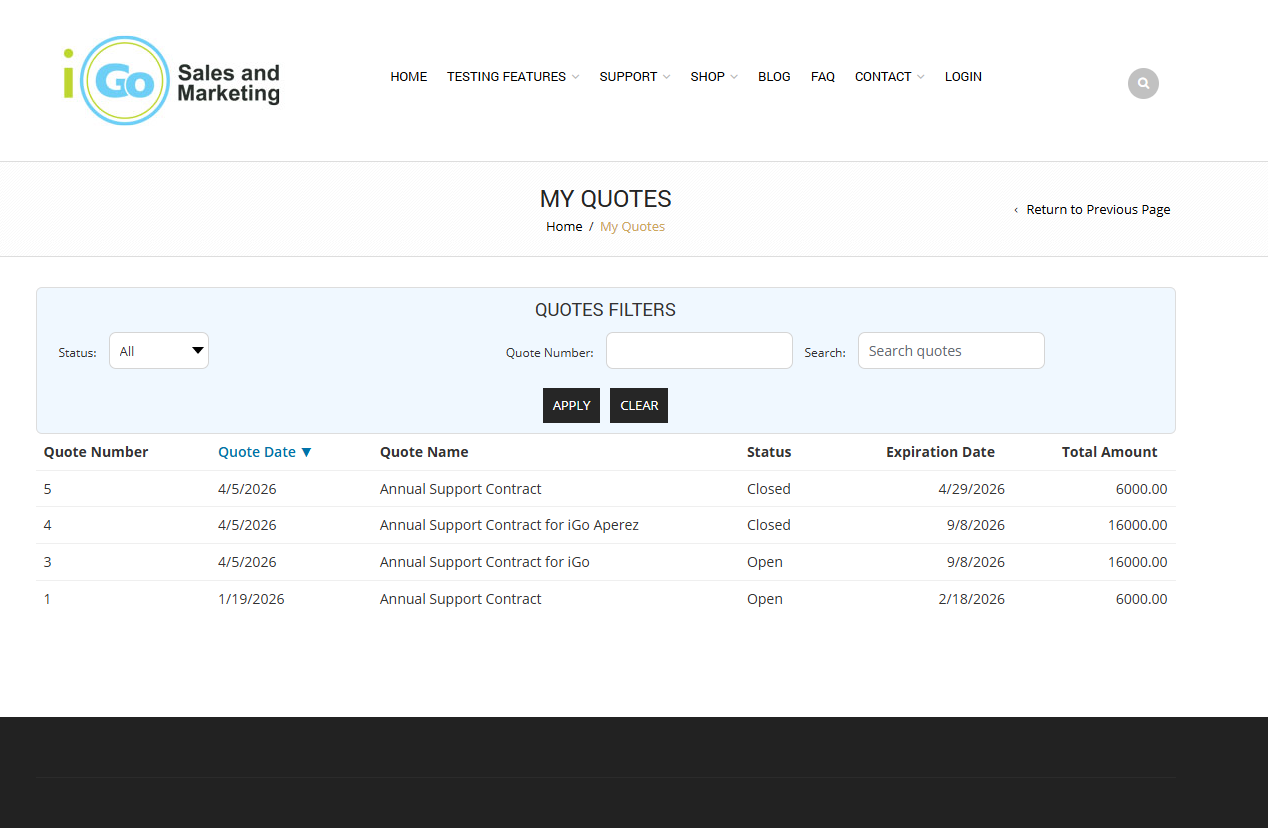
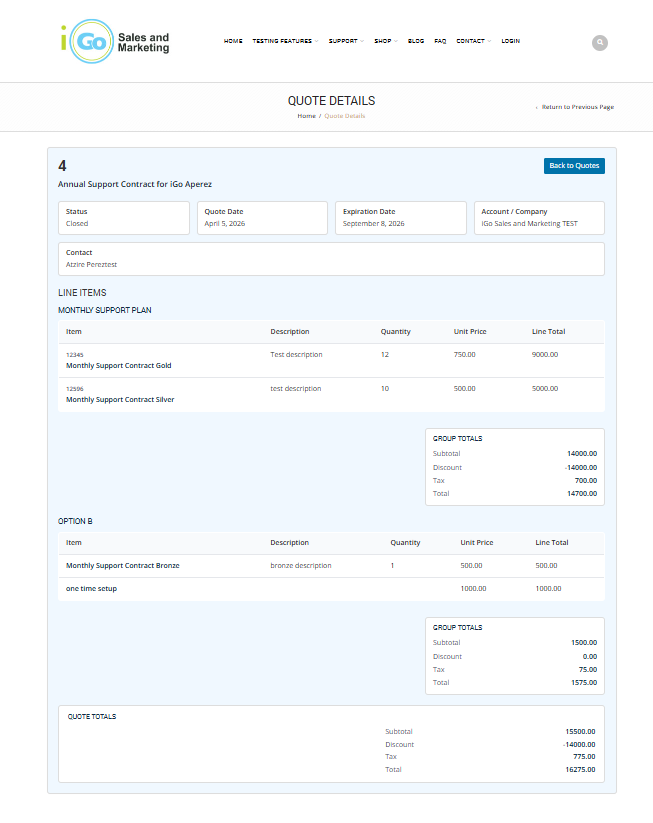
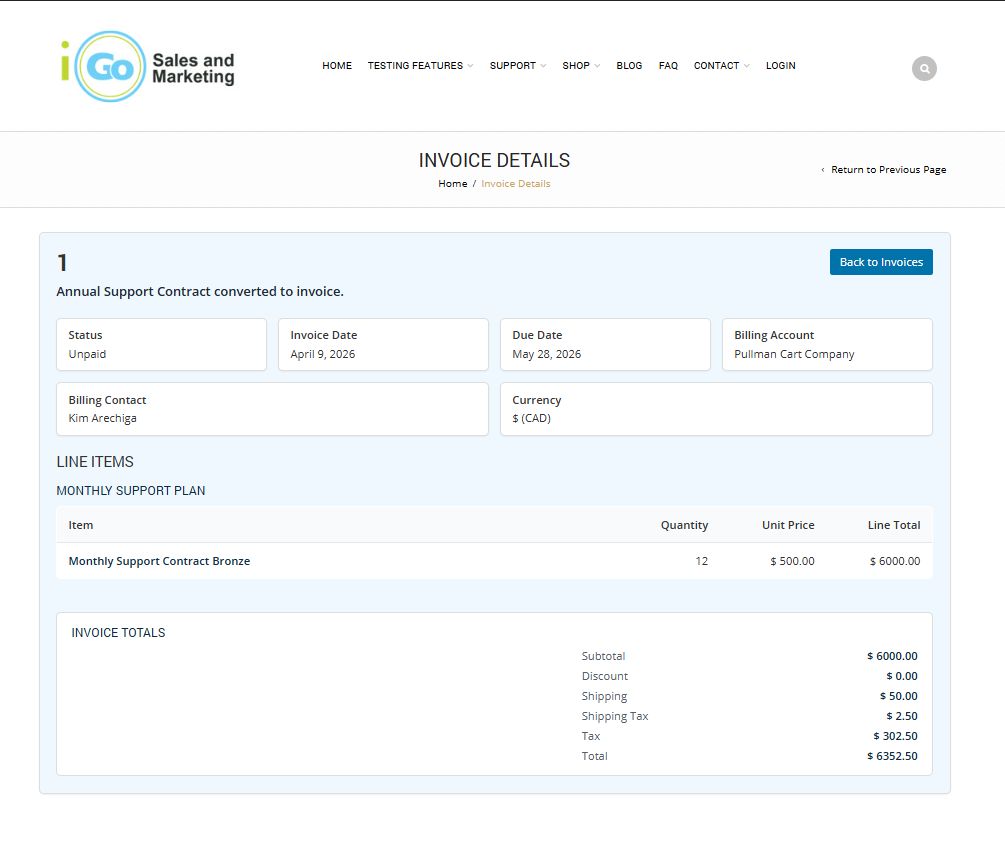
Here are some screen shots to demonstrate some of the functionality:
I haven’t really decided yet. Its become a huge code base now with hundreds of hours of dev time. Releasing it to the general public is going to create a giant support burden for me. At the moment I’m looking for beta testers to hopefully lessen the support impact after a few small real world test cases. Ideally I’d like to give it to a small user base.
I’d love to have a discussion about the different models to release open source software pros/cons, etc.
Could you please let me know why you chose WordPress instead of another development framework? Is it due to familiarity, or are there specific advantages compared to more modern and faster frameworks such as Next.js?
From my understanding, the amount of work required when using WordPress, Next.js, or other frameworks is quite similar, since in many cases we cannot fully leverage WordPress’s built-in features. In fact, WordPress can sometimes be more vulnerable to security issues. I’m just a bit curious about your perspective.
I’m also planning to build my own portal, but my direction is to make it fully compatible with the plugins I’ve developed for SuiteCRM.
In addition to the essential features such as tickets, documents, meetings, as well as quotes and invoices—similar to what you’re currently building—I want to ensure everything integrates seamlessly with my existing ecosystem