Machine is ubuntu (24.04.4 LTS) and I am logged in as admin user, same error happens if I try to upgrade with sudo, my suitecrm user is default www-data.
This machine was upgraded couple of times and I do not recall having this issue before.
Any ideas on what to look for (and where)? Did I miss something basic?
I am following this instructions:
for upgrade:
for permission (btw. why in the above link you have instructions to reset permissions but there is no link to the page where it is described ):
p.s. note that upgrade command line in my screenshot is wrong (wrong version is listed), I have tried to play with intentionaly wrong numbers in order to discover is it an issue with installer or new file
some more info, this is operational suitecrm installation and I have done this before, database username or password has not been changed since initial install, crm itself runs fine
For the past year or so I’ve noticed that MariaDB is harder to start working with, regarding its default root user. Some more operations are necessary, I’ve done it sometimes but they confuse me, but with an AI holding my hand I can feel confident enough that I can get it done. Try focusing on that part of the problem as separate from the SuiteCRM upgrade.
huh, just before updating SuiteCRM I have updated my system altogether and now when looking at dpkg.log it appears that is has updated mariadb to 11.8.8
You are right, my screenshot was one of my debug tries where I deliberatly tried to enter wrong upgrade package (but same thing happened with correct name).
In the meantime I have managed to find the problem and it is a stupid one. I have tried to run upgrade from wrong folder (location was /home/user/suitecrm which was my backup folder), actuall install was in /var/www/suitecrm and when I went there it worked correctly.
it did warn me that there are some legacy document as well as some files in uploads directory (which I backed up for the moment, I am unclear on what this documents are or why they were there).
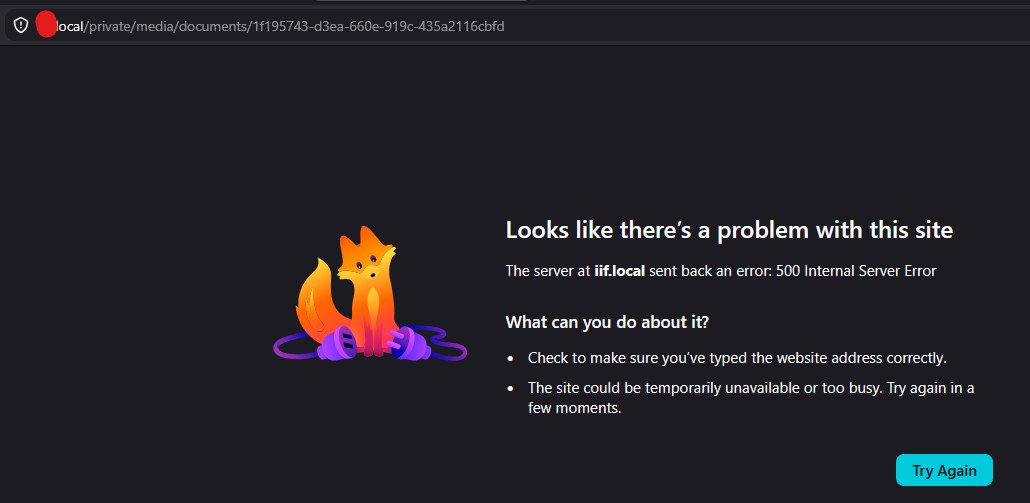
But, now I have a new problem, my uploaded files appear to be gone.
When I go to my contact and look at their documents they are there, correctly listed, but when I try to download the file I get error 500
Unfortunately I did nothing, it solved itself after some time on its own, likely one of scheduler jobs cleare it OR repairs I initiated from admin console of SuiteCRM (it took about one hour and suddenly everything worked correctly).
I have tried to look at config files and examine what I need to set up, but in the end nothing was changed and it started working on its own (documentation is very scarce on new file storage and quite confusing, particulary missing is information does user need to do something or not).
What I did do is I fixed file upload which failed as well, and the solution for that was to create upload directory and assign correct permissions (for some reason I did not have upload directory at all, my best guess is that since my suitecrm was likely installed as version 7, it took over ver. 7 defaults, worked correctly until I moved to new file storage and now it was needed).
I have to examine everything tomorrow, but generally it appears that everything works correctly now.
p.s. sorry to bomb the forum without properly examining my issue and understanding what happened (but again, I wrote what I did wrong so someone might learn on my foolish/amateur mistakes), thanks everyone for helpful suggestions
No worries at all! It’s completely fine, and we actually got to learn a lot about the upgrade process from your experience. Thanks for sharing what happened and being open about the mistakes—it can definitely help others avoid the same issues!

 ):
):