Hi guys!
I am installing suitecrm 7.13.4 on my ubantu 20.14(php7.4), I got errors as below:
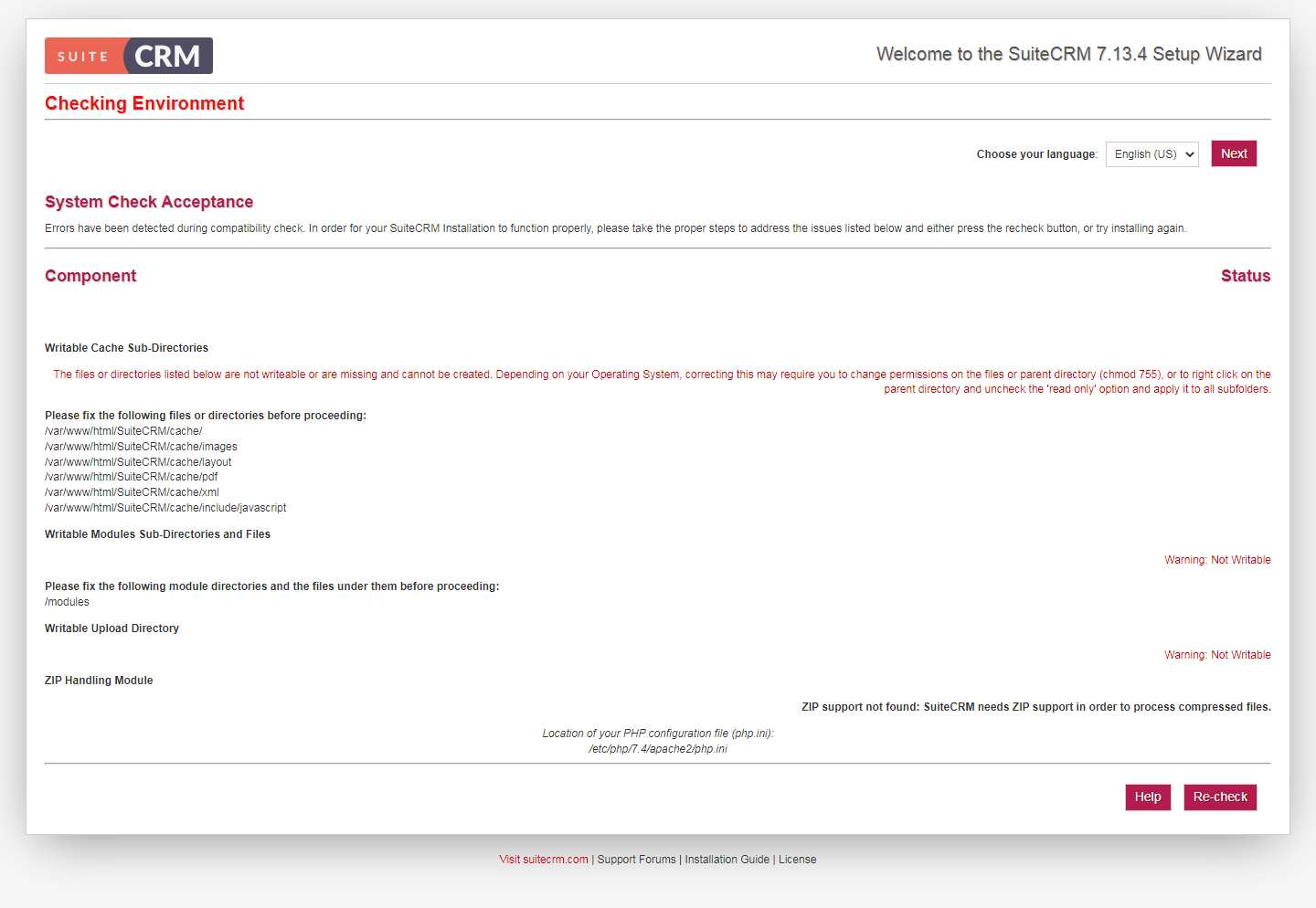
I tried Change Permissions with chmod and Create Missing Directories but the errors remained.
How to resolve it?
Hi guys!
I am installing suitecrm 7.13.4 on my ubantu 20.14(php7.4), I got errors as below:
I tried Change Permissions with chmod and Create Missing Directories but the errors remained.
How to resolve it?
Hello George,
if you’re trying now on Ubuntu, why not go with Suite 8?
Anyway, check and follow the installation docs:
That should work:
  cd /var/www/html/SuiteCRM
  sudo chown -R www-data:www-data .
  sudo chmod -R 755 .
  sudo chmod -R 775 cache custom modules themes data upload
  sudo chmod 775 config_override.php 2>/dev/null
(And you don’t have to create the folders manually, just make sure, the CRM / webserver user is allowed to create the files).