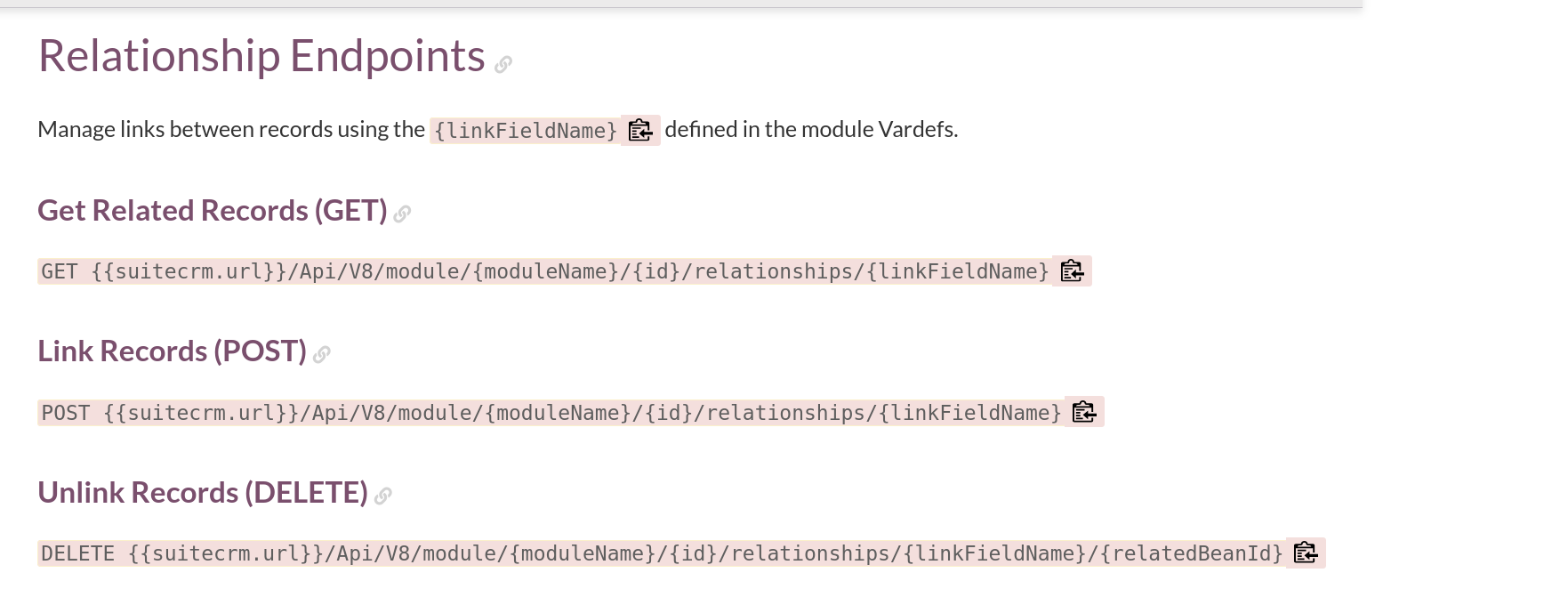
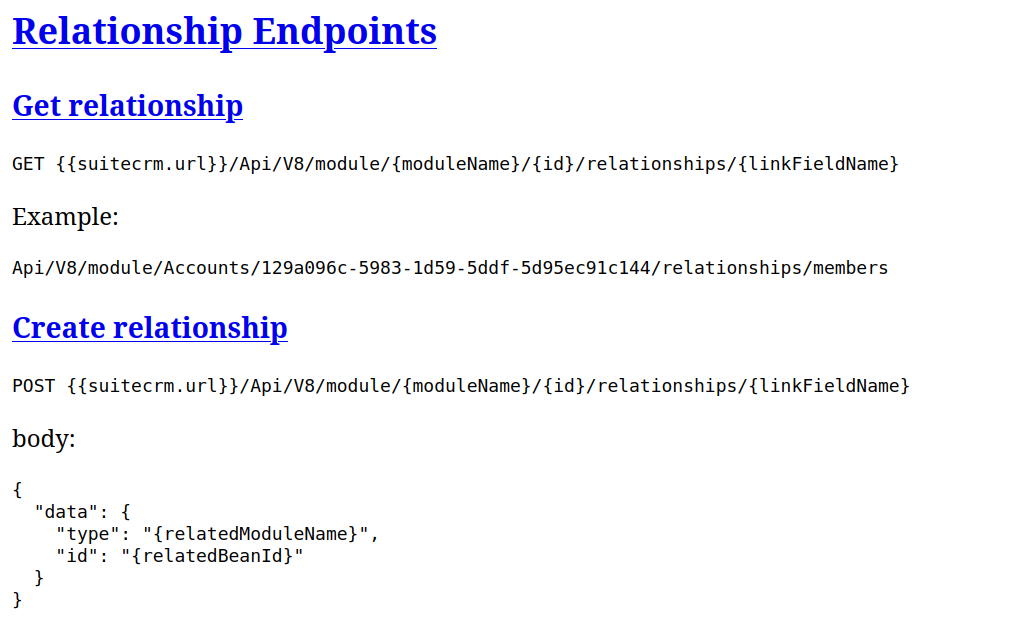
A new way to navigate the SuiteCRM Online User Guide
We’ve refreshed the SuiteCRM Online User Guide to make navigation more intuitive, with a clearer structure and improved user interface.
What’s changed?
The guide now has:
- Clearer sections for User, Administrator, Developer and Community documentation
- Separate sections for SuiteCRM 7 and SuiteCRM 8, helping you find the documentation relevant to your version
- Simpler navigation, with the page navigation moved to the left-hand side
Where are we going with it?
This new structure gives us a better foundation for continuing to improve the documentation and, over time, making it more version-specific. Our aim is to make it easier to find guidance that applies specifically to the version of SuiteCRM you’re using.
We’ll continue improving the structure and content of the guide, and we’d like the community to be part of that process.
Tell us what you think
Have a look around the new guide and let us know what you think in the comments below. We are interested in hearing whether the structure works for you, what could be improved, or what you’d like to see added.
Take a look at the updated guide: SuiteCRM Online User Guide
We’ve also put together guidelines for suggesting changes to the documentation if you’d like to contribute directly.
Your feedback will play an important part in how we continue to improve the guide.4