Yes, the related fields are a bit different.
I’m eager to see how this one would help:
That should be opening up new approaches and concepts.
Yes, the related fields are a bit different.
I’m eager to see how this one would help:
That should be opening up new approaches and concepts.
You can develop on a local machine, and “compile” if that’s actually the right word, before installing on a NON development version that it runs on.
The 24G is really only for compiling not running.
While its a bit more complicated to get there, things like custom field types/processes etc actually work really well.
The one thing to be really aware of though is choosing what gets built where. so for example if you want a process to run on save you CAN do it in Angular but if you use the API to perform some operations then you may be left with the case where those save functions running in angular will not be running for API saves.
I ran through the basic Angular intro (and having used jQuery/javascript for a number of years), plus the intros in the docs and got on fairly well with it.
Mark
@pstevens one benefit of building your own Angular button, would be that you can do that (fill in all three at the same time).
Mark
hey @markbond thanks so much for your input, it’s super helpful. One of they key concerns I had with messing with Angular is I don’t understand the implications for upgrades and such. Does that impact the upgrade process when a new version is realsed if I have customized angluar front end?
(that’s kind of why I’m so keen on not using it!)
It IS a but more susceptible to needing recompiling as you upgrade, the couple of projects I have worked on for it didn’t actually go through the upgrade process however its not actually that difficult to recompile you project and drop it in place as you do the upgrade. In most case its just compile, test and then copy into place (or add it to git and pull into place).
It Is a bit of a pain BUT it does sort of force you to test that your extension works with any upgrade (which actually is a good thing).
Mark
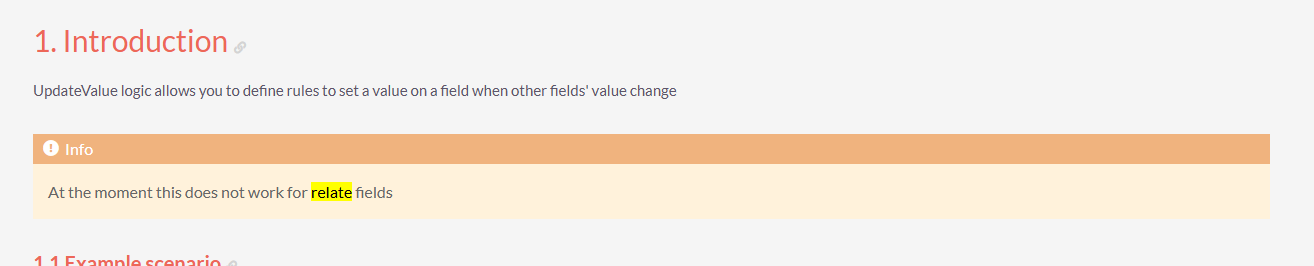
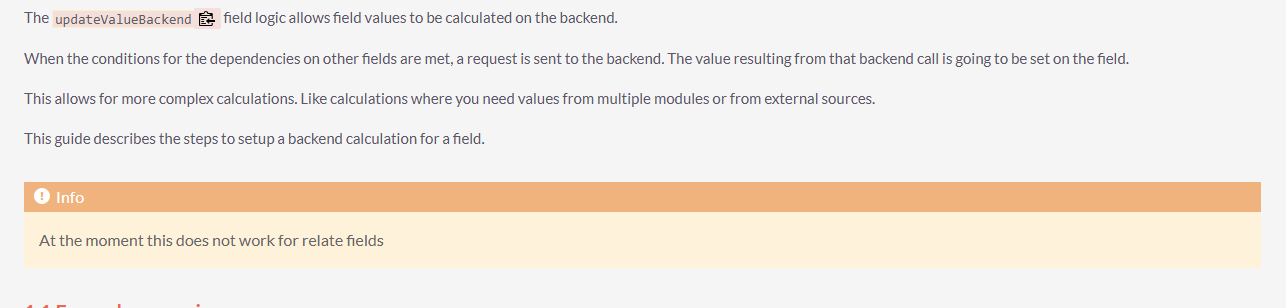
One other thought I just had, if anyone is trying to do something similar. The challenge was relate fields are not supported as a trigger and I needed to populate 3 fields. So I had to do one button for each with backend logic to look up the relationship and grab the right field.
I was considering 1 button update field #1, which updates field #2 and 3, but in the case where you manually update field #1 it would trigger 2 and 3. Not good.
I just thought of another idea. I could add a checkbox. The check box cold populate those fields when checked. On save I could just reset the check to unchecked on save every time. Not perfect but maybe better than 3 buttons.
Are you sure? a one to many relationship consists of 3 fields and I believe updates to that field can be used as a trigger? (so the field_module_ida field can be listened to).
So you could click the button do the update, then use updateBackend on the other two
Mark
Thanks @markbond I didn’t actually try it because the documentation says it doesn’t support it. It could be out of date, maybe I should try it.
It doesn’t work fully to set data, you can set the id field and it will save correctly ( it won’t update the display however) but as a trigger, ie when the id field is updated get another field to do something, that does work
Mark
Just added a new tutorial. A custom record action to send a webhook to n8n and get an AI agent to process lead research and update an AI summary in the record. This has limitless possibilities. Once the webhook is sent to n8n you can do almost anything like: