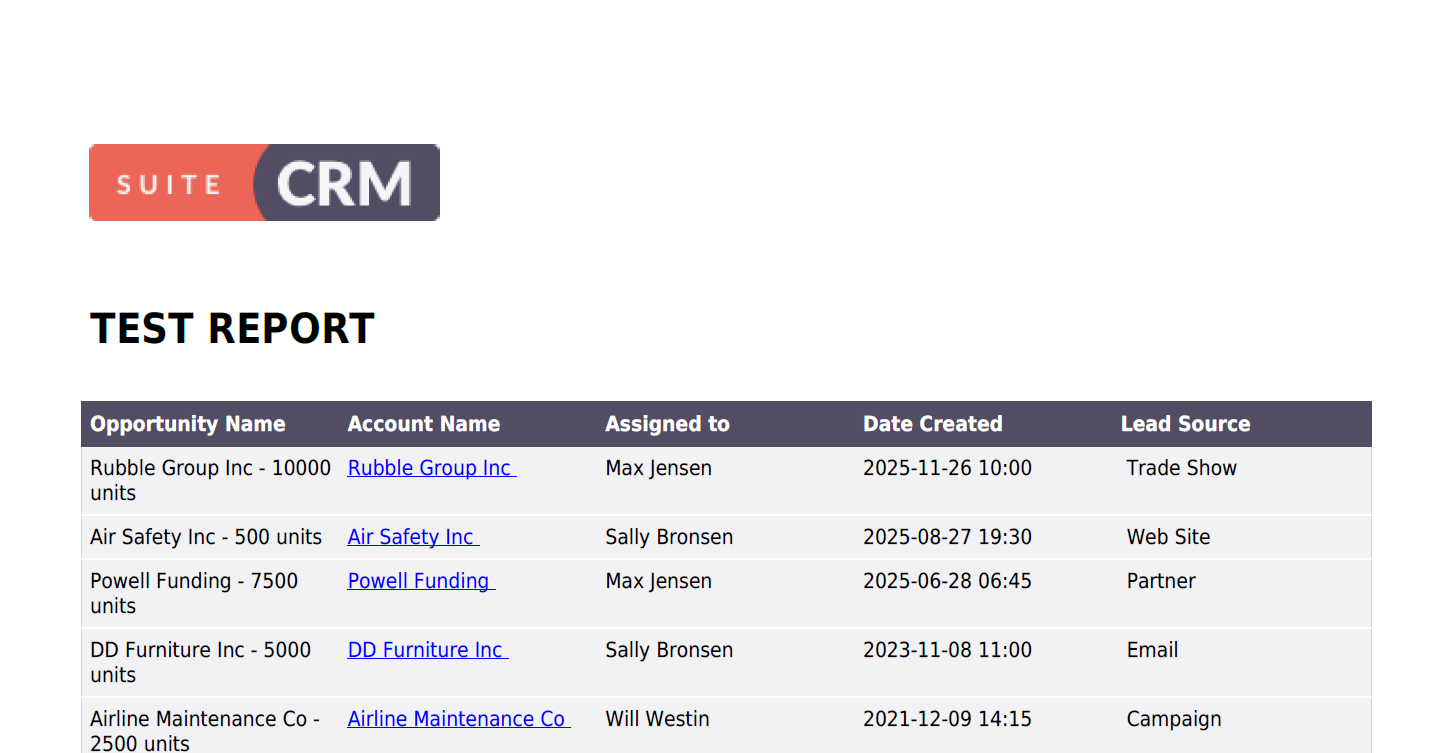
When I create a report in suitecrm 8.8 and also 8.9 and select the download PDF action, I get the title page and a bit of the first record, and thats it. It does not produce the rest of the report.
7.15 works fine and produces the report, on the same server as the 8.8 so I don’t think its a server issue and the 8.9 version is on a different server.
That’s exactly what mine does, just prints the first page just like that it looks like you reproduced the bug. Do you get rows or records? …. also no errrors in the log.
All is working fine - just like in my installations.
Yesterday, the same report on the demo didn’t work (see my last screenshot).
So what changed from yesterday to today on the demo?
Probably not the environment. Maybe some temporary RAM issues when generating the report?
Does it work in your instance, when you limit the rows by one record (condition ID = …)?
Or maybe there are non printable characters / “difficult” characters for the PDF engine inside the records and that’s why it’s stopping. Would be surprising, if this happens exactly after the first record though.
There really aren’t that many rows. Its my own demo install with test data, there are only a few dozen opportunities to print. It’s weird it failed on the same server one day an worked the next. Wonder if its a specific field in the report thats messing it up. Nothing is failing in log that I can see.
I recommend changing the sequence of the fields in the report and testing it again.
I recall that we previously encountered an issue where the report failed to display records if a related field was selected first (we have topic on it on this forum).
Additionally, you may want to review the config.php and php.ini files on both instances to ensure there are no configuration differences.
My SuiteCRM version is 8.9.1 and I still have the issue with blank pages.
In my case, it seems to be caused by records where some fields have an empty value (particularly an amount and date field). If I remove these fields from the report, I do get a normal output when downloading as PDF.
In the custom module, we added some calculated fields that include decimal and integer field types. The calculations (through wokflow) are working as expected in the module. However, during PDF generation, I am facing an issue where only 2 out of 24 records are displayed, even though all 24 records are visible on the Reports page. This issue occurs only after adding the decimal and integer fields to the report



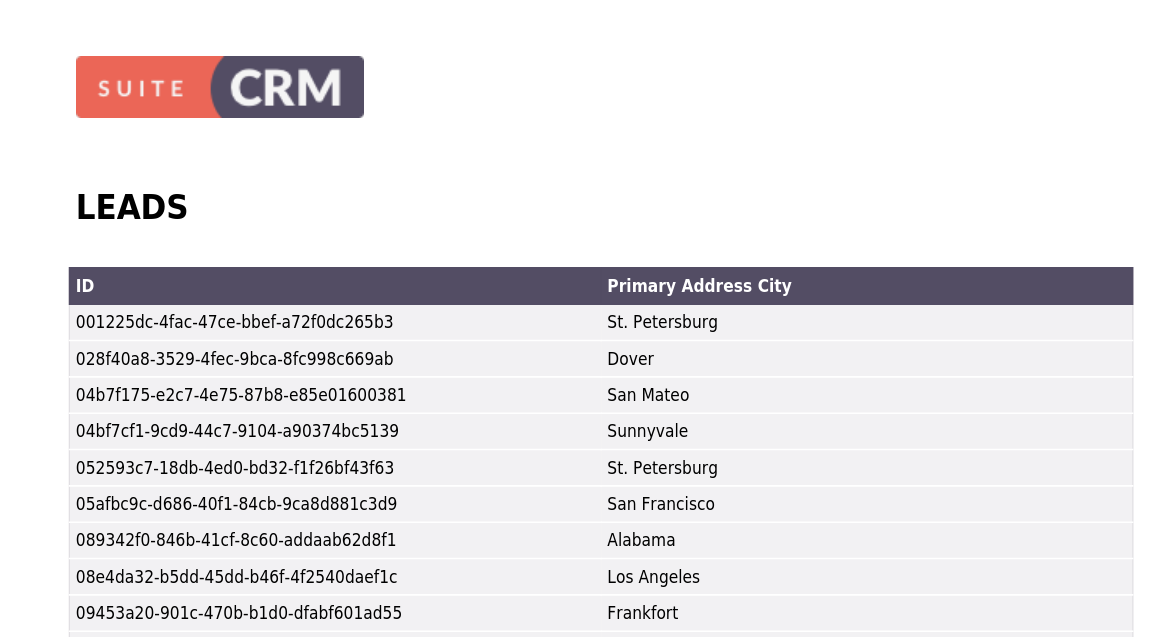
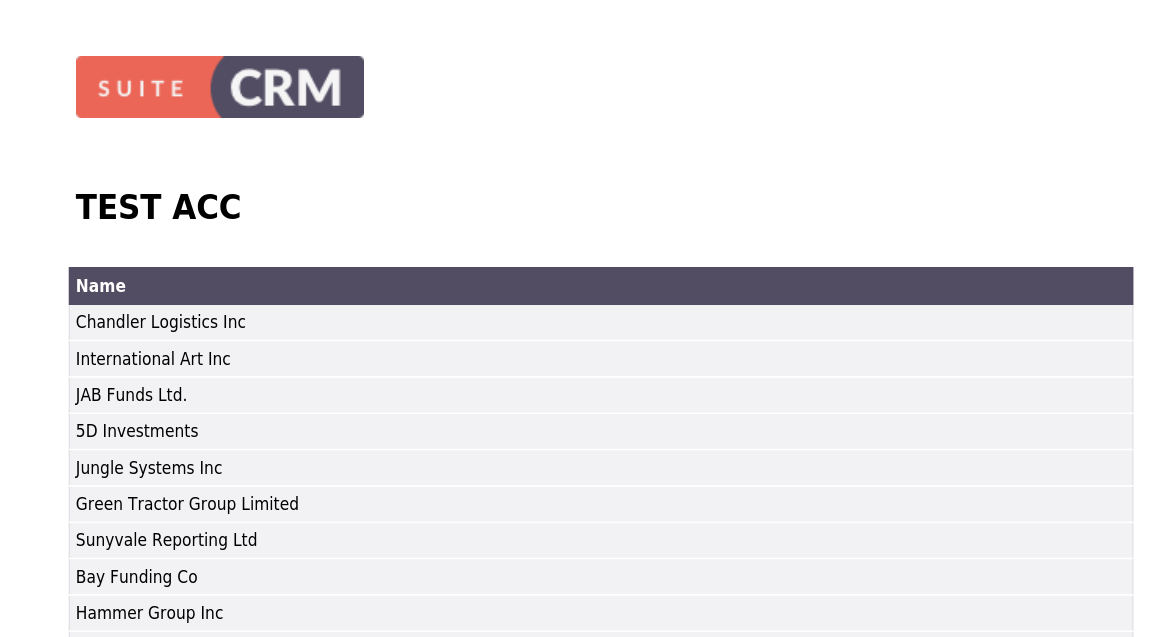
 Restart your PHP and web server!