what kind of documents should be stored inside the leads?
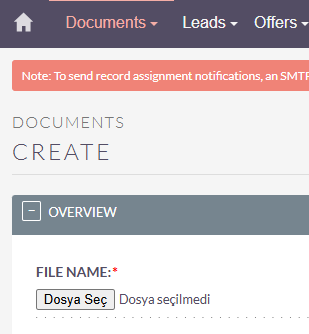
For most of my new projects, I’ve already added the new file fields - that’s just how things should be working. (Drag n Drop, 1:n, directly in the record …).
There are new improvements scheduled for the next release:
Notes and documents are among the new features, so I’d wait for a few more days / weeks now and upgrade first - then you might have your functionality out of the box already.
If you have many (like 20 and more) files to store with your leads, then the documents might make more sense for chronological documentation / view.
Again - I’d wait here for the new features and check them out first. (and test the upgrade / migration path carefully).
Fundamentally, you add file attachements as notes. It’s a one to many relationship. A single lead can have many files attached. This already exists. Having a file upload field limits you to a single file.
I can see where that could be useful, like for example if you have like a “sign up form” or something and every lead has a sign up form, you might want to have a file field for that, but it’s really just as easy to create a note attachment.
In most cases creating a note attachement is superior.