Hello,
I have been using SuiteCRM for several months without any issues and without making any changes to the SuiteCRM configuration, server configuration, or application files.
Everything was working correctly until last night. During that time nobody was using the system and no changes were made.
Since this morning, the top navigation menu no longer loads and several labels are missing from table columns and other areas of the application. Some pages can still be accessed directly via URL, but parts of the interface are not rendered correctly.
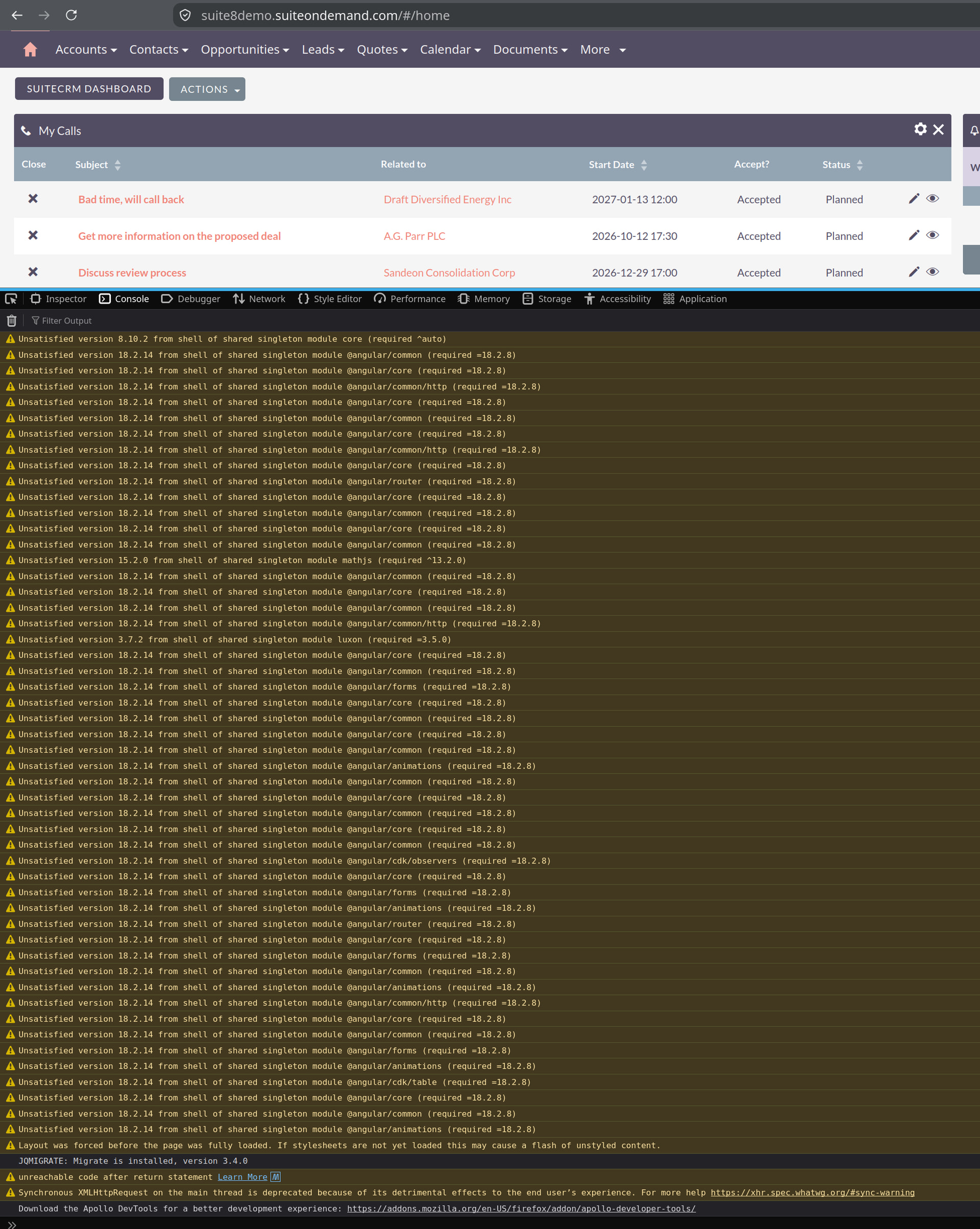
The browser console shows multiple warnings related to Angular and Module Federation version mismatches, such as:
Unsatisfied version 18.2.14 from shell of shared singleton module @angular/core (required =18.2.8)

Unsatisfied version 18.2.14 from shell of shared singleton module @angular/common (required =18.2.8)

Unsatisfied version 18.2.14 from shell of shared singleton module @angular/router (required =18.2.8)
Has anyone experienced a similar issue or knows if this could cause menus, labels, and other UI components to disappear?
Environment:
SuiteCRM: 8.10.1

Angular CLI: 18.2.21
Angular: 18.2.14

Node: 20.20.2
Yarn: 4.10.3

OS: Linux
i see this issue on github: Desajuste de versión de Angular (18.2.14 vs 18.2.8) tras la actualización a 8.10.1 que causa errores “indefinidos” en la interfaz y consola · Número #947 · SuiteCRM/SuiteCRM-Core
Thank you.