I am trying to get my new SuiteCRM 8.8 install to get the case edit and detail view description box to fill the entire page left to right but everything gets stuck on the left.
It’s almost like it thinks I need 2 columns but I made sure nothing anywhere in either view has it or the little + on it.
Is there a way to get it to be 1 column? I messed around with trying to create record.php and other things and couldn’t get it to work, so figured I’d try asking on here.
Since there have been some security patches and several new features, an upgrade might be the most simple approach here.
If it’s a new system without any customization, you might as well wipe it and install a current version - or was there a specific reason to use 8.8?
Suite 8.8 was the latest and greatest when I did the new install and all users and data are transferred over at this point, so I would have to upgrade 8.8 to the newest. Is that as big of an ordeal as it sounds?
Our last admin got stuck somewhere around 7.7 and I decided a fresh start was warranted so went that route for the newest stuff.
It depends on your setup / customization / Linux knowledge.
A smooth upgrade takes a few minutes usually:
Before that comes the Linux / admin stuff (backup etc.).
It could be, that you’ve got customizations in place that you need to remove in order to get back to the standards (cases detail view adjustments via the studio for example).
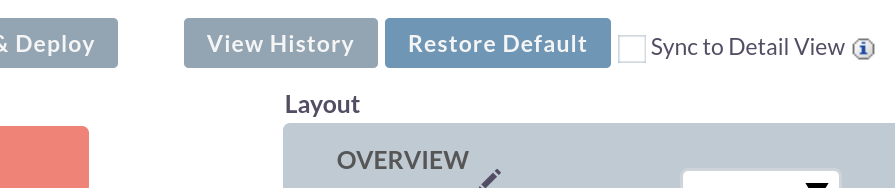
You can try the restore defaults button in the studio for that first:
Make sure, that you’ve got a smooth and working upgrade process in place for the future.
There might be new features that you’d like to have, bug fixes and closed security holes that will come with a simple upgrade.