Within my suitecrm.log file I see following errors (a lot of them, I see other people have this issue but it does not appear to be fatal in any way and likely not related to this ssue at all, when I try to select my template, it will choose it and apply to email content correctly):
Wed Dec 10 2025 at 11:14:31 [64144][50beb248-a414-03f1-dbb5-6474472762e3][ERROR] Unable to find relationship emails_email_templates Wed Dec 10 2025 at 11:14:35 [52674][50beb248-a414-03f1-dbb5-6474472762e3][ERROR] Unable to find relationship projects_contacts_resources Wed Dec 10 2025 at 11:14:35 [52674][50beb248-a414-03f1-dbb5-6474472762e3][ERROR] Unable to find relationship am_projecttemplates_contacts_resources
also my php sessions folder includes this warnings (this also does not appear to be an issue, I am monitoring this folder non stop and it creates and deletes files regulary, files there are owned by www-data:www-data which is in my opinion correct:
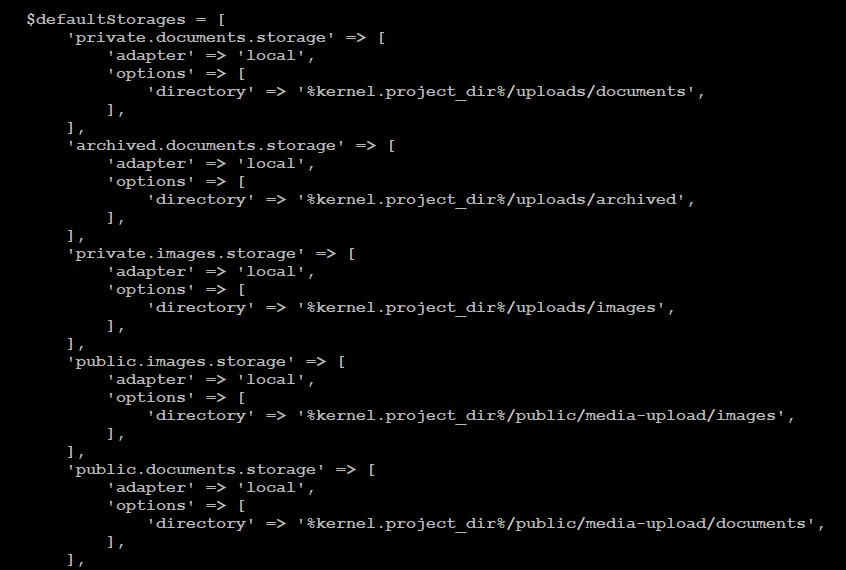
I am thinking that possibly location of email attachment is one of those directories, but I do not have this folders created anywhere on my system (I have /var/www/suitecrm**/public/legacy/upload**) .
the new email attachment feature will upload the attachments into the folder:
/uploads/documents/[YEAR]/[MONTH]
e.g.: /uploads/documents/2025/12
I do have the folder already, since I’m using the new attachment fields in this instance.
If you don’t use them yet, can you try to manually create some / all of the folder and see whether it’s working then?
The www-data user should be able to read/write.
uploads/documents/2025# ls -alh total 16K drwxr-sr-x 4 www-data www-data 4.0K Dec 11 02:04 . drwxr-sr-x 3 www-data www-data 4.0K Nov 8 03:56 .. drwxr-sr-x 2 www-data www-data 4.0K Nov 22 04:25 11 drwx–S— 2 www-data www-data 4.0K Dec 11 02:06 12
As for the sessions: It’s “just” a warning from the garbage collector. It’s annoying but doesn’t influence a working system.
You can get rid of this but setting up your sessions:
Yes, I have tried to delete this files too and nothing changes.
I did quick repair and cleared symfony cache, also nothing changed.
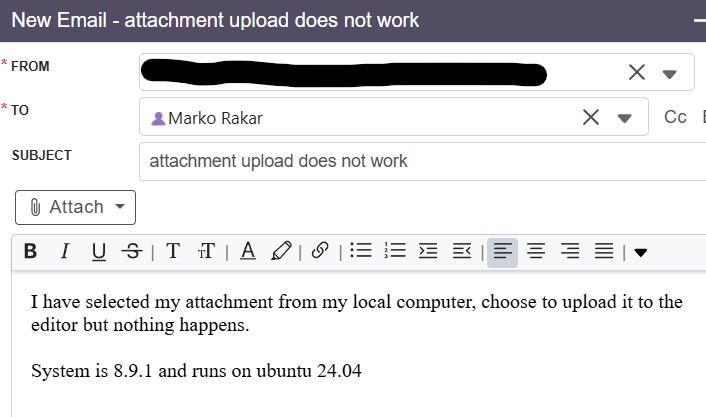
Simply, when I slect file to upload as attachment - nothing happens.
We are talking about /var/www/suitecrm/public/legacy path (just to be sure)?
Within this location I have my upload location where Documents module files are uploaded, but there is no directory “uploads”.
I have created this directory and subfolder documents to test, but nothing changes. Upload still does not work (and again, I am confused since there is no error anywhere).
Really stupid issue. In my apache2 mod_rewrite was not enabled. Now everything works ok.
p.s. if you recall, because of my crashing suitecrm I moved everything to completely new ubuntu machine and I likely did not enable mod_rewrite (and apparently suitecrm does not check that before installation)