After migrating from 7.14 to 8.6.2, the search unexpectedly closes when I click inside the field on Android mobile, while there are no issues on iPhone iOS and desktop systems.
Are you using any browser or add-on the android mobile to view suitecrm?
I’m using Chrome. I tried both Chrome and Firefox but got the same result.
I found that The official site demo also contains the same issue (SuiteCRM).
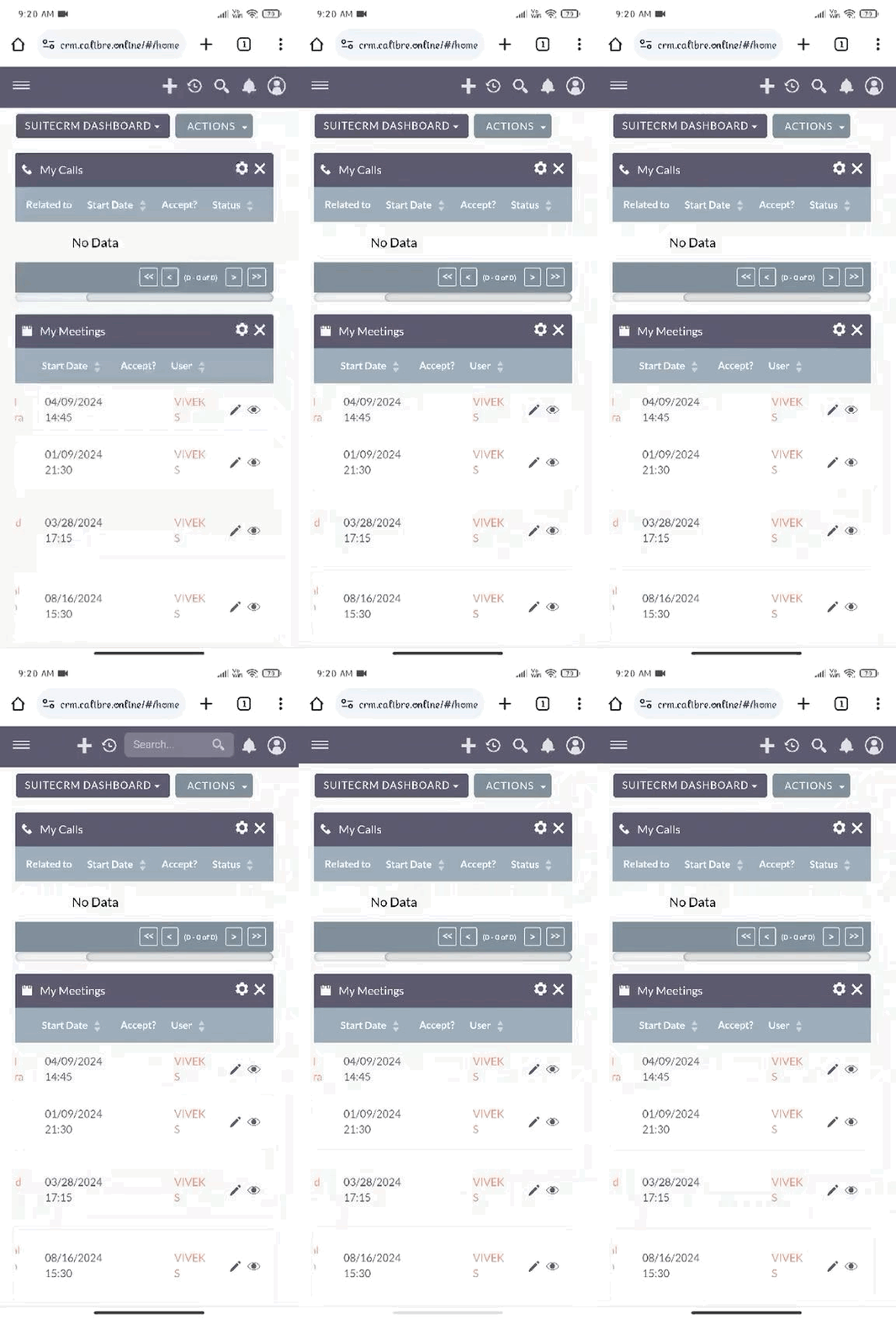
Change website to Desktop site  in the chrome and try.
Also, you can raise a bug onthe GitHub.
Thank you for raising an issue on the GitHub
I need to fix this without switching to the desktop site. Any other solution ?
Any updates regarding this problem ?
I did not see any update or fix on it yet.
We ran into this problem ourselves and decided to create a simple workaround.
The Solution: A Quick JavaScript Patch
Instead of switching to desktop mode or waiting for a fix from the SuiteCRM team, you can add a small JavaScript file that keeps the search bar visible on Android.
What to do:
`
Create a file called fix-search-bar.js and add the following code:
`
setInterval(() => {
  const input = document.querySelector('input[name="search-bar-term"]');
  if (!input) return;
  const wrapper = input.closest('div.ng-trigger-mobileSearchBarAnm');
  if (!wrapper) return;
  wrapper.classList.remove('d-none');
  wrapper.style.display = 'block';
}, 2000);
Save it in the public/dist/ folder of your SuiteCRM installation.

Then add this line just before the closing </body> tag in public/dist/index.html:
<script src="dist/fix-search-bar.js" defer></script>
That’s it. The search bar will stay open and usable on Android, just like it should.