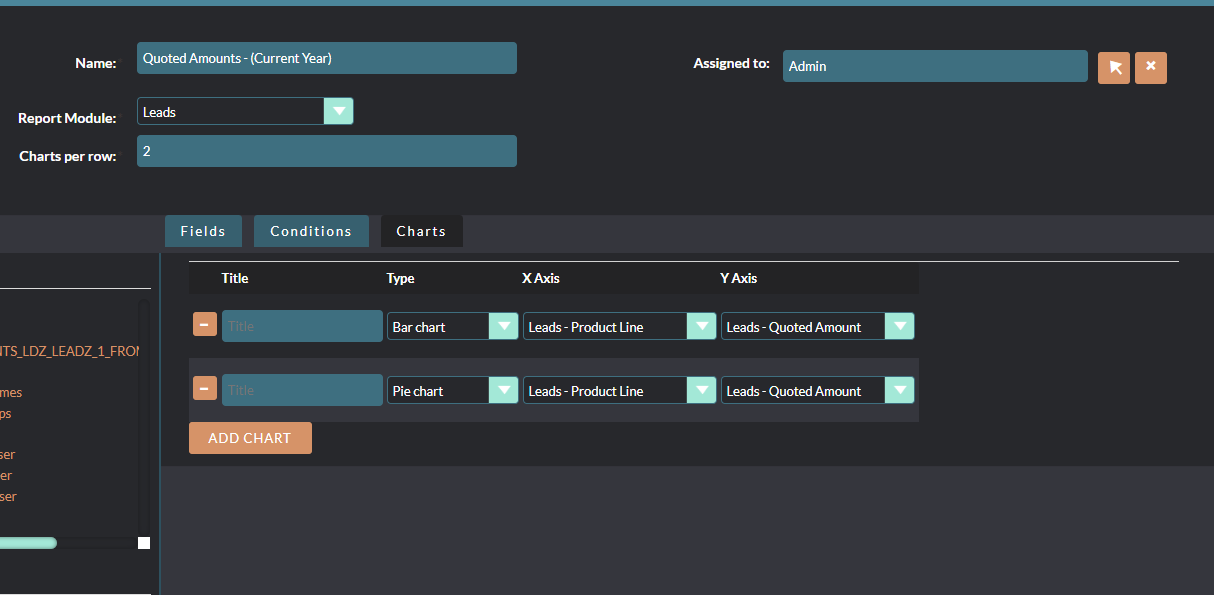
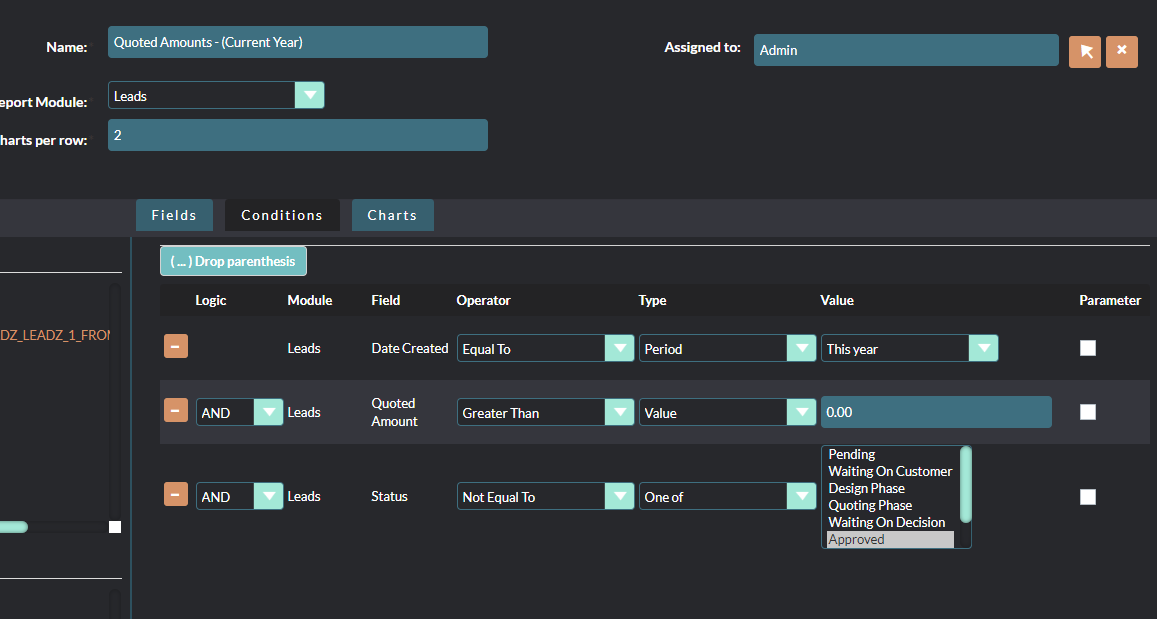
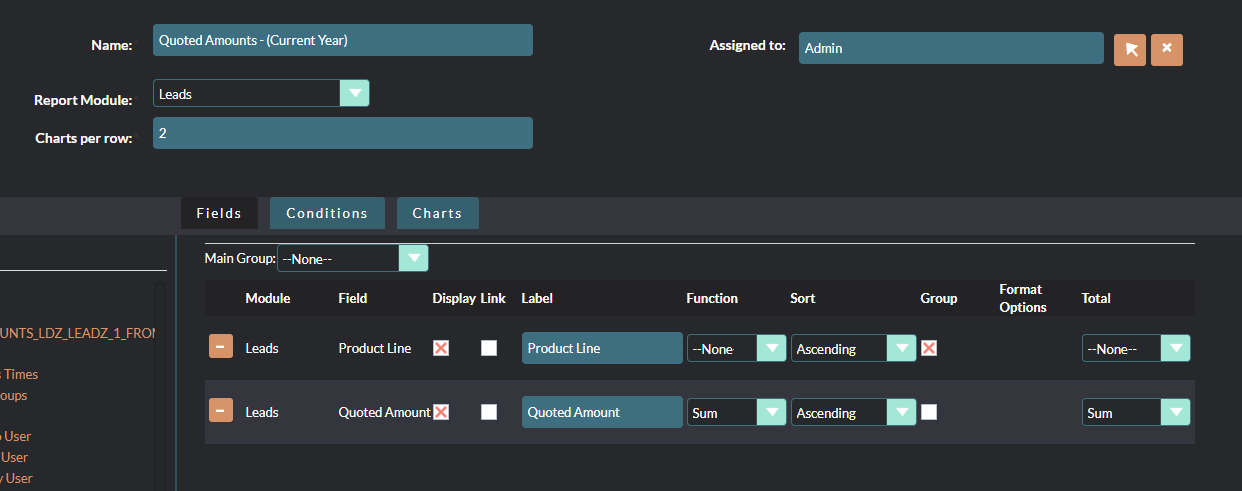
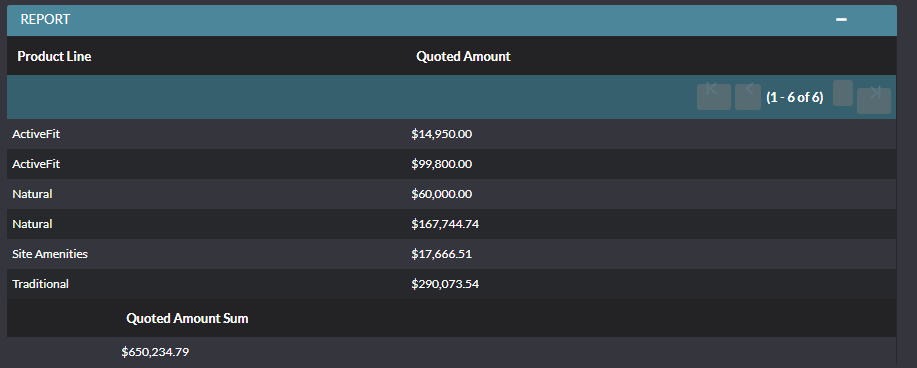
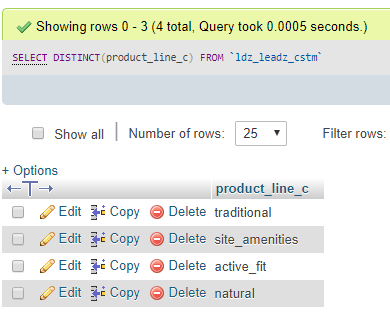
I had the same issue with Group By not working properly in reports — records with the same group value were showing as separate rows instead of collapsing.
After investigating, I found the root cause: some records had the currency_id field blank or NULL in the database, while others had it set to -99 (system default currency). Since SuiteCRM internally includes currency_id in the GROUP BY clause when a currency field is part of the report, records with different currency_id values are treated as separate groups even if all other fields match.
The fix was straightforward:
Update all records to have a consistent currency_id value:
UPDATE your_module
SET currency_id = ‘-99’
WHERE deleted = 0
AND (currency_id IS NULL OR currency_id = ‘’);
When setting up the report, make sure to specify the currency you want to use in the report fields — this ensures the GROUP BY works consistently.
After applying this fix, the grouping and SUM worked correctly with one row per group as expected.
There are some other issues around group by reporting features:
But those only sound similar.
Have you been able to reproduce this issue?
That sounds a bit like you had first entered data, then added a currency, then entered more data and tried to report then?
Which version do you use and is it an upgraded one?
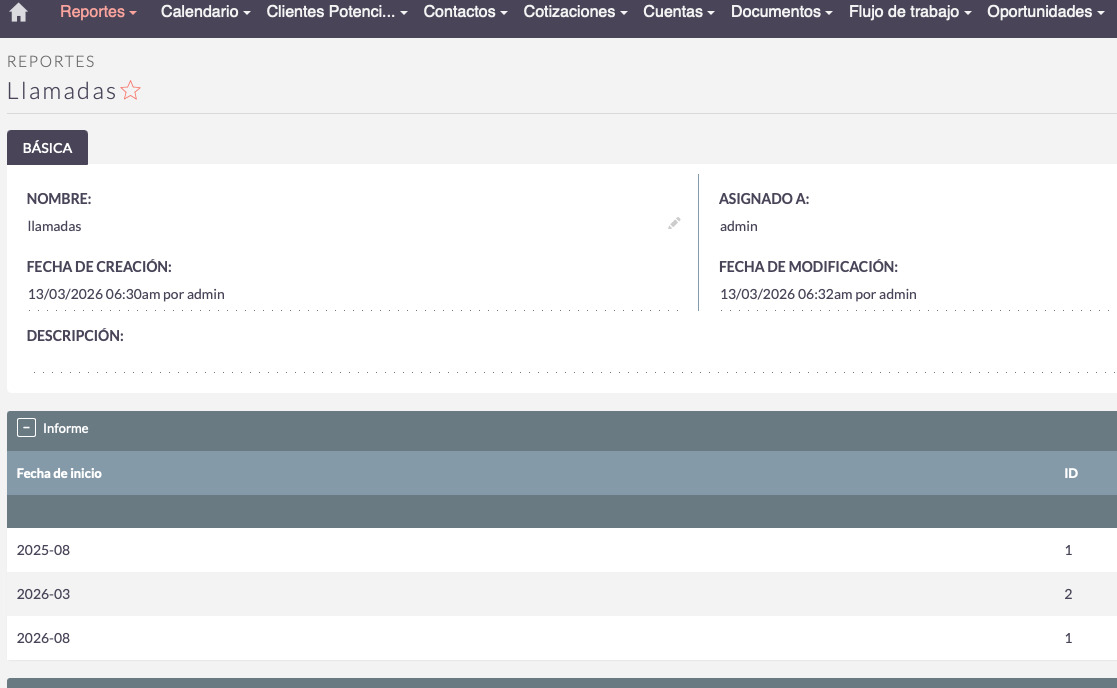
1. Group by Date (Y-M) not working
I tested this on SuiteCRM 8.9.1 and 8.9.2 and it works fine on my end. My suggestion is to check the Dropdown Editor and make sure the date format dropdown list has the correct values set internally sometimes the key/value pairs get misconfigured. See the attached screenshot for reference on how it should look.
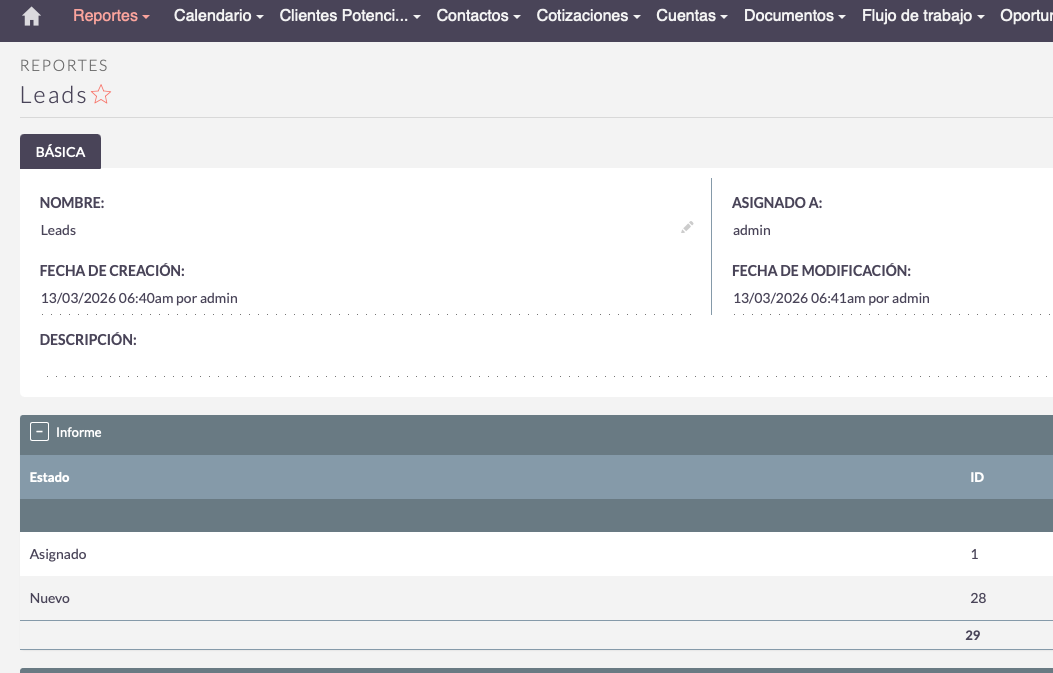
2. Total count not working on Calls report
This is likely happening because you’re using the Status field twice in the same report. From my experience, that causes the summation to break. Instead, try setting the count/total on the ID field that works reliably for me. I’ve attached a screenshot showing my setup.