the issue is within the /public/legacy/.htaccess file:
If you change it from:
RedirectMatch 403 (?i)/+upload
to:
RedirectMatch 403 (?i)/+upload/$
(allow images within the folder, but not the folder itself)
or comment this one out entirely:
# RedirectMatch 403 (?i)/+upload/$
(allow all access to the upload directory)
However, one would have to contemplate the security implications about this.
The upload folder contains an index.html with content that doesn’t give away much.
If one can guess IDs / paths of contents, this is they way to make it publicly accessible - so careful with this approach.
That’s the “swap” file from some editor - in case the editor crashed our you got disconnected from the SSH shell session.
You can delete it and then double check your .htaccess
It worked right away for me - that’s more of a server thing than SuiteCRM.
What is this? A file? What’s it’s name?
My vhost:
<Directory /var/www/suite89.demo/public>
Options Indexes FollowSymLinks
AllowOverride All
Require all granted
It seems to be coming from older versions.
You’re working on an upgraded system?
All the newer 8.8.x, 8.9.x installations don’t contain it - only the older, upgraded once that I’ve just checked.
If you’re steering restrictions of the upload folder from the parents folder .htaccess, you’ve got a redundancy. You don’t need the upload/.htaccess.
What to do, to make the upload folder non accessible for the internet, but for SuiteCRM is a bigger topic, probably best to be followed via this Github ticket.
are depreciated commands from Old apache (pre 2.x) and are set to deny any access to that folder anyway, so it looks “wrong” either way. Glad you got it solved however.
true - there are multiple Admin actions / settings from Suite7 in the admin area which don’t apply or wouldn’t be handled in the same way in Suite8 anymore.
In this case, it seemingly creates an issue in a Suite8 system. I’m usually a bit careful with the repair options, other than the (in)famous quick repair & rebuild.
Yes only noticed because a client running Suite on Azure Container keeps having to click the rebuild htaccess for some reason and noticed it contains these depreciated commands.
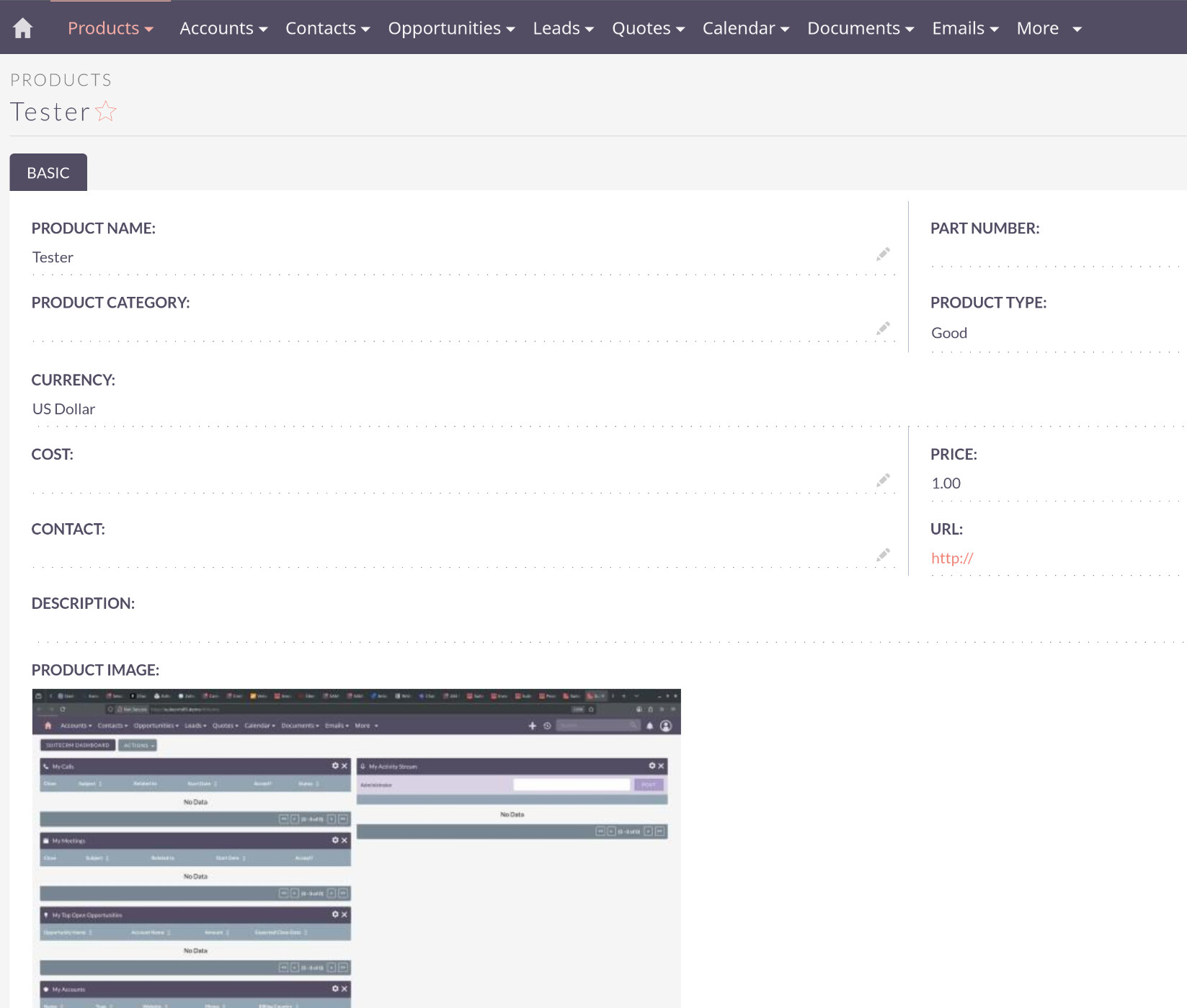
This problem was introduced after version 8.5.1, cause images work there. Also the images not working is not limited to the products, it also applies to avatars.
The .htaccess thing? I think it is Apache specific. What about those who use nginx?