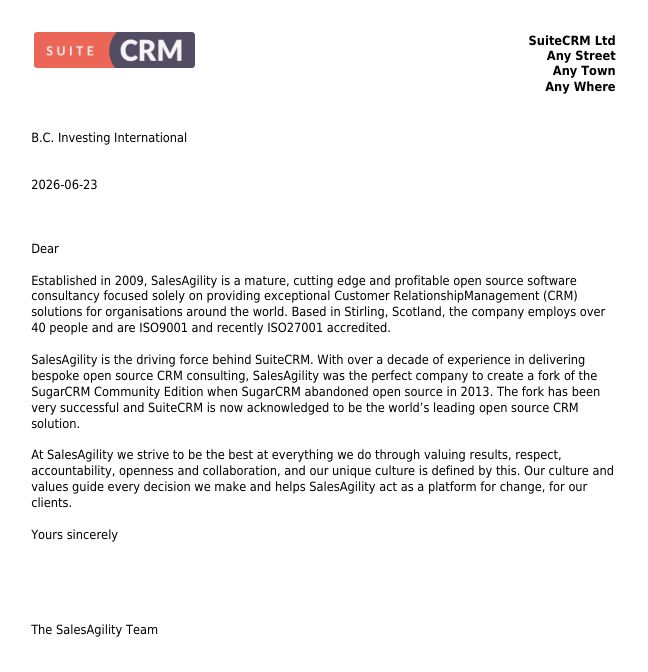
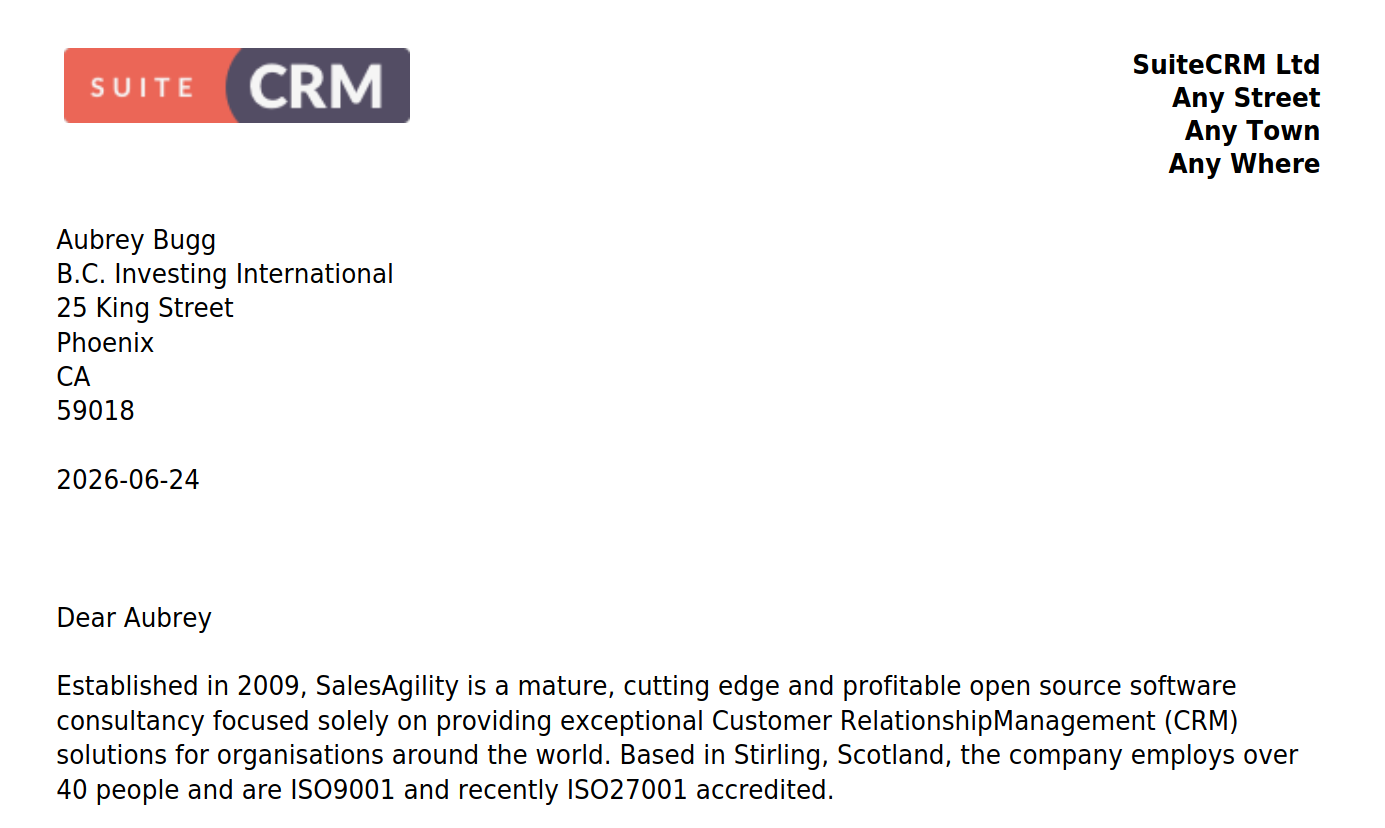
PDF output not displayed field since updated to 8.10.1. Same when testing with demo

Hello, since updated to 8.10.1 we haven’t been able to use the print PDF using PDF template. The PDF will be generated but there was nothing filled out.

OS: Linux Mint 22.1

SuiteCRM 8.10.1

Firefox and Chrome browsers.


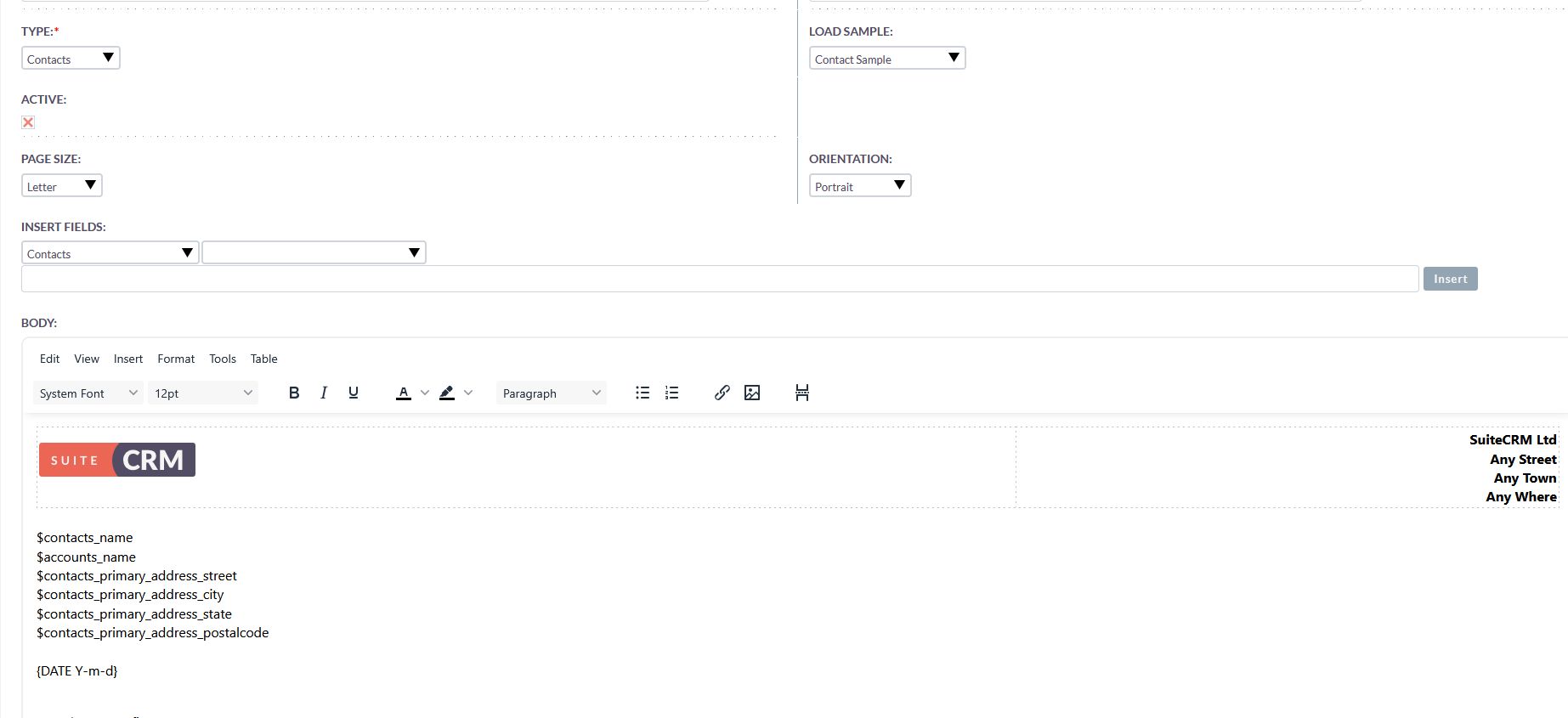
See pictures below from demo

Pdf template

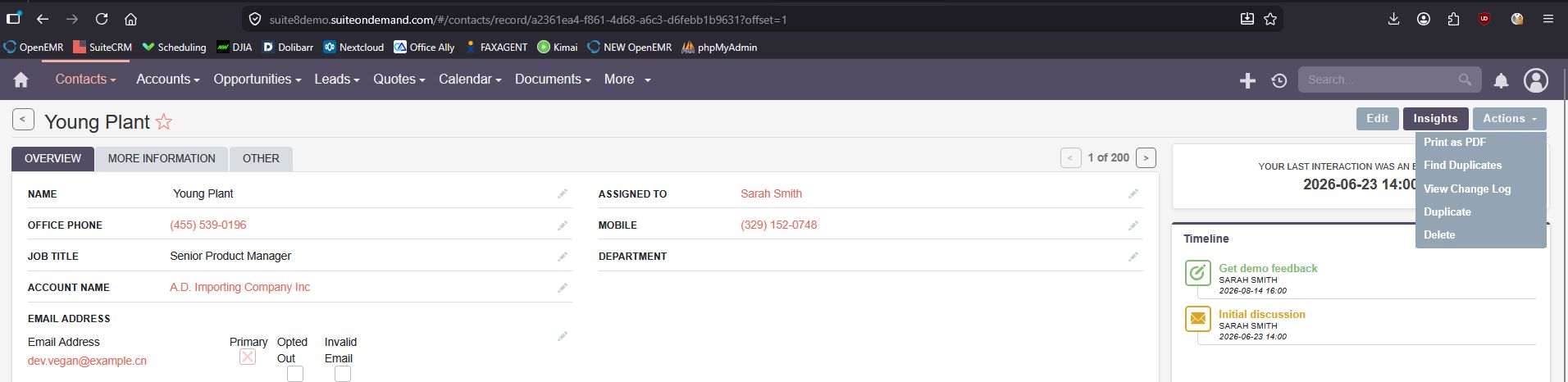
Go to any contacts and Click on print as PDF

PDF output not displayed fields

$contacts_name

$accounts_name
$contacts_primary_address_street
$contacts_primary_address_city
$contacts_primary_address_state
$contacts_primary_address_postalcode

Which version did you update from?

Hello. From 8.10.0

Even with the demo at https://suite8demo.suiteondemand.com. I’m not able to do it.

I went to PDF Template - Create PDF Template - Just load a Contact Sample.

When going to any contact and print as PDF. It doesn’t load the contact name, address, etc.

Did the same for Account. Did not generate the

$accounts_name
$accounts_billing_address_street
$accounts_billing_address_city
$accounts_billing_address_state
$accounts_billing_address_postalcode

Dear $accounts_name

Hi,

yes, you’re right.

On 8.9.3:

On 8.10.0:

On 8.10.1:

All used with the standard contacts PDF.
On 8.10.1 I’m using invoice, quote and contract - all these are working fine.
@cornutaurus do you want to create an issue Issues · SuiteCRM/SuiteCRM-Core · GitHub ?

Thank you. I have created an issue.

Here is the link to Github Issue.

Github Issues 965

Seeing the same after updating a test instance to 8.10.1 — the field renders in the detail view but the PDF template output stays empty for it. Rolling the template back to a copy from 8.9 prints fine, so something in how 8.10 resolves field names must have changed. Watching this thread, we depend on PDF quotes heavily.

What code did you use from 8.9?

Ran into the same footer overlap after upgrading a client install. What fixed it for us: bump the footer margin default in the PDF template settings AND re-save the template once — the old cached layout kept applying until the re-save, even though the margin value showed correct. Worth doing both in one go before debugging deeper.
Hey there, glad to join this forum and learn from you all. Excited to follow the threads here.