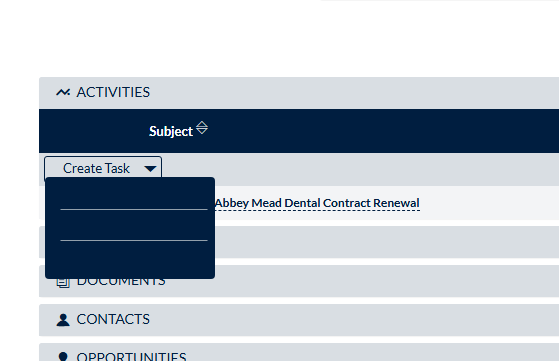
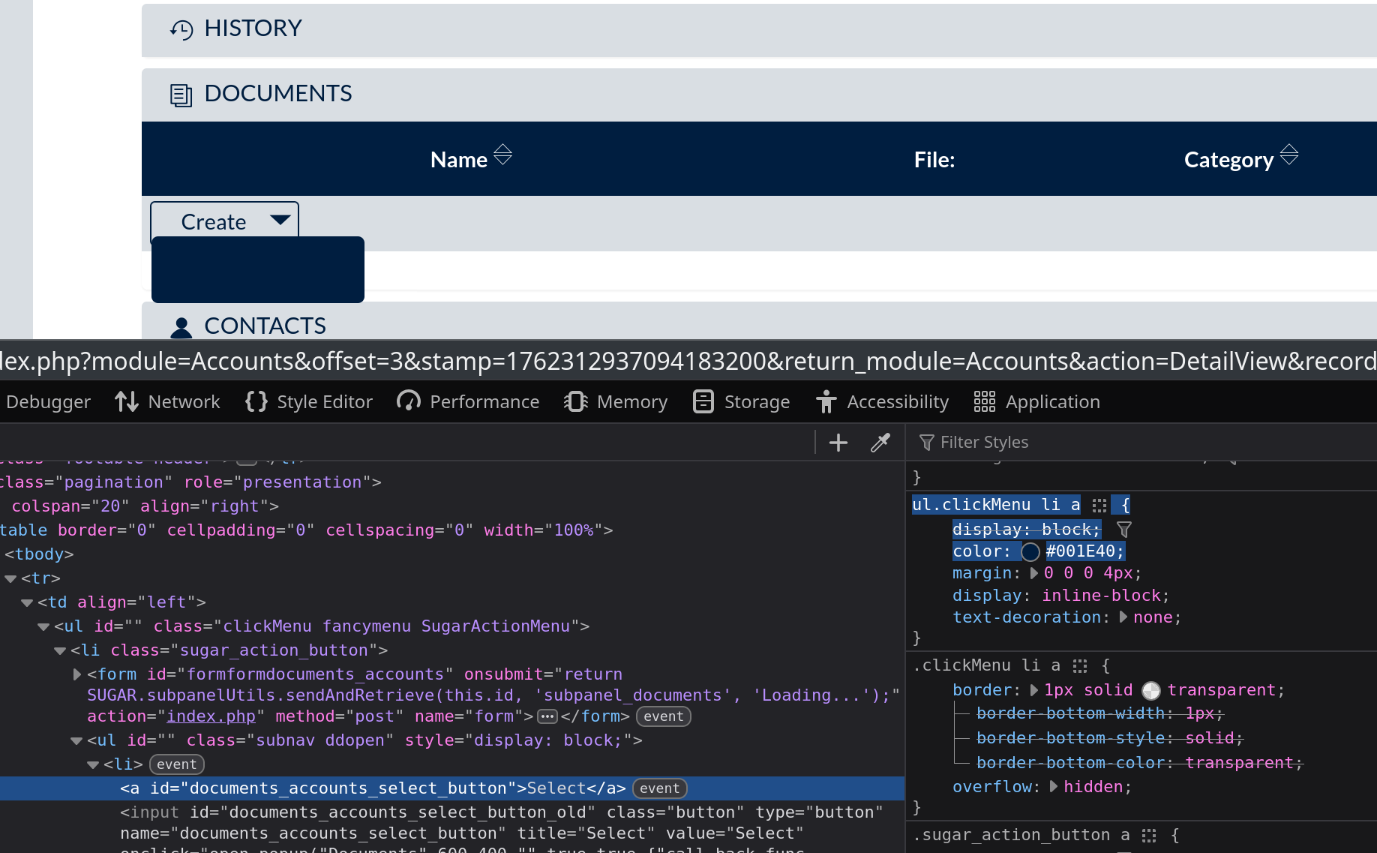
I am seeing that the text is the same color in the background when going to Create Task (or any of the subpanel Create dropdowns) when using the Noon theme.
It would be ideal for us to use the Noon theme, as this suites our company’s color scheme.
Is there any way we can resolve this?
I tried the Noon theme in the online demo, and the same issue is present, so it is not a problem with customisation.
You’re on Suite 7 there and not considering an upgrade any time soon?
I can imagine that it might be difficult for the team, if they get used to this theme and then, after an upgrade have the default Suite 8 theme.
Thanks for taking the time to reply.
I’ve looked at the scss files in the database, and there is an enormous number of variables, and I haven’t been able to work out what is the correct one, and I presume changing the color in the color palette will just change the background and text to be the same color still, just a different one.
It sounds like it might not be worth spending time on this if I should be migrating us to the version 8 anyway.
I decided to have a go at migrating on a clone of the server, and I’ve run into a couple of errors that I’m working through, but currently stuck on:
PHP Fatal error: Uncaught Error: Call to undefined method App\Kernel::getConfig Values() in /var/www/html/crm8/vender/autoload_runtime.php:16
Not sure if you can point me in the direction of any troubleshooting for this?
Happy to raise a new thread if this would be better
Yes, the noon theme has these color issues. You do not have to change scss file.
Basically, you need to create the style.css file under /custom/themes/SuiteP/css/Noon/ then add the CSS code for that field.
You need to delete the Noon folder from cache/themes/..
And, run quick repair & rebuild.
Finally, you need to hard reload and clear cache on the browser.