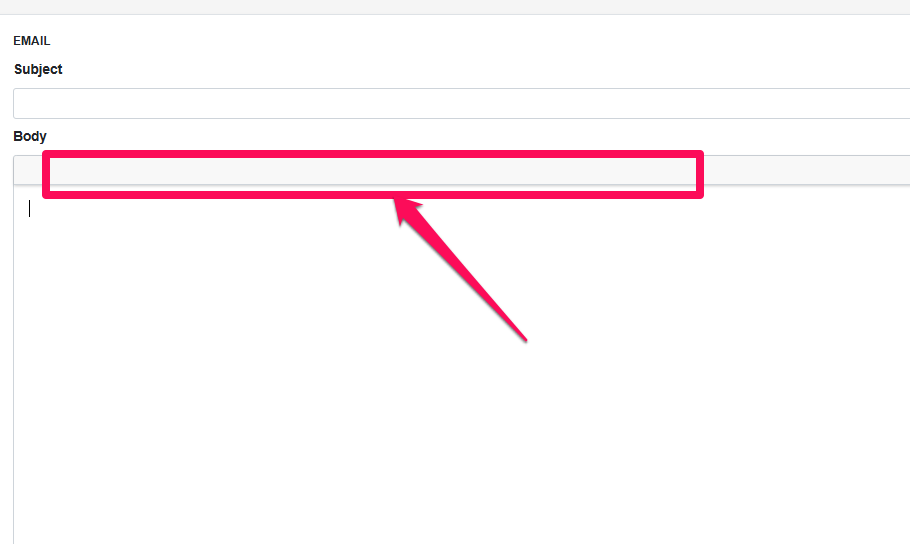
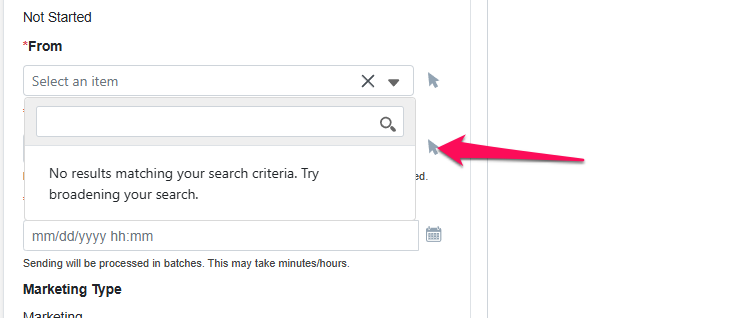
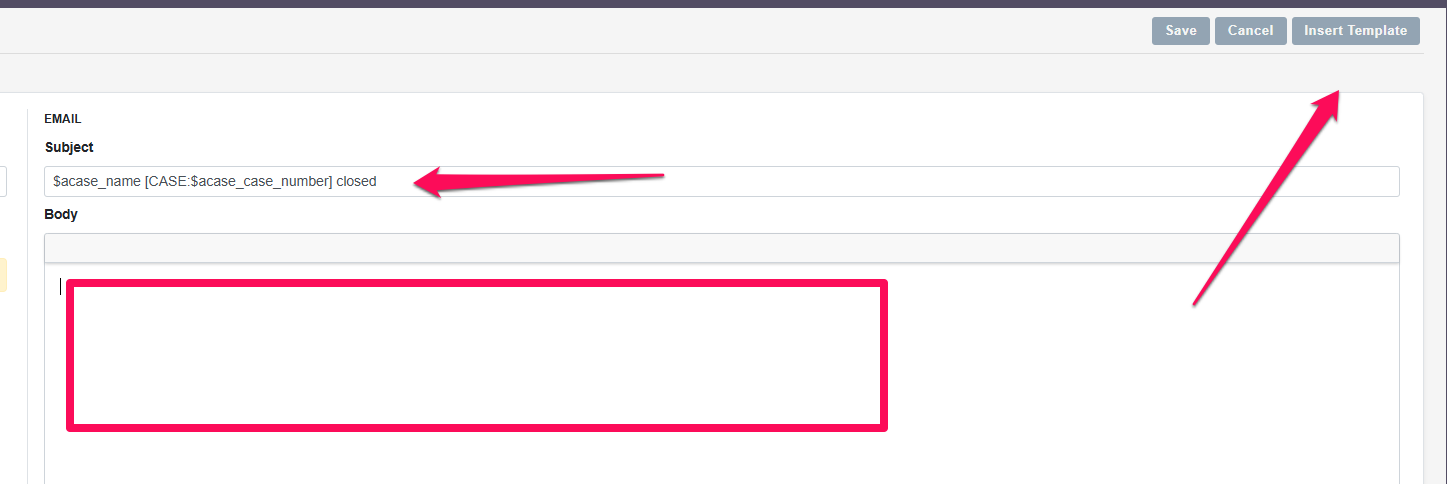
Ok tried that and cleared the cache and re-warmed it. Didn’t seem to help. Does it require any dependencies from the server? Or do I have to specify which editor I’m using like in email?
I must admit I upgraded an 8.8 Suite here and it does work. (R&R and bin/console cache:clear were required plus lots of permissions resets in the middle).
I also had a problem when installing the upgrade (with the finalisation process that errored), so I reset permissions, did an R&R and cleared the cache and ran it again (just the finalisation process) and all was good.
There do appear to be a few things “missing” although that appears to be features (so for example no easy insert of template vars, no file/image uploader)
Did you get any errors when running the console commands? I had an error on the finalise part (which then needed a re-run after r&r, permissions and cache rebuild.
The upgrade went uneventful. No errors, everything went smooth. I also did a console update at the end and permissions reset and cache flush for good measure. Still no editor. I’m going to try to delve further into the console errors.
I’ve tried switching from chrome to Microsoft edge and Firefox. Same issue, so its not a browser or browser cache issue. I even tried flushing my Cloudflare cache and unproxying it, still no luck. I’ll keep at it.
I’ve upgraded 4 systems so far and haven’t seen this issue on any.
Followed the standard upgrade procedure and it worked out of the box.
It really looks as if sth. isn’t properly loading / rewrite / security and similar.
What does your environment look like? Is it possible to try the CRM on a vanilla LAMP without mod_security etc.?
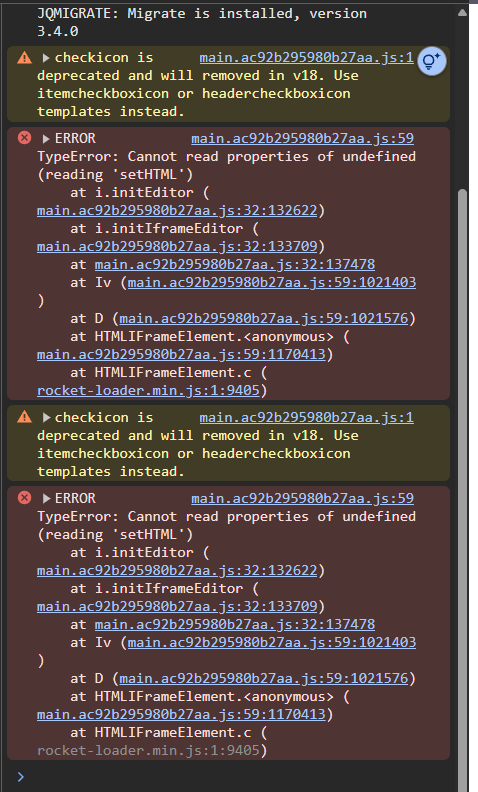
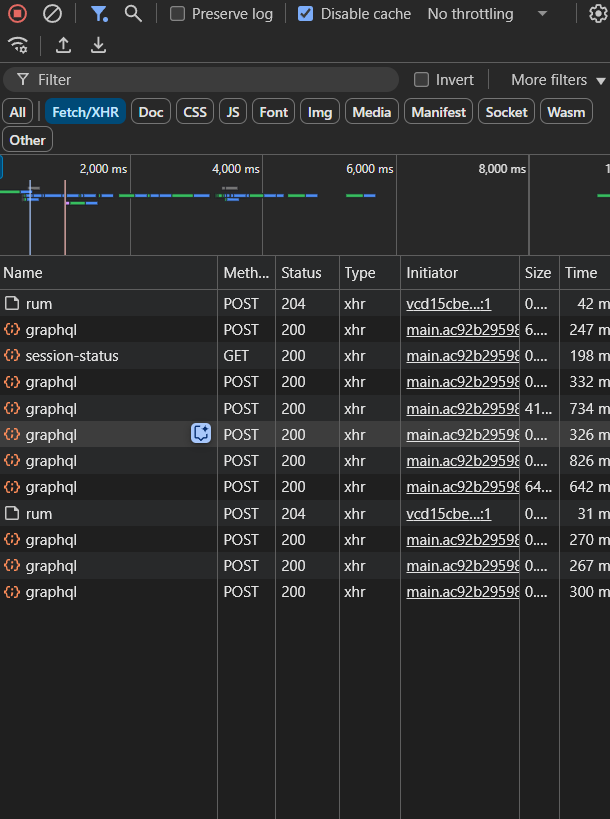
You didn’t mention, was this a fresh install or an upgrade (what version was it upgraded from) as @BastianHammer says it looks like some JS isn’t loading properly, do you have an errors in the browser console/network tab about JS files not loading? or apache (I assume you are running on apache) errors/mod security errors?
You mention Cloudflare, have you checked the security logs there to see if CF is blocking (please note that swapping between CF and non-CF can leave the browser with cached “failures”, you are better off turning on the CF dev mode).
Do you have it all served over SSL (could the url in the config files (including .env etc) be a http instead of https and one in the sugar_config be the opposite (for example).
Have you turned on the dev mode in the .env file to get more logging?
Also if this is an upgrade did you have any customisations on the system (ie modules/plugins/custom code etc), especially on the Campaigns and EmailMarketting modules?
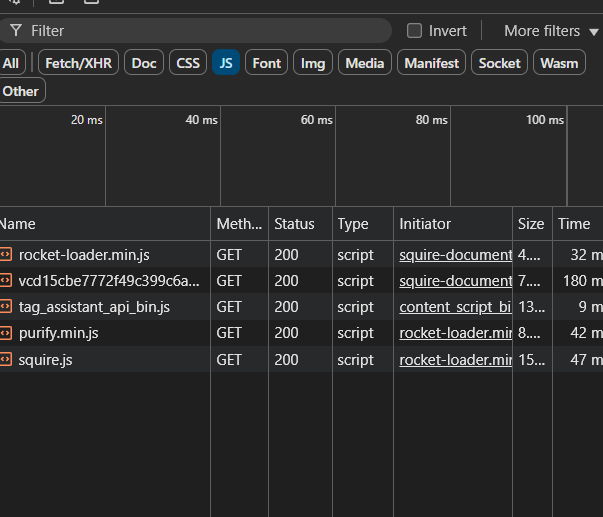
Okay, it looks like you have a JS optimiser running somewhere (rocket-loader). I have just gone through my network tab for the edit page of the new campaign editor:
and the first 3 on your list (prior to purify.min.js) are NOT there. I would try and find where you have Javascript (and possibly CSS) magnification/optimisation turned on (could be CF, Nginx, varnish etc) and turn it off, its messing with your HTML and JS according to those errors.
For reference I have a Suite8.8 on a Cloudways server, this is the one I upgraded to 8.9, I checked the settings there and I had turned off the Varnish caching a while ago it seems (I seem to remember it interfering then as well)…