I have just installed SuiteCRM 8.8. There are some buttons that are missing from my installation and the one that I saw on the net. How do I fix this problem?

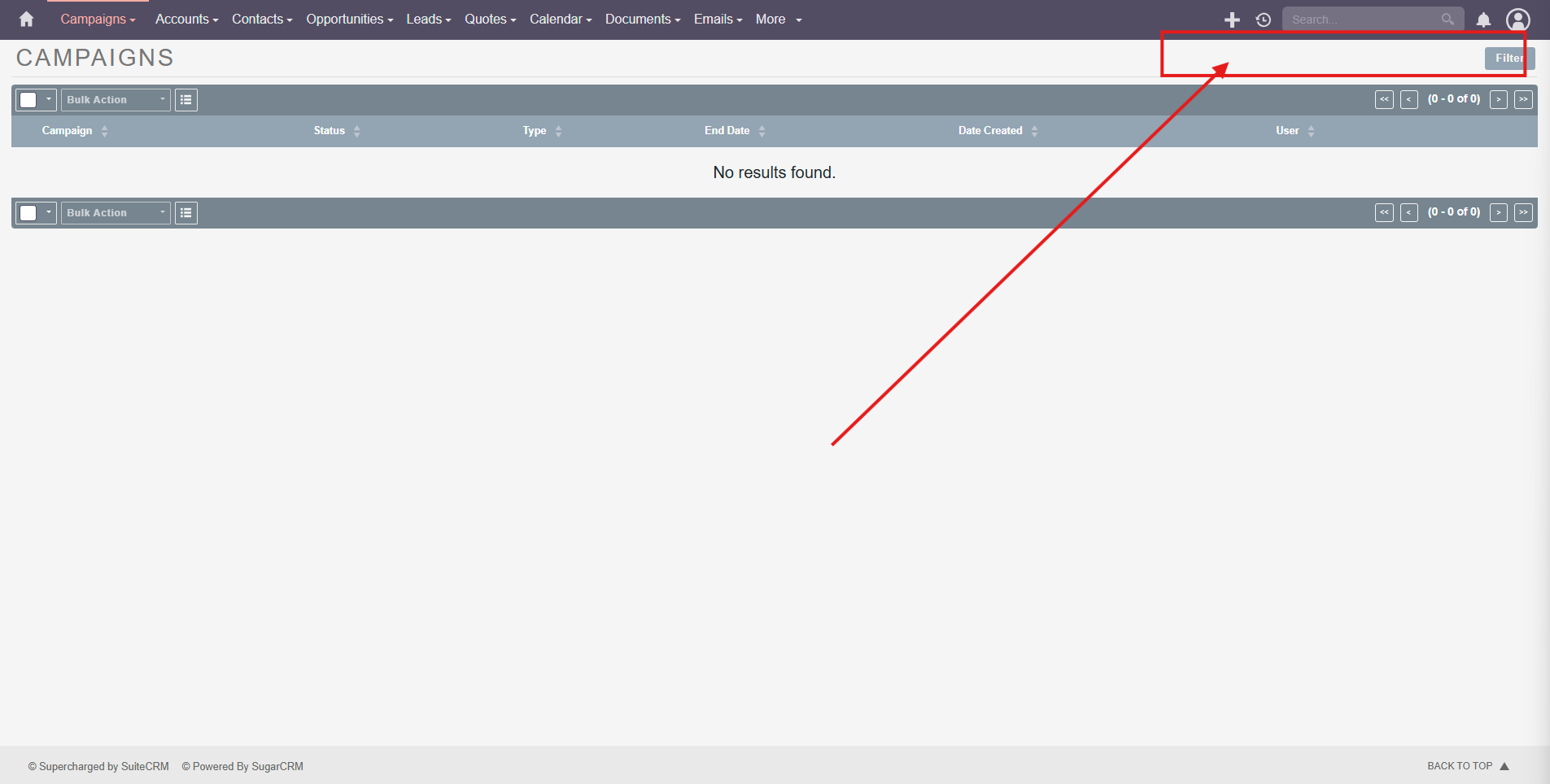
Hover on the Campaigns on the Navbar. 
It will open the dropdown menu and you should see those options there.
Maybe you can change it in the Profile-> Layout
Explore the options there! 
Thank you for the prompt reply. I tried all the options in profile and it didn’t solve the problem.
Where did you see that layout? I checked on the demo website and it is same like you.
I got the screenshot from a youtube tutorial.
Could you please share the YouTube video link here?
Time: 3:39

Thanks!
@BastianHammer I think you can help us here!
Indeed, these are missing from 8.8.
I assume, they are not that important.
New = Create Campaign
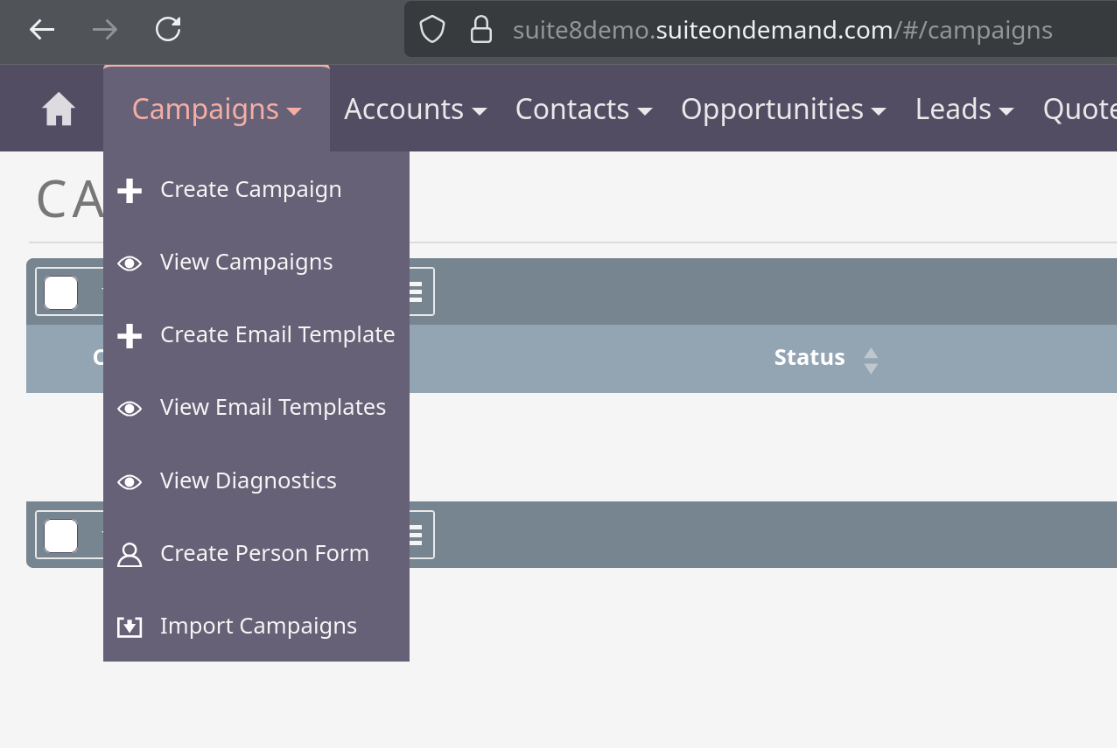
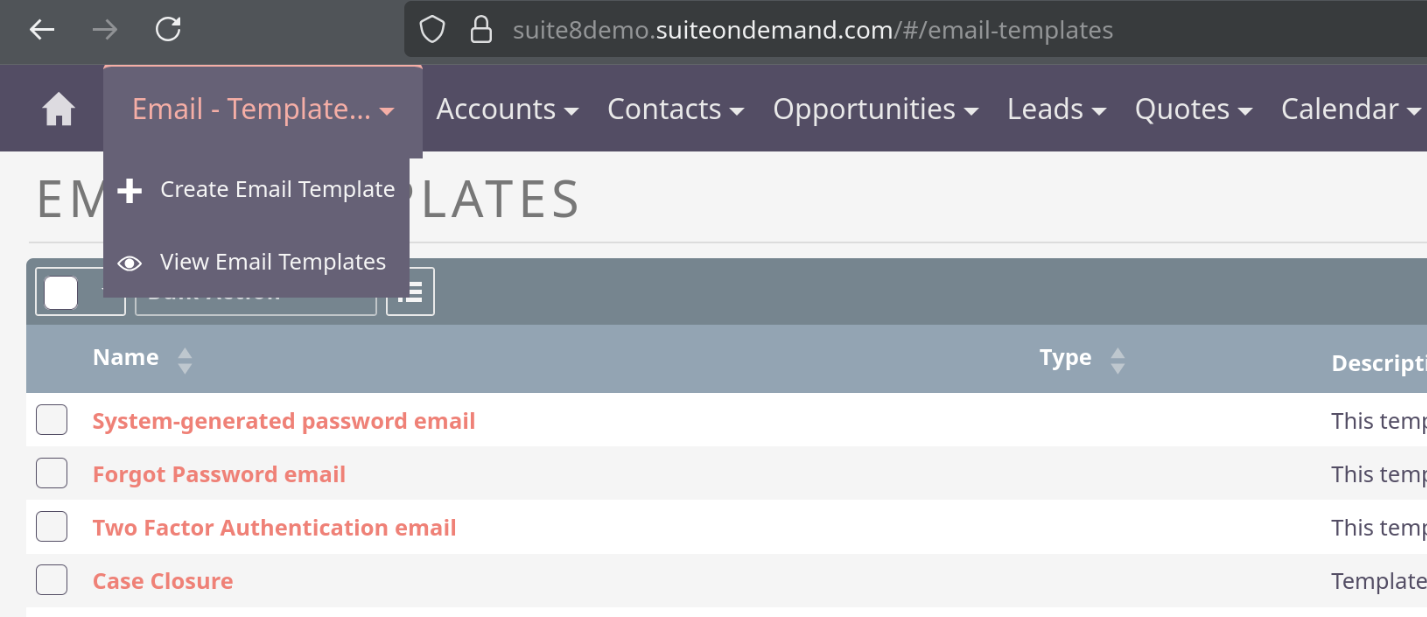
Create and View E-Mail Template are under the E-Mail Template menu (or inside the longer dropdown with campaign).
–
@rsp I assume, it’s just a “tidy up feature” of the last release. Got the same locally and on the demo online. Probably a good idea to keep navigation more consistent - even though that means some quick access has been dropped.
Thanks a lot for clarification! I agree with you.
@thesage I hope your doubts got cleared now.
Thank you everyone for the prompt and detail feedback. Greatly appreciated!