Hi there,
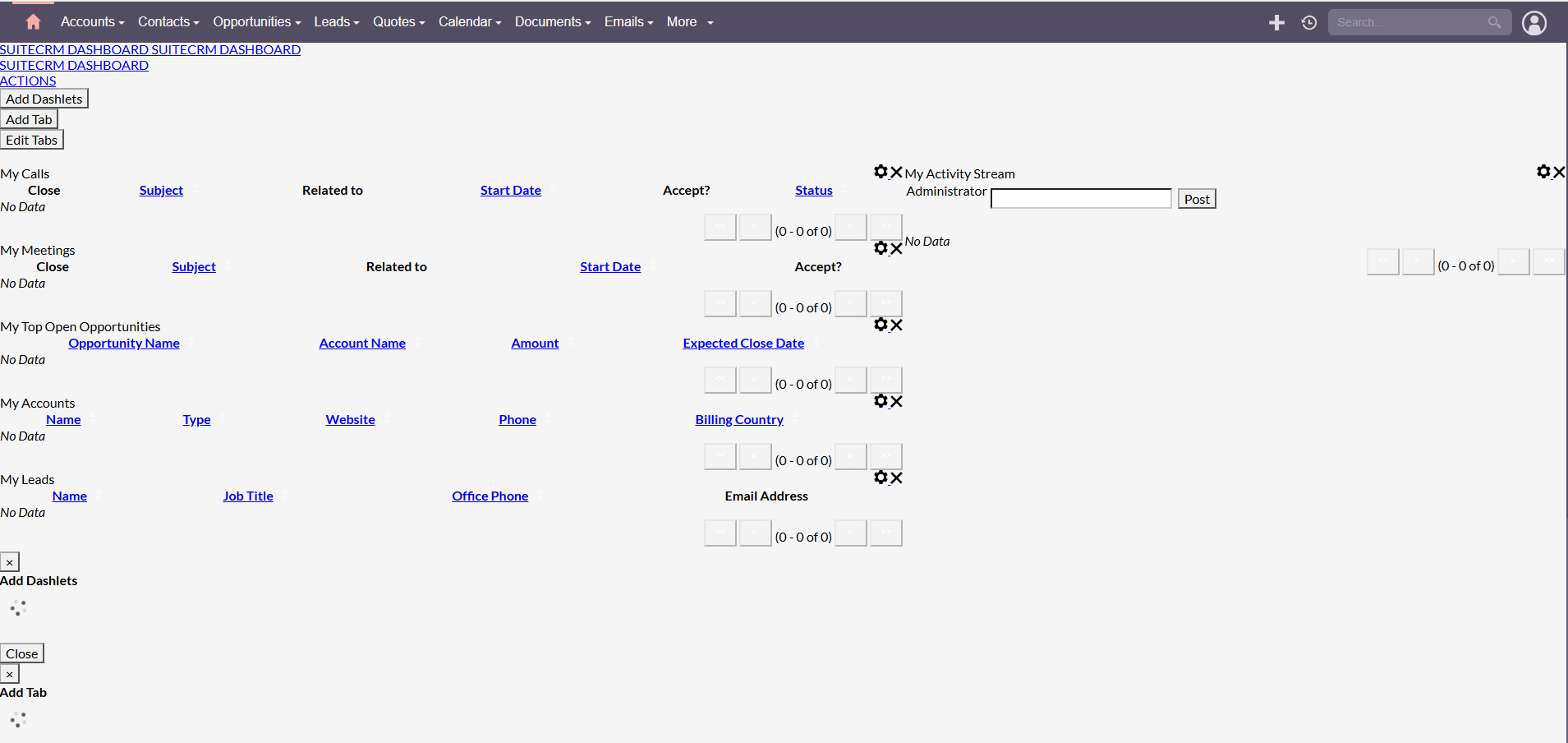
I’ve installed SuiteCRM, but the dashboard is displaying incorrectly and looks quite messy. Any advice or guidance on how to fix this would be greatly appreciated.
Hi there,
I’ve installed SuiteCRM, but the dashboard is displaying incorrectly and looks quite messy. Any advice or guidance on how to fix this would be greatly appreciated.
What is your SuiteCRM version?
Hello,
that usually happens, when there is something wrong with the server setup.
First of all, check your log files:
And if you can’t find clues there, try to look into your server / permissions:
Curious:
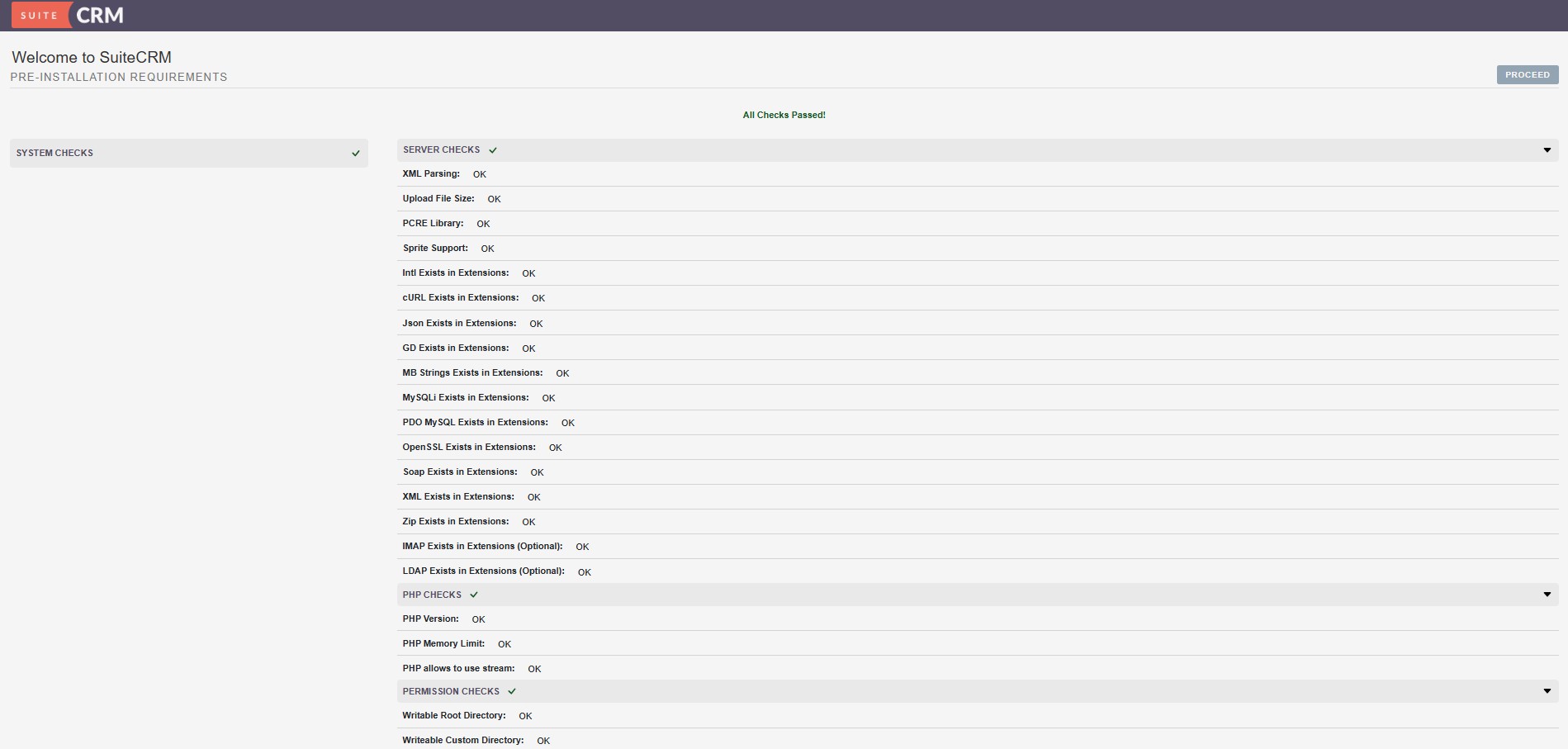
Did you go through the installation and found everything is green in the check?
Everything was green, after installing.
Can you find any clue in this Log?
Displaying Log
Your process ID [895438]
Your IP Address is 2001:569:58a7:200:e45e:9b53:293b:ca74
Thu Aug 27 2026 at 04:24:41 [453516][1][FATAL] IP Address mismatch: SESSION IP: 2001:569:[hidden]:ca74, 162.[hidden] CLIENT IP: 2001:569:[hidden]:ca74, 104.[hidden]
Thu Aug 27 2026 at 04:25:56 [455748][1][FATAL] Email address save error
Thu Aug 27 2026 at 04:26:59 [457684][1][FATAL] Email address save error
Thu Aug 27 2026 at 04:27:36 [458433][1][SECURITY] Invalid ext  logger_file_ext : ''.
Thu Aug 27 2026 at 04:27:36 [458433][1][SECURITY] Setting logger_file_ext to '.log'.
Thu Aug 27 2026 at 04:27:36 [458433][1][SECURITY] Setting logger_file_name to ''.
Thu Aug 27 2026 at 04:27:36 [458433][1][SECURITY] Log file extension can't be blank.
Thu Aug 27 2026 at 04:29:24 [462023][1][FATAL] IP Address mismatch: SESSION IP: 2001:569:[hidden]:ca74, 104.[hidden] CLIENT IP: 2001:569:[hidden]:ca74, 162.[hidden]
Thu Aug 27 2026 at 04:31:51 [466285][1][SECURITY] Invalid ext  logger_file_ext : ''.
Thu Aug 27 2026 at 04:31:51 [466285][1][SECURITY] Setting logger_file_ext to '.log'.
Thu Aug 27 2026 at 04:31:51 [466285][1][SECURITY] Setting logger_file_name to ''.
Thu Aug 27 2026 at 04:31:51 [466285][1][SECURITY] Log file extension can't be blank.
Thu Aug 27 2026 at 20:37:29 [2473021][1][FATAL] IP Address mismatch: SESSION IP: 2001:[hidden]:ca74, 162.[hidden] CLIENT IP: 2001:[hidden]:ca74, 104.[hidden]
All records of the type:
[SECURITY]
are suspicious.
In your System Settings at the very bottom, what did you configure for your log file?
And does the webserver user have write access there?
I’ve seen the
[FATAL] IP Address mismatch
but rather seldom.
Double check the links from above and your server environment.
Are you running on shared server?
Also, have you set your web root still /public?
Yes, I run SuiteCRM in a Hotdealcom shared server. Hotdeal’s support is also trying to help, with no success so far.
All Checks passed in Green
I assume it’s hostdeal.
Checking their website, I didn’t find a list of specifics (PHP version, DB version, PHP config etc.).
It is possible, that SuiteCRM doesn’t run on some hosters - I’ve tried quite a few and on some are specific configurations / versions etc. which just won’t support SuiteCRM.
Some hosters are able to help, others don’t want to / it’s not their business model.
See it more as a test instead of your infrastructure.
In general, you’re trying to run the brain of your company that you want to grow with and stick to for the next x years.
Provide the correct infrastructure for this brain.
If a random hoster doesn’t fulfill the software requirements, simply move on to one of the thousand others.
Ideally, get a root VPS (and the technical knowledge) to install and operate your CRM.
With the right environment, SuiteCRM works really smooth and stable and is flawlessly installed in 5 - 10 min.

Most of the time that is caused by file permissions and not being able to read the cached CSS files.
Try resetting your file permissions/ownership.
Believe it or not, the Hosteal Support team has been super responsive—just like you all here—and they helped us install and resolve the issues themselves.
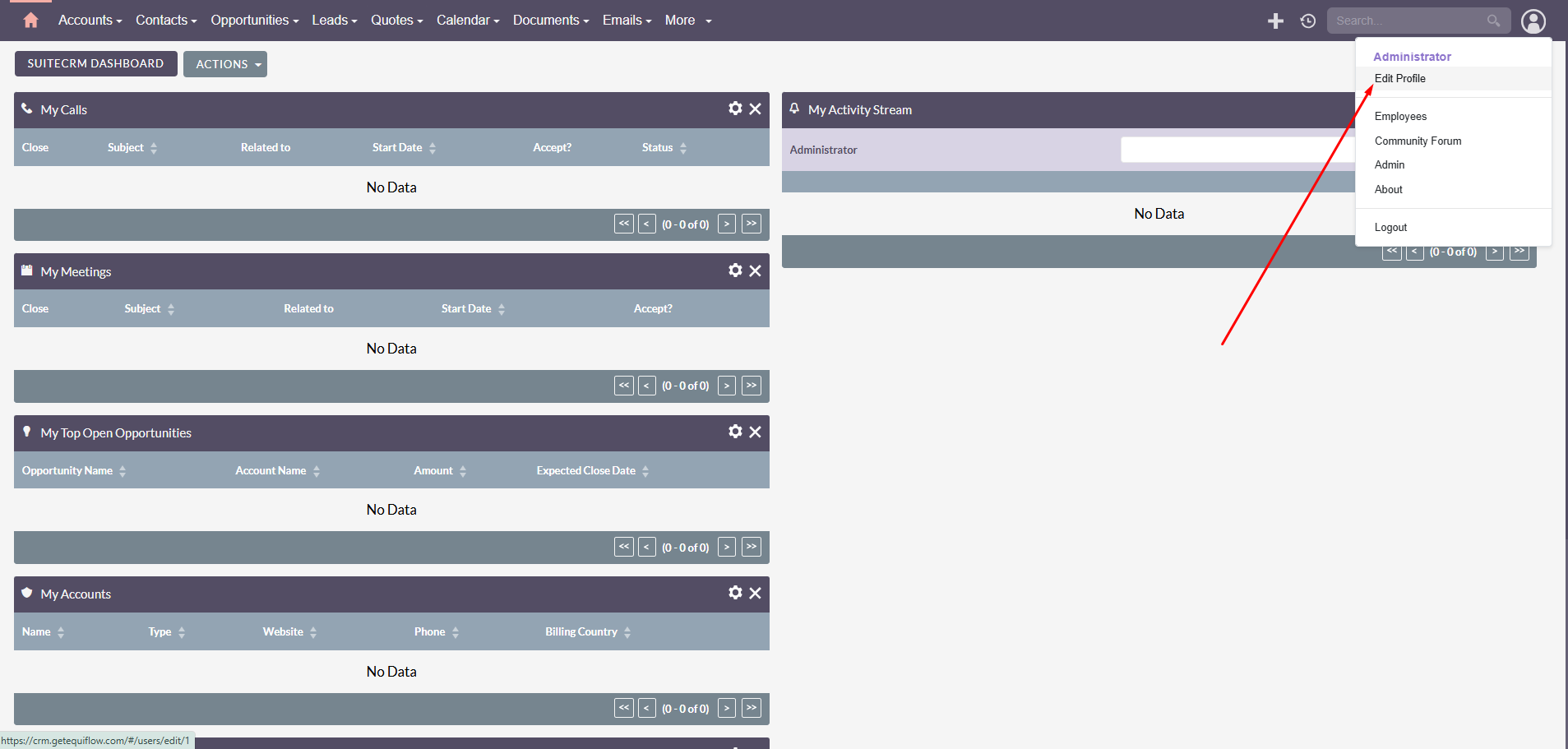
They found that “the issue is that SuiteCRM, when it installs, doesn’t install all of the files with the correct permissions,” and they’ve now fixed that. See attached a much nicer screenshot of the dashboard below.
However, there are still a few items that require tweaking. For example, when clicking “Edit Profile” for the Administrator, the system briefly displays the Profile screen and then logs me out. Can anyone shed some light on this?
Do you have SSH access to the server / your account?
Without it, I still wouldn’t continue with this hoster for SuiteCRM.
If you go to admin - system settings and check your logs at the very bottom, you can see some log entries.
Do you see any issues there?
A logout could be related to sessions / permissions again.
It’s hard to guess from a description.
Could you add some log details here?
Everything is working fine now. It seems I just had to wait for the permission changes to fully propagate.
Thank you all for your responses.