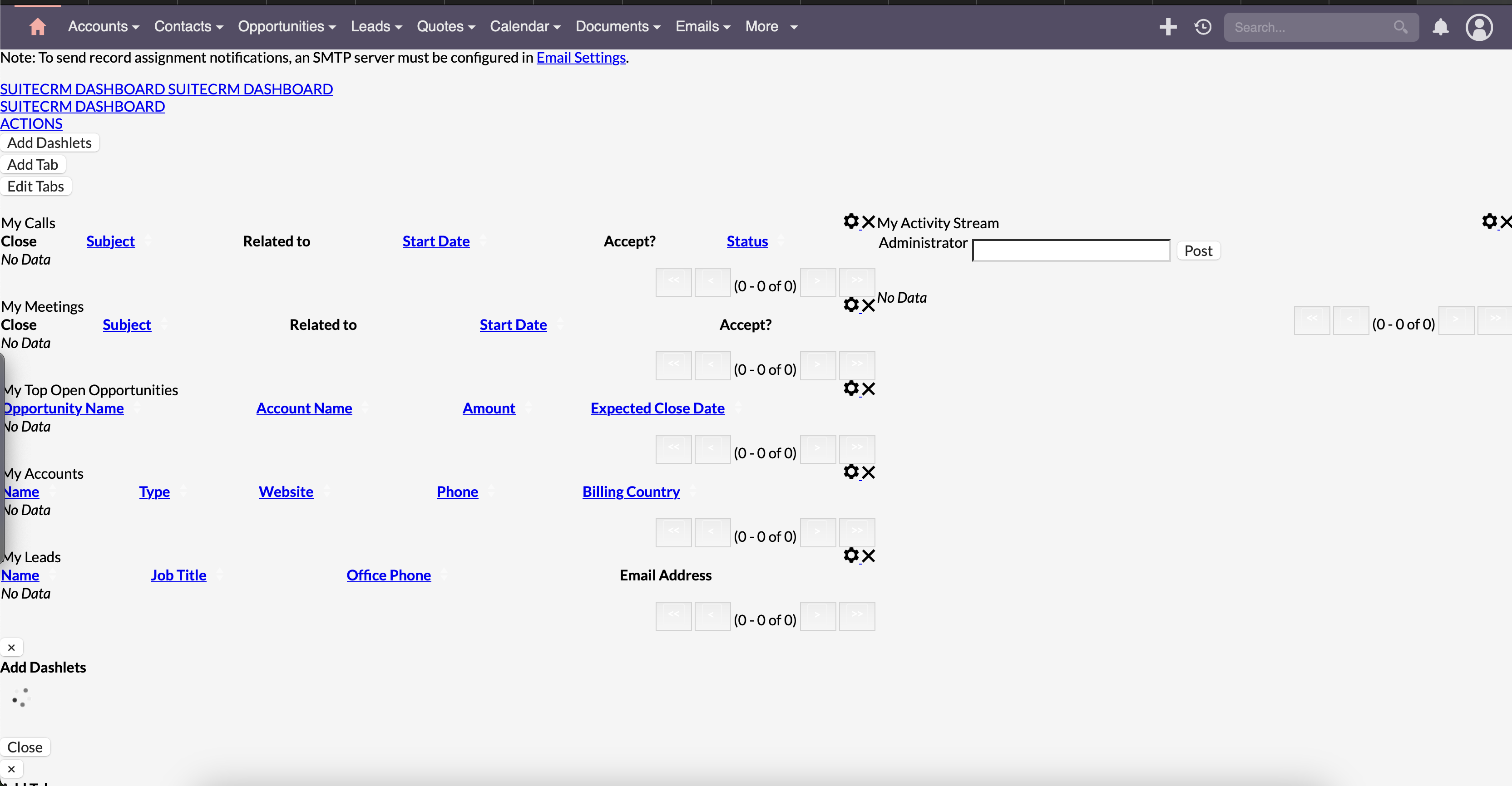
All seems to be working fine thanks.

All seems to be working fine thanks.
sudo -u www-data ./bin/console suitecrm:app:upgrade-finalize -m override
Please enter the version to move to: SuiteCRM-8.6.1

SuiteCRM Finalize Upgrade
============

Running: legacy-post-upgrade
libpng warning: Interlace handling should be turned on when using png_read_image
libpng warning: iCCP: known incorrect sRGB profile
libpng warning: iCCP: known incorrect sRGB profile
libpng warning: iCCP: known incorrect sRGB profile
libpng warning: Interlace handling should be turned on when using png_read_image
libpng warning: iCCP: known incorrect sRGB profile
libpng warning: Interlace handling should be turned on when using png_read_image
libpng warning: Interlace handling should be turned on when using png_read_image
libpng warning: Interlace handling should be turned on when using png_read_image
step: legacy-post-upgrade | status: done
Post Upgrade process complete
Running: add-new-config-entries
step: add-new-config-entries | status: done
No new entries to add to the config file
Running: metadata-merge
step: metadata-merge | status: done
Metadata successfully merged
Running: run-migrations
step: run-migrations | status: done
No new migrations. Skipping
Running: finalize-clear-symfony-cache
step: finalize-clear-symfony-cache | status: done
Successfully cleared cache
Warning! Please re-set permissions after this upgrade step has completed
This is a bug. The ./bin/console suitecrm:app:upgrade-finalize -m override command should, after the last step finalize-clear-symfony-cache, it should continue to automatically search for missing user preferences and, if missing, automatically reset the user’s preferences to default.
Thanks for this information, I think other people will also be affected by this problem.
I faced the same issue as you, the formatting is not display correctly, may I know, do we got to administrator → edit profile → reset user preference?
did I but the issue still occur .
It seems like you need to run the below 4 command with proper user/group name.
Set the required permissions
If you are using the terminal you can do this by running:
find . -type d -not -perm 2755 -exec chmod 2755 {} \;

find . -type f -not -perm 0644 -exec chmod 0644 {} \;

find . ! -user www-data -exec chown www-data:www-data {} \;

chmod +x bin/console
Also, reset preferences as mentioned in this topic.
thanks, this command fixed the issues.