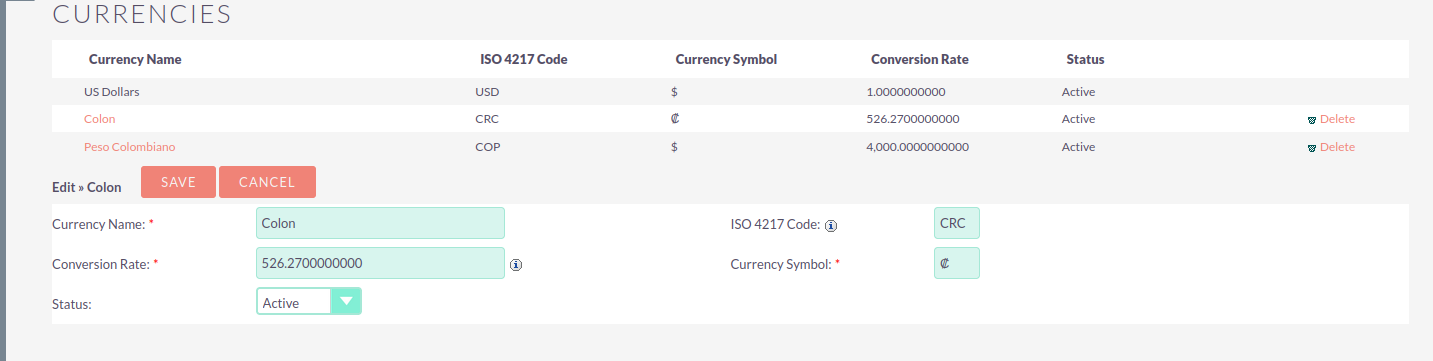
Hello , community. I’m experiencing an issue with decimals when changing the currency using the currency selection dropdown in quotes and invoices. I would really appreciate your help in resolving this issue. Thank you in advance!
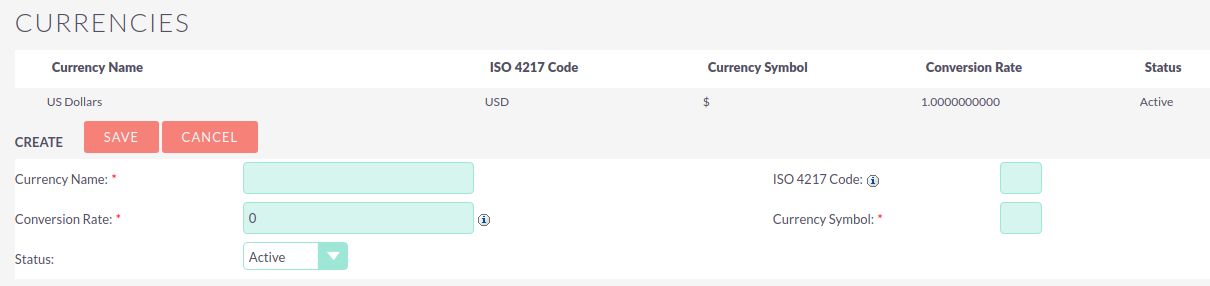
Then, create a product with this currency (COLON), and set the price to 410.00.
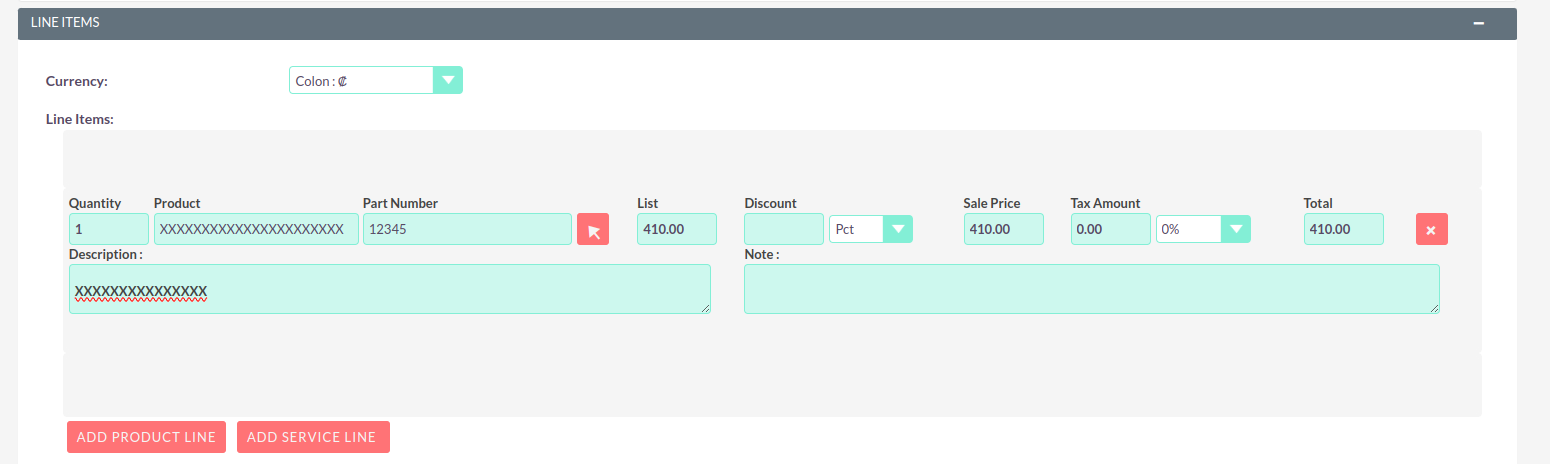
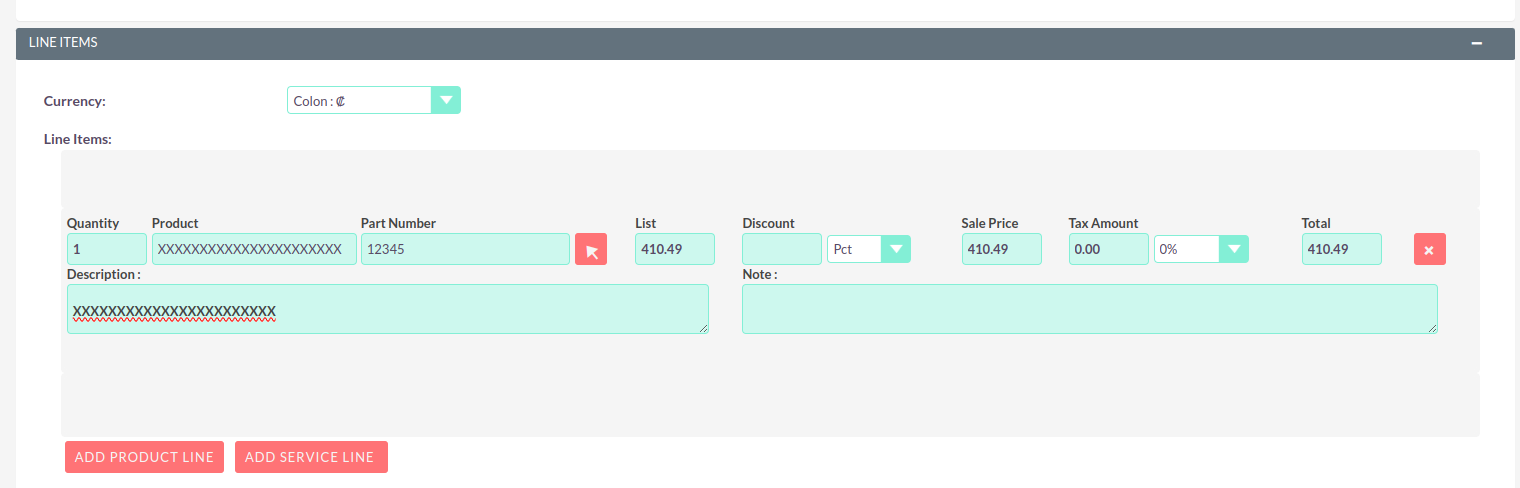
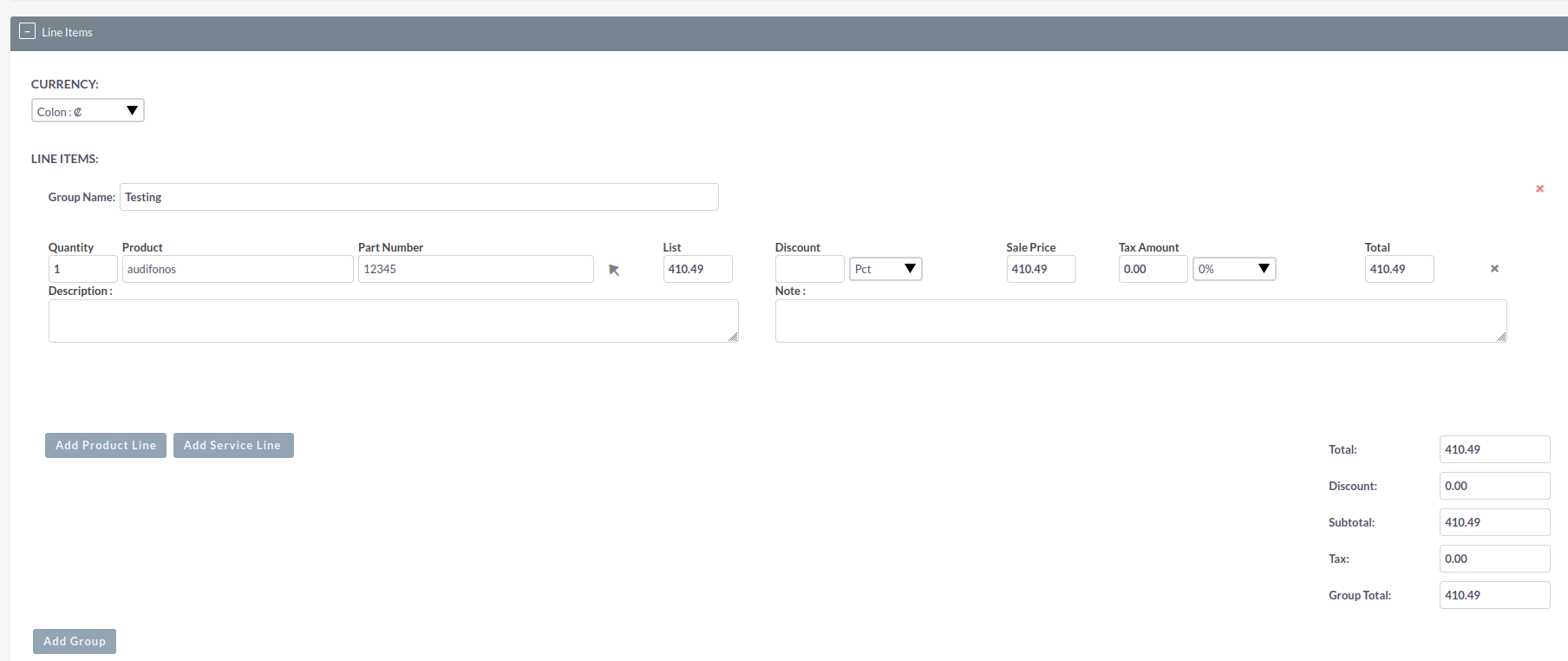
When I go to the Quotes module (this also happens in the Invoice module), I load the product, and with the currency dropdown set to COLON, it shows the correct value of 410.00. However, if I change the currency dropdown to another currency and then switch back to COLON, it calculates the price as 410.49.
When the currency in the quote or invoice is set to COLON by default, it loads correctly.
Those credentials belong to a regular user, so I don’t have permission to register a currency. However, I set up version 8.6.2 locally, which is the same as the DEMO version, and I recreated the scenario. The issue occurs exactly the same way.
I seem to be able to replicate it.
Here are my steps:
Add a second currency - including a conversion rate
Create a product in the added currency
Create a quote
Switch to the added currency
Add the product
Switch to USD
Switch to the added currency - now I’ve got the wrong price as well.
I assume, now there are some JS calculations going on, instead of loading the product details from the product table again.
A workaround would be, to simly enter the product name and re-load the product. Then the price is correct.
Do you want to create a new bug ticket for that?
 , community. I’m experiencing an issue with decimals when changing the currency using the currency selection dropdown in quotes and invoices. I would really appreciate your help in resolving this issue. Thank you in advance!