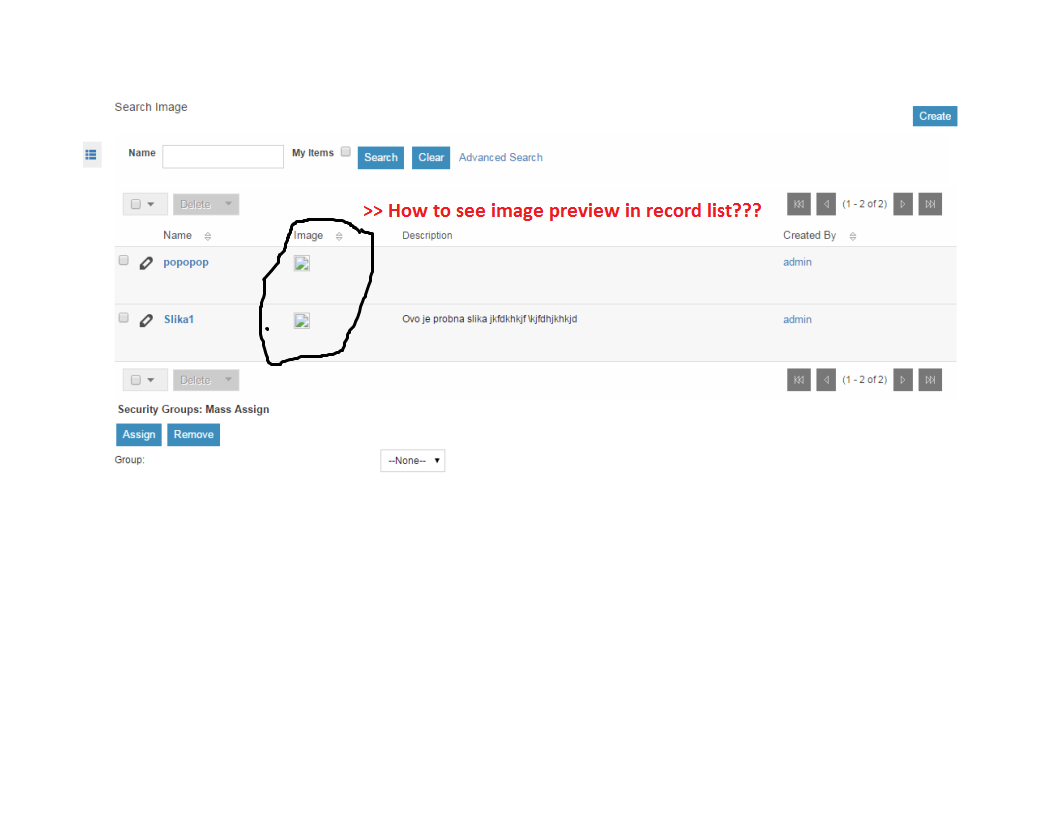
why it is not showing image preview in the list. There should be preview.
What is the problem? I tried everything - several times reinstall suitecrm - making new modules - several times adding image fields and delete - all types jpg,png, tiff… everything… :woohoo: :woohoo: :woohoo: :woohoo:
That issue includes a way to work around this problem, so with a simple custom file change you can probably get your system working even while the bug is not fixed (supposing you’re only using images in one module - if you’re using more, the workaround won’t work).
Also, images are currently not showing in Edge browser (and, I hear, in IE11). You’ll just get a cross there like “X”.
The Module name I used was “contacts” because I had added an Image Field to the Contacts module. Normally, that’s what you would want to do, attach a field to an existing module (Contacts, Accounts, Products, etc.), not create a separate module just for images.
But I can teach you how I discovered what I needed so you can adapt it to your own case: just use your browser’s “Web developer” features to examine what is being rendered in the HTML of those subpanels. You can use “Inspect element”, or open web tools and easily find the relevant part by using a little magnifier that let’s you point at the element to see the HTML specific to that element.
Then compare your findings with what appears in another place where the image is showing correctly (like a detail view). This will make you see the difference and you can hard-code that in the custom file.