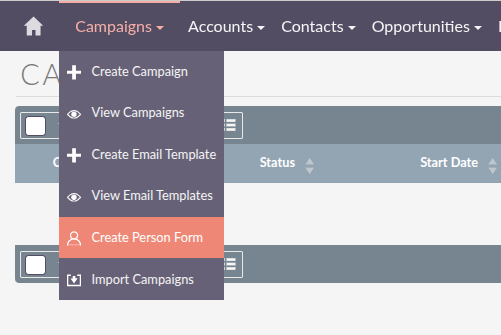
I’m self-hosting a SuiteCRM instance trying t create a web-to-lead campaign form mentioned in this video:
My campaign module looks nothing like that. I realize it might be because of SuiteCRM 8? Maybe? If I create a campaign I don’t get actions that allow me to create forms…
I find using the campaign form means you get alot of spam. If you’re using wordpress use a proper form plugin like gravity forms and just push the record to SuiteCRM. Gravity forms has both a honeypot and Google invisible recaptcha to prevent spam.