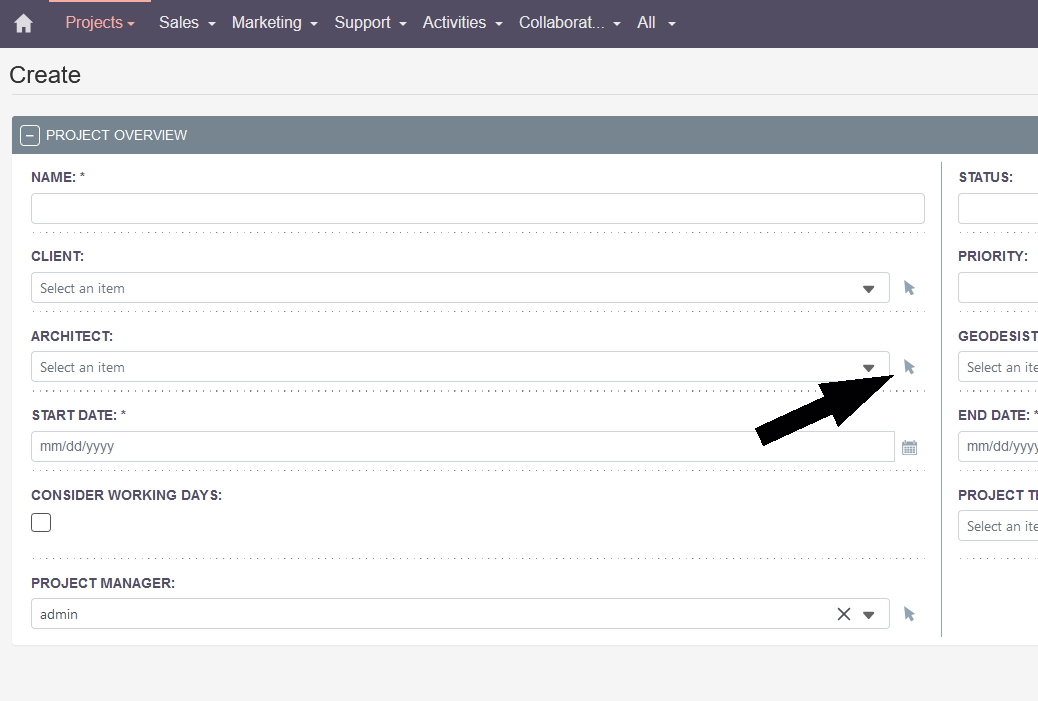
Thanks @BastianHammer thats the tutorial I was following. It doesn’t work.
Also there is no “MultiRelate” field type, unless it’s strictly created by code. I assume they mean from a subpanel, not a relate type field. The documentation is really hard to understand.
Yes, the new field types are missing in the studio.
I’ve built them just via code and/or own modules to load them later on.
Hope this will be “fixed” sooner or later, otherwise all the new features and usefulness is restricted to developers only and the target audience of SuiteCRM is shrinking quickly.
As for the documentation: it doesn’t lead to a solution of this topic, but in general - if you turn it around, don’t have a specific goal in mind and just start copying / tinkering the tutorials and then see the outcome, that often works.
It’s a different approach - not so much a guide to a specific solution but more sth. like getting to know what could be done with the system in general. Not always helpful and difficult to interprete / find use for.
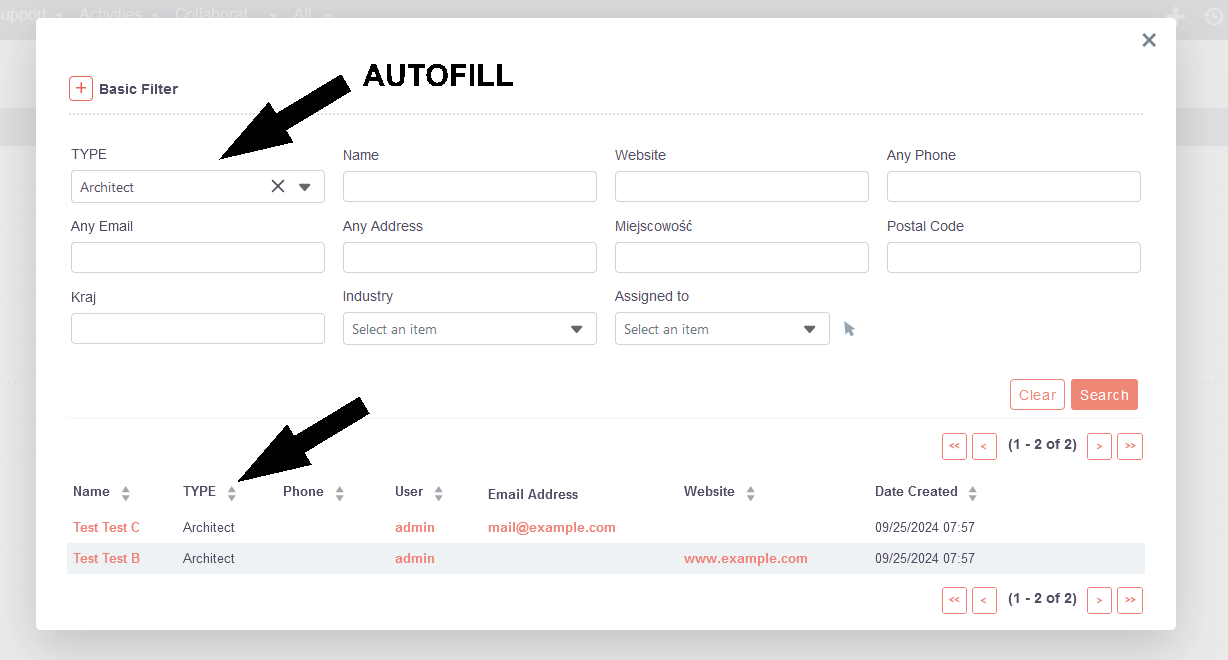
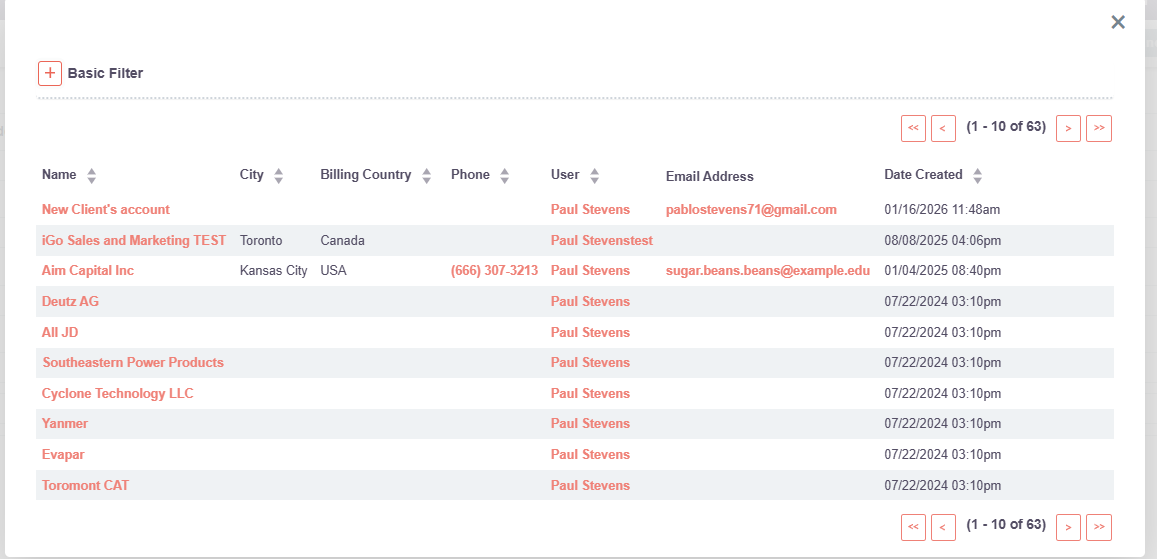
This was a very useful developer feature in SuiteCRM 7. Hopefully, it will be added soon. Being able to filter the relate field popup is such a great feature for UI.
I had the exact same working in V7, and for now like you, impossible to make it work in V8. I’ve tried to edit the detailviewdef or editviewdef, for now I didnt find how to do this
Hi @adam_2 , I ran into the same issue on SuiteCRM 8.6 and can confirm that initial_filter doesn’t work in the new (Angular) frontend popups. It seems this is still only supported in legacy (SuiteCRM 7-style) views.
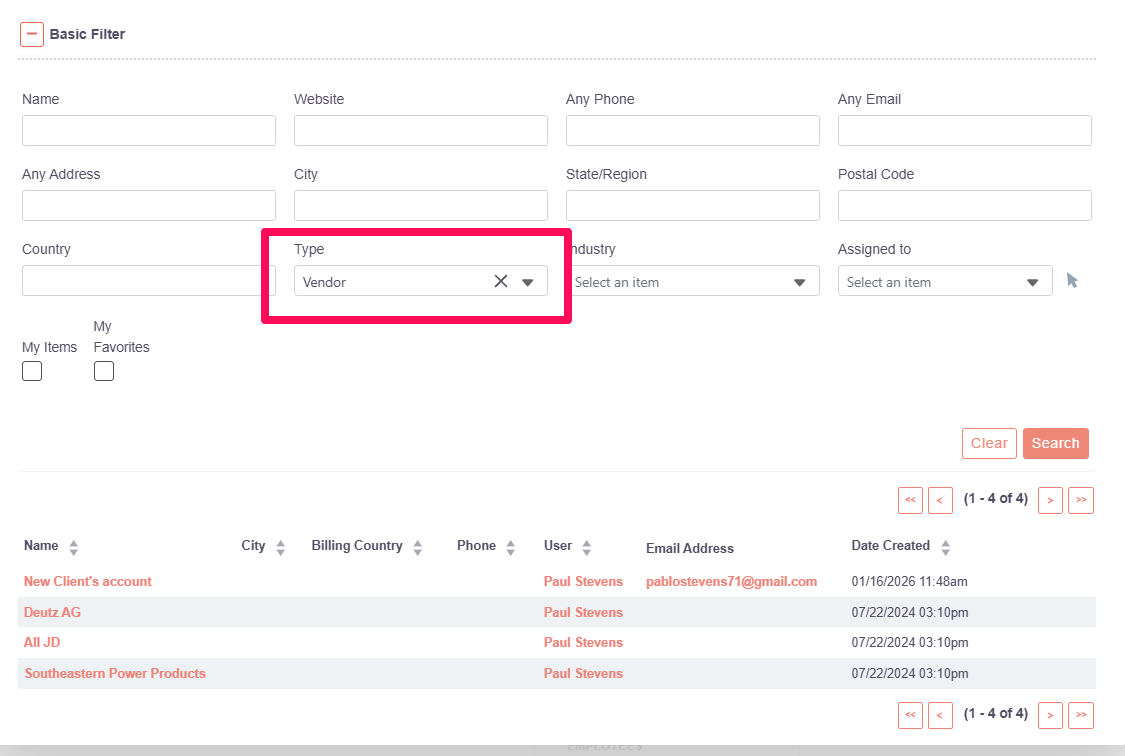
As a workaround, I had some success using the newer filter option in field metadata, for example: