My SuiteCRM was at 7.11.21 and successfully upgraded to: 7.12.6.
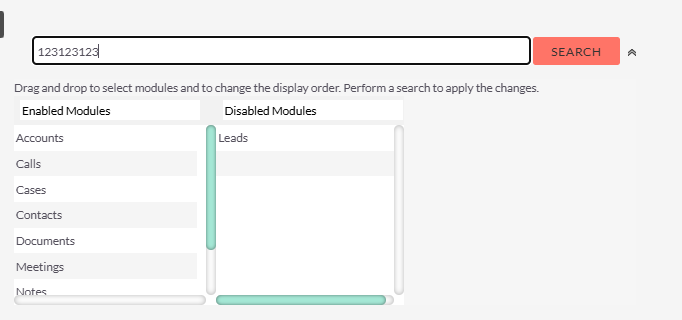
There is this problem I have with Global Search, because in the previous version you can do this:
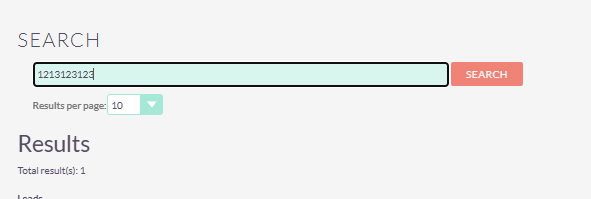
But on the newer version its just this:
At first I thought the problem was Role Management or Security Group but when I see the old version, some people disabled some Modules on Search, probably the reason why on the newer version that modules are not searchable.
How to fix this? Inside the Profile of specific user it does not have the Enabled/Disabled Modules on Search.
You can check the release notes, and try to find out, when it disappeared: https://docs.suitecrm.com/admin/releases/
and from there, search the tickets on github to find out reasons for that change.
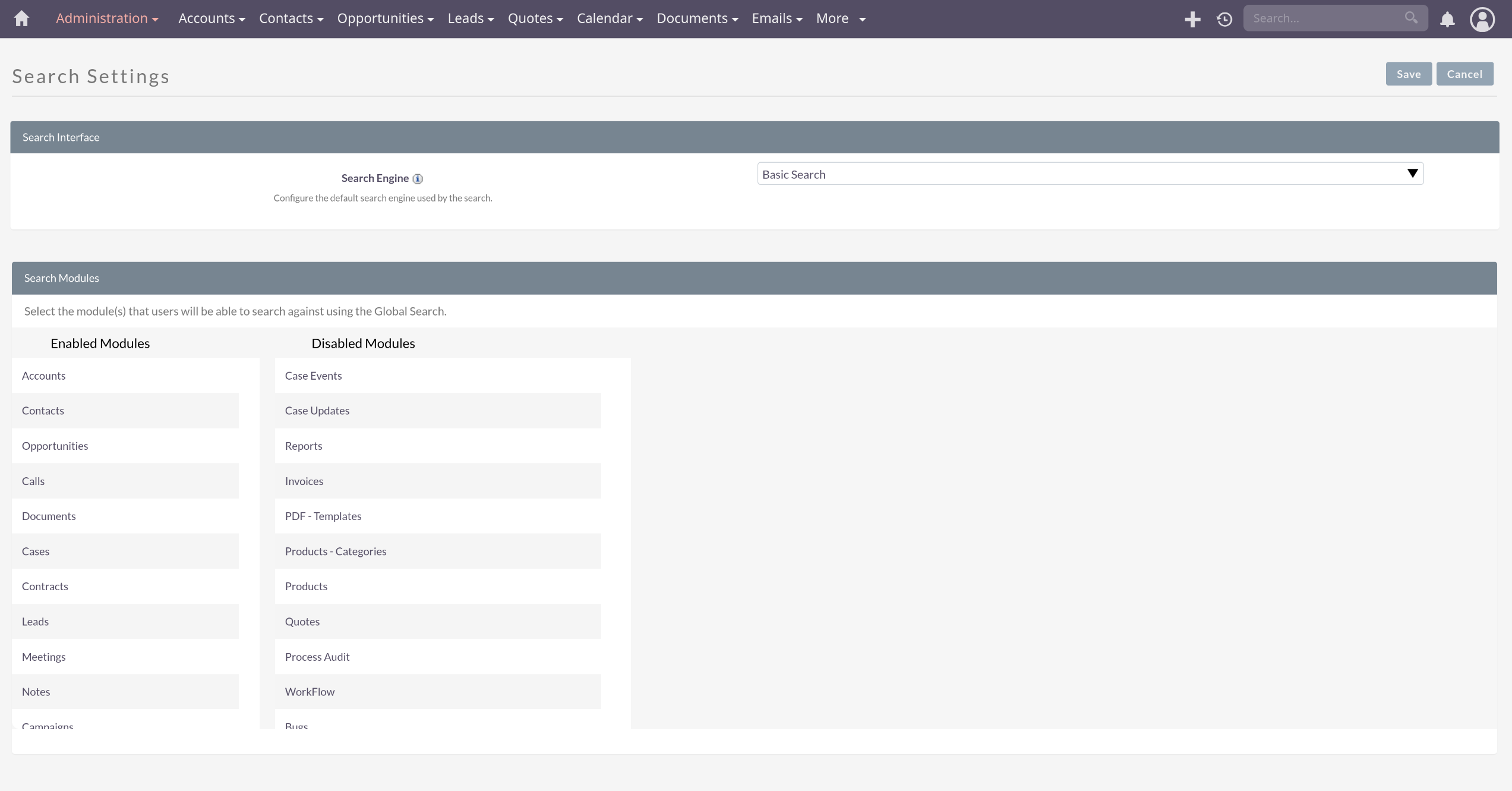
I’ve just tried on a few 7.x installations, and they’re all search config = admin only (like in your 2nd screenshot).
It’s not a per user setting (anymore).
Hello @jake i can confirm you that this is the expected behaviour on 7.12.6
The reason resides on the fact the Lucene Index Search and Elastic Search engines have been introduced.
So that’s the way you’ll see things using Basic Search.
You can config your Search preferences from the Admin page (enabling / disabling modules where to look for matching records) or you can upgrade to a newer version. Be aware that 7.14 needs PHP 8.1
Got it! But what is the reason why some users cannot see Results on Global and some can? I tried making both of the users Administrators but the other one does not have Result?