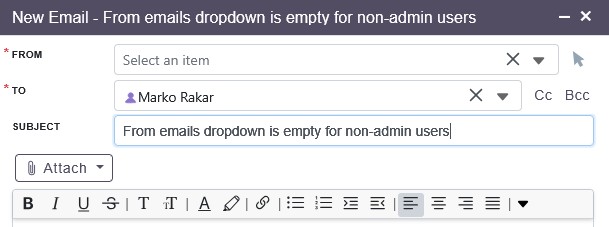
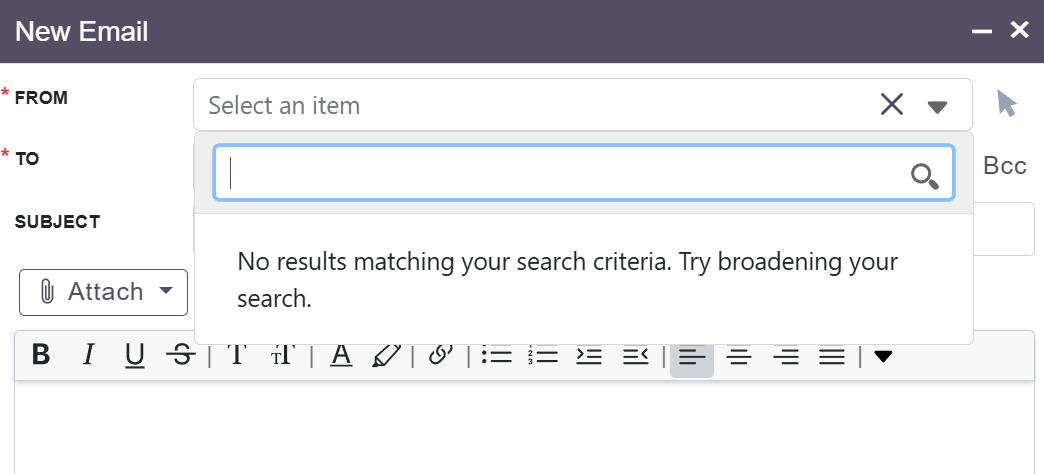
When trying to create new email I am supposed to select email account which will be used to send emails. But this dropdown is empty (in my case I have two outgoing email accounts listed, one is group and one is of system type).
I want my users to send from group email account (their personal accounts are not configured at all).
It used to work correctly until I upgraded (my suitecrm was regulary updated, so my previous version was 8.8.1).
If I access this option as admin, I see both of this email accounts, so I guess it is something about access rights but I do not understand where do I set this up (in roles, outbound email accounts is enabled, I do not use security).
Hi @mrak
Since the From dropdown shows only for admin users, it’s likely a permissions issue introduced in SuiteCRM 8.9.1. Please check the Role settings again — especially that “List”, “View”, and “Use” permissions for Outbound Email Accounts are all set to Allowed. Also verify that the group outbound email account is assigned to the correct team or set to Global/Everyone, as non-admin users must now be explicitly linked to group accounts. After that, run a Quick Repair & Rebuild. If everything is configured correctly and it still doesn’t work, it may be a regression in 8.9.1, and I can help look into possible fixes.
I do not see a way how or where to associate outbound email account to the team or set to everyone (everyone would be ok for me). There is nothing about access rights in Outbound email accounts section and I could not find any other location where it is even mentioned (let alone be able to select one or more outbound email accounts).
From a security perspective I do not see a way (or how, or where) to associate outbound email account to particular user, or a group of users.
Also, SuiteCRM has following options:
users - I can adjust access rights to individual users
roles - this is basically just a “template” for individual user rights, if I attach a role to the user accound I will (depending on settings) override or accrue access rights (in my case, this is accrual, so access rights will add up - I can see that when I see roles https://suitecrm.local/#/users/ListRoles/ )
security groups - this looks to me more like a record level access rights
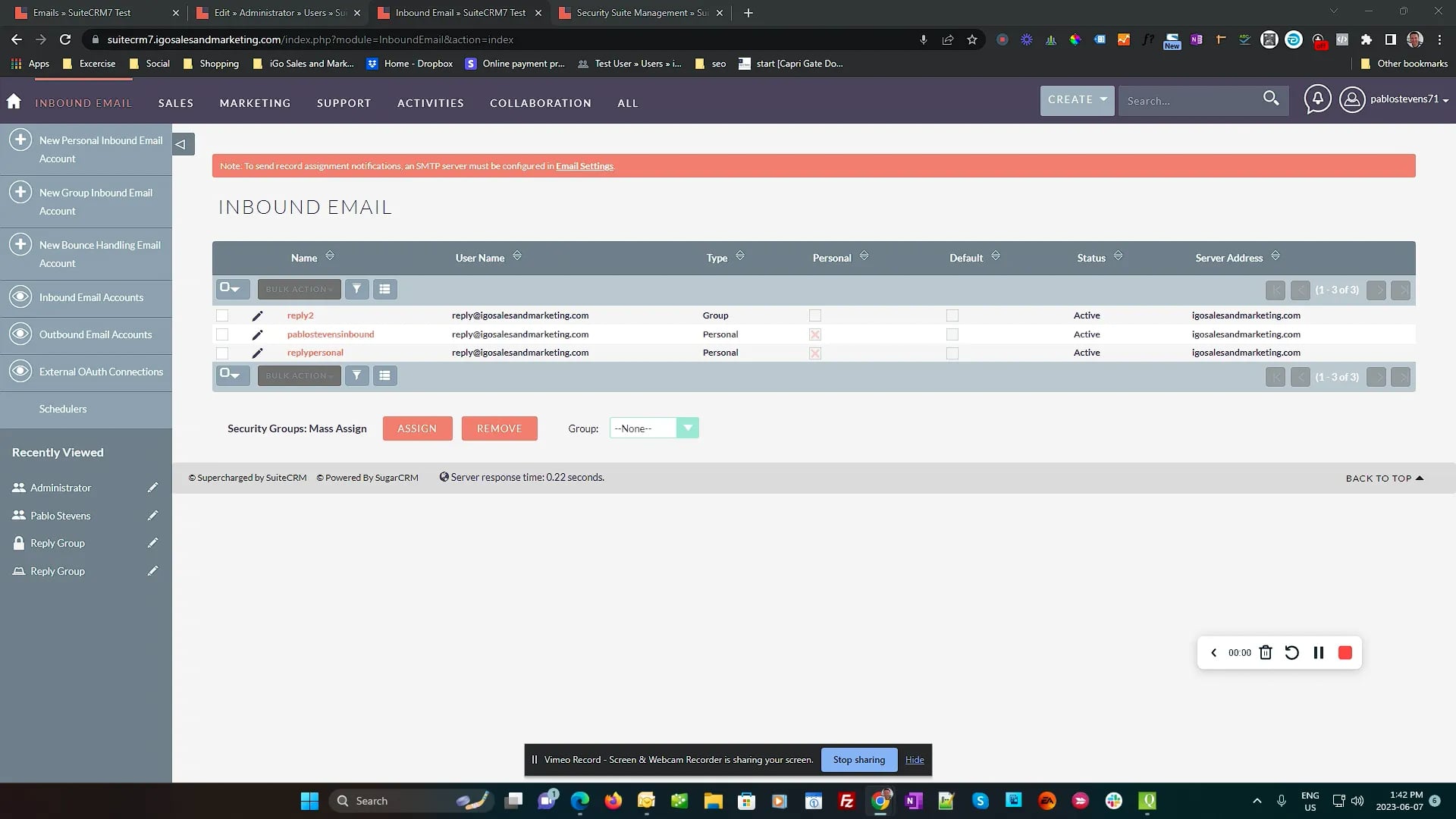
I do not see a way how to associate group outbound email account to any particular user or a group of users (it is likely automaticaly added to whoever configured that account). It seems I can not do that for inbound emails as well (when I go to contact I can see emails for that contact, but if I got to https://suitecrm.local/#/emails/index?return_module=Emails&return_action=DetailView I do not see a single email (if I access this link with regular user, if I access this as admin I see all emails).
What I needed to do is to enable security subpanel (see thread above) and only then I was able to assing appropriate security group (which included my users and roles).
So the trick was that security subpanel was not visible and therefore rights could not be assigned.
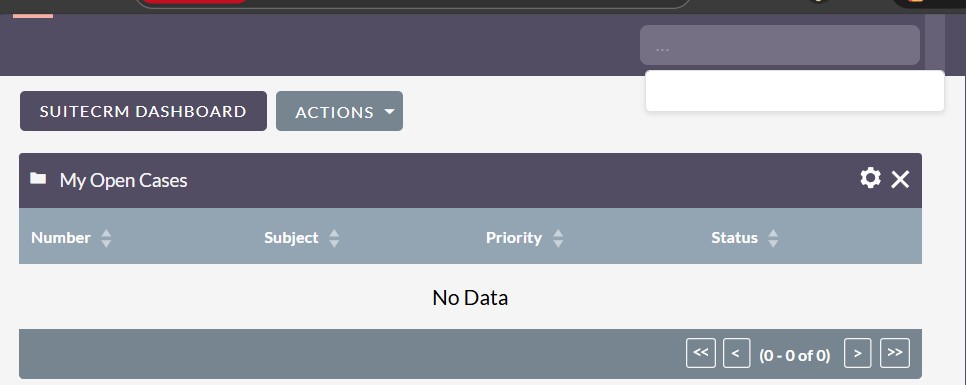
my web user interface is now completely empty (menus are not visible at all, including profile view), If I press white space in profile view it will log me out.
Same thing happens with admin user and regular user (although I have messed with users, not with admin account at all). I tried to delete symphony cache (from command line and I managed to do it).
That’s interesting! You can check config.php or config_override.php file. Check if everything looks correct or not. Particularly, site_url and default_theme.
Group emails do not work without my fix. No amount of configuring roles, etc. will make them work. The code is just completely incorrect. I spent like 3 months debugging it and understanding how it all works. I’m pretty sure this still all works. I’m using it right now on the latest 7 version and I have it installed on pretty recent 8 versions.
See my PR’s on Github. They are refrenced in the post you linked to. They are quite extensive.
Do ADMINS have to set up users inbound AND Outbound email account?
I see a user can add their email address and set it to suitecrm but it’s the admins that have to actuallt set up the server settings to get it to work right? It’s a bit awkward having to ask for their email account passwords.
group emails worked (correctly?) until my upgrade from 8.8.1 to 8.9.1
and the only way to make them work is to enable security subpanel and add roles there, so the portion of the thread quoted above (part with enabling security panels) was critical piece missing to make it all work correctly
I am talking about outbound mail issue. With upgrade to 8.9.1 we lost ability to send outgoing emails (with this config adjustment it started working, briefly).
We do not use inbound mail at all (I forgot why, but it is very likely due to this issue).
My issue now is that I lost access to the suitecrm (my menus do not show up at all) so I am trying to figure out what happened and how to rectify that.
@mrak sorry I got mixed up I thought this was thread about group emails. Can you explain your current issue a little more clearly. When you say “i lost access” and “my menus don’t show up” are they the same issue or two different ones? Can you login, but just see no menus?
If that’s the case it’s likely your cache. reset file permissions, do a cache clear and reset file permissions afterwards.