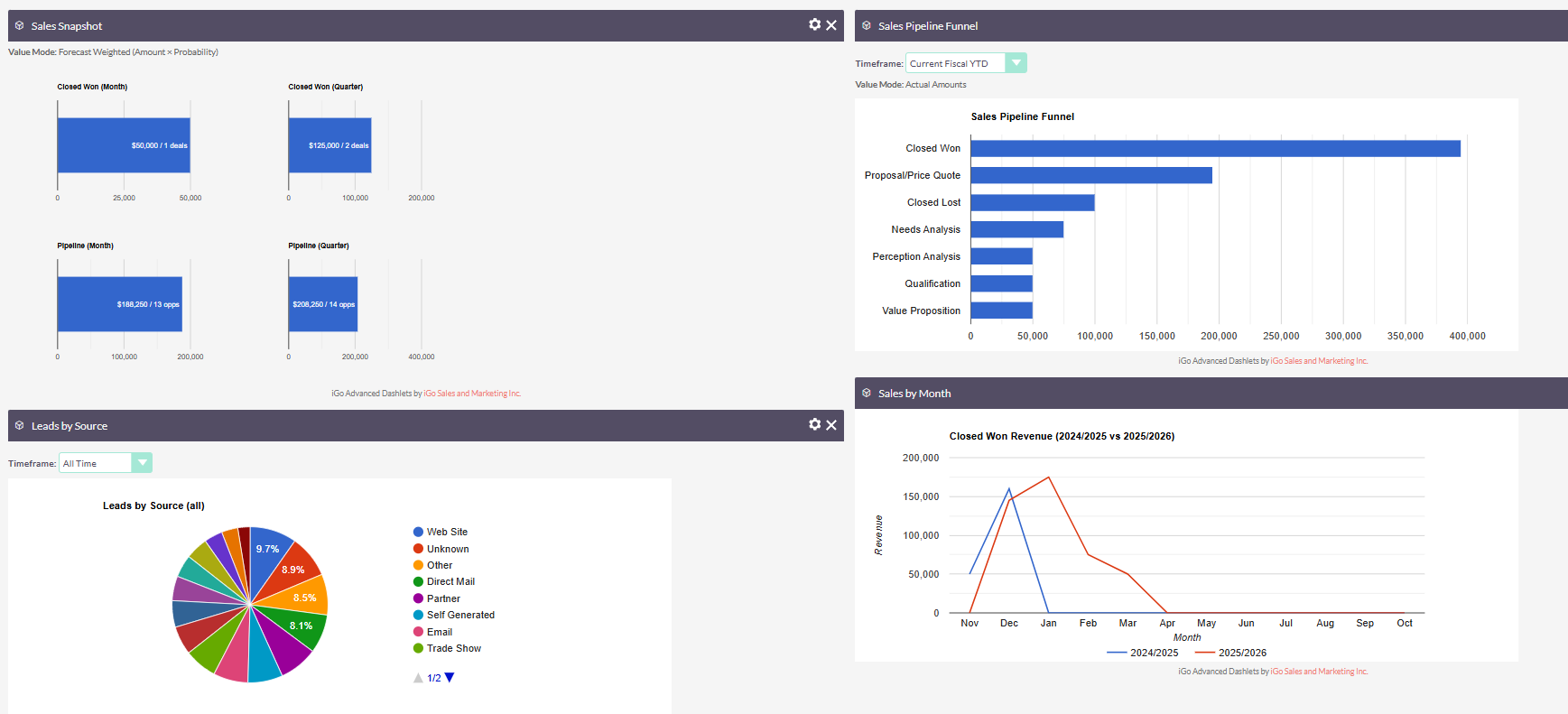
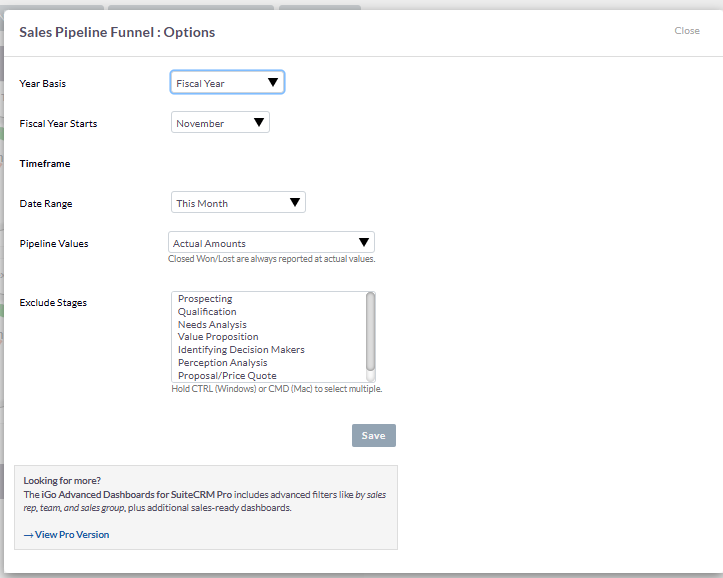
Fiscal Year in the "This Year" Selector?

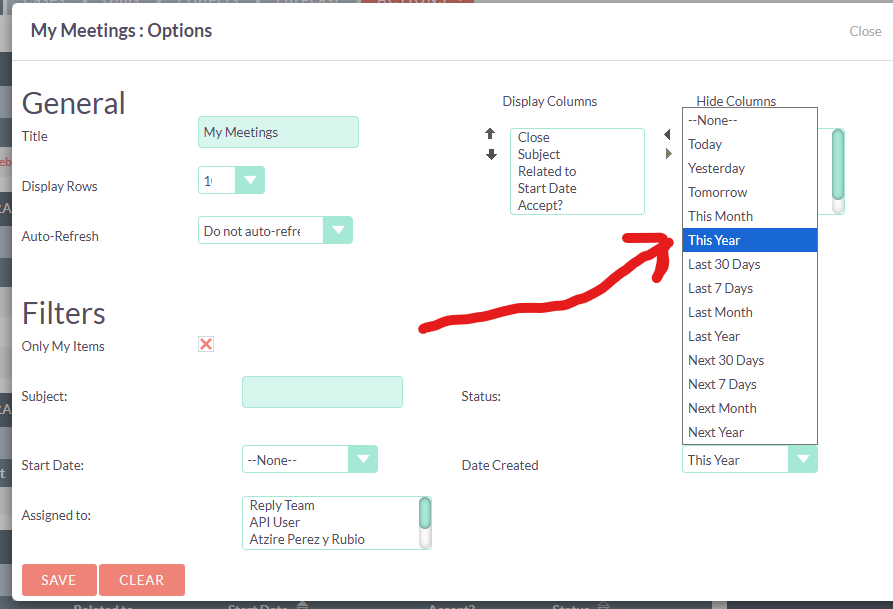
In many places in SuiteCRM you can select “This Year” for example in Dashlets or list views as a filter.

Is there any way of defining globally (or by code) that this year equals a fiscal year that does not start January 1?

(I get I can do this kind of thing simply by selecting a start date and an end date rather than “this year” but thought I’d ask).

I don’t think that we have options like that in the SuiteCRM.

For example here, all dashlets, and in workflow and in reports, etc. there are options for “this year” is there a global way of changing this to a fiscal year? Say starting in November 1 for example?

I know there is no GUI option to do this, I’m sure it would be by code if possible.

You may add it through the Dropdown Editor by navigating to:

Admin → Dropdown Editor → date_range_search_dom

Please note that custom development may still be required to fully meet your specific requirements.

Thanks @rsp I didn’t even think of looking there! If there is a dropdown list, there must be logic behind it globally to drive it (hopefully). Anyone have any examples of customizing this?

If not, at least thats a clue that it is probably possible.
Yes, you can find the code here:

  1. SuiteCRM/include/TimeDate.php at hotfix · SuiteCRM/SuiteCRM · GitHub

  2. SuiteCRM/include/TimeDate.php at hotfix · SuiteCRM/SuiteCRM · GitHub

1 Like

@rsp

Nice find! Thank you.

You’re welcome :smiley:. I would appreciate it if you could share the steps to achieve this once you have successfully implemented the solution :star:.

@rsp yeah I don’t think that will work for an upgrade safe way of doing it. Don’t think its possible to on a global scale.

I ended up just adding fiscal year logic to my Dashlets Plugin. While I was at it, added weighted forecast logic vs. actuals.

1 Like