I have personals accounts on office365 (OAUTH) inbound and outbound
for group I use an SMTP relay with basic auth to send campain emails, system, notifications,…
when I compose an email I can send email through any outbound group or personal all of them work fine. but in campain none of them work, I cannot send any email through group emails nor personal.
Other things to check there - timezone and if the necessary modules are loaded and active (like IMAP).
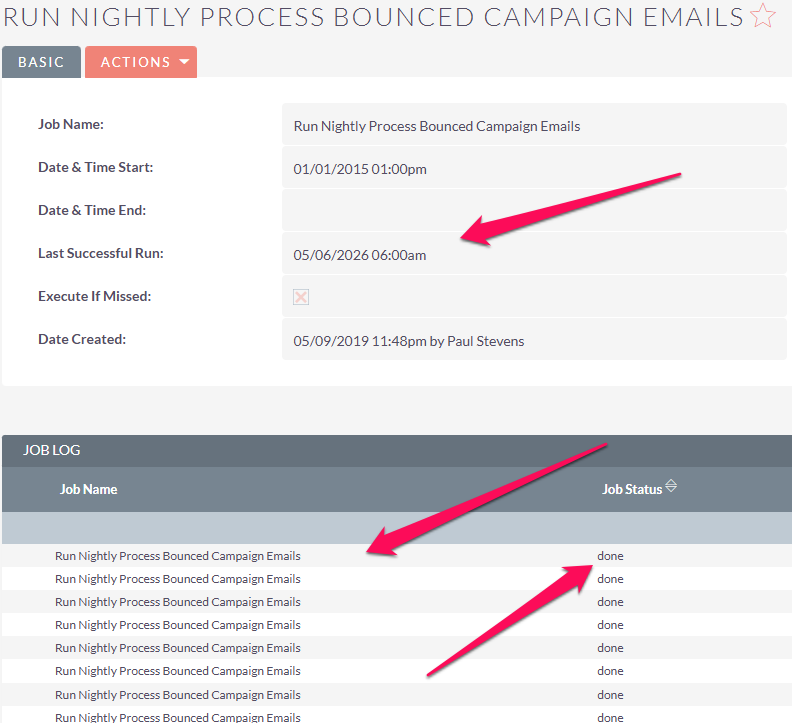
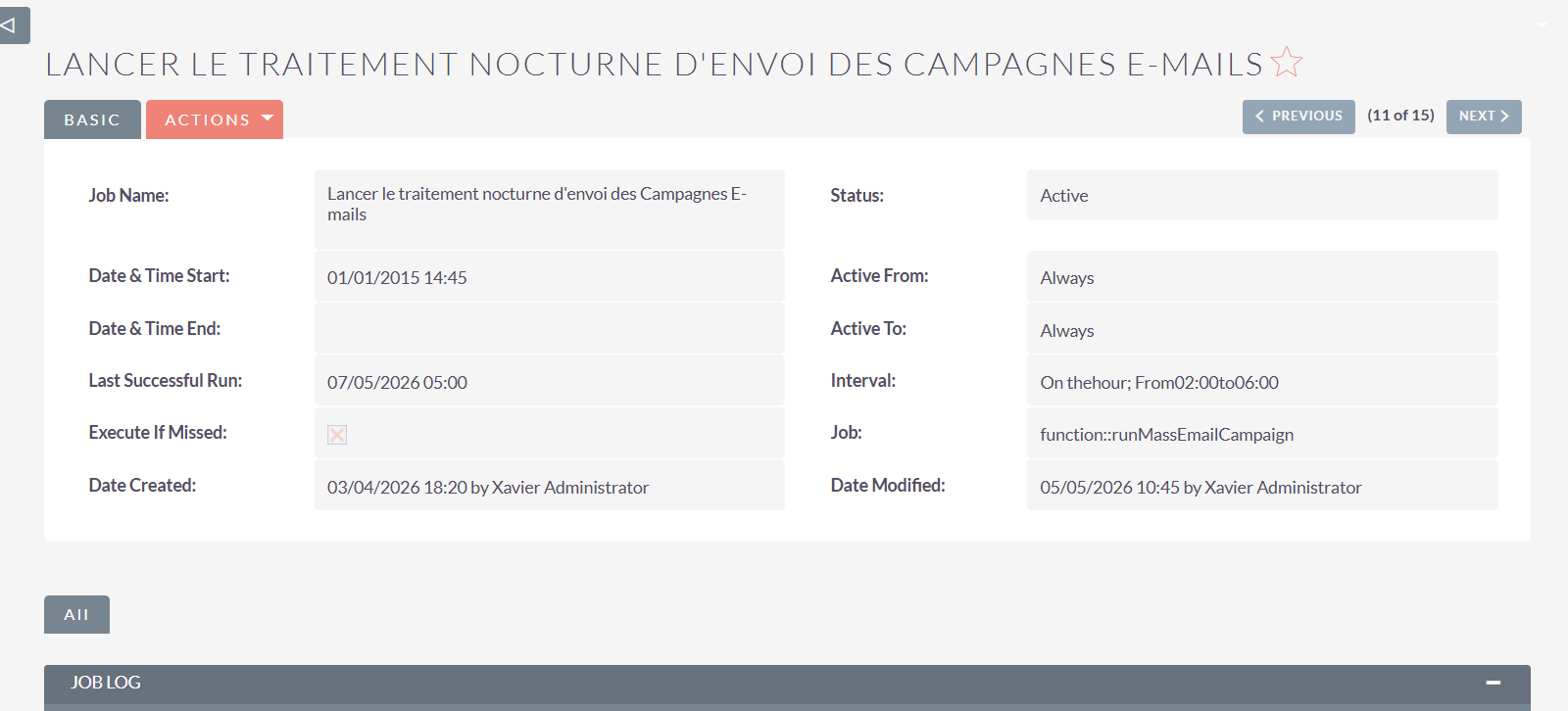
If you go in Admin / Schedulers, and enter the job for the Campaigns, you should see a “Last Ran Successfully” that is recent, and in the correct timezone.
Timezones are correctly setup.
IMAP are ok I can access mailboxes from All>email (Presonal and group)
If you go in Admin / Schedulers, and enter the job for the Campaigns, you should see a “Last Ran Successfully” that is recent, and in the correct timezone.
no timezone is mention there, however when I modify a record the timestamp is correct.
I didn’t mention it earlier, but send Marketing Email As Test is not sending email neither
Have you checked your logs for any errors that the time the Campaign is trying to send the messages?
Another idea - if you’re doing multiple sends with the same campaign (typical when testing) beware of the mechanism that suppresses resending twice to the same emails. Youhave to create a new marketing record each time, or try with different email addresses, or go in the database and delete the rows from the sending logs so that they can be sent again.
One last thing to check… who is the email the campaign is sending from and does it match the actual outbound email?
If not, I think in Azure there’s a setting that allows/disallows this. I kind of remember running into this.
You can can confirm by tring to send the campaign from the exact email address thats actually sending the email. (Hope that makes sense!) If that works, you know the problem.
What’s your version of SuiteCRM? There have been a couple of issues and bug fixes since the new campaign module (including the 8.10 which has been just released last week).
Thats a red herring. I get that all the time in various installations and everything works.
I’m assuming you tested the outbound mailbox “send test email” and that worked? You probably did but lets just confirm.
It’s also super important you fill out the “from” email address and name both in the outbound account setup and in the campaign. If that’s blank it can cause it to fail.
Also have you checked the queue? Do they make it the queue and are just stuck or it doesn’t even get that far?
Have you tried forcing them to send from the queue?
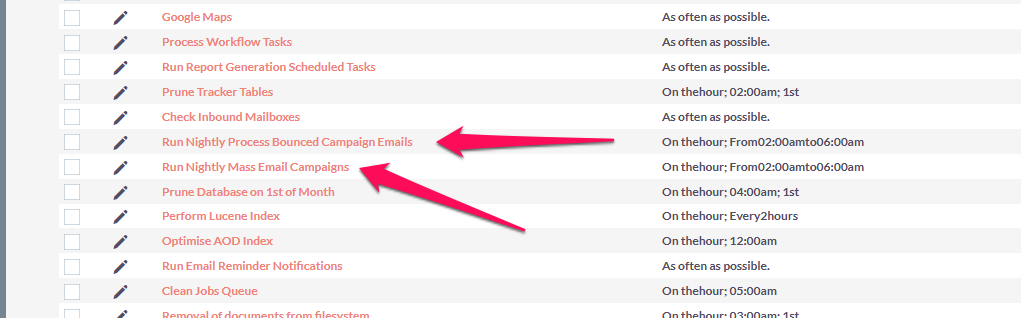
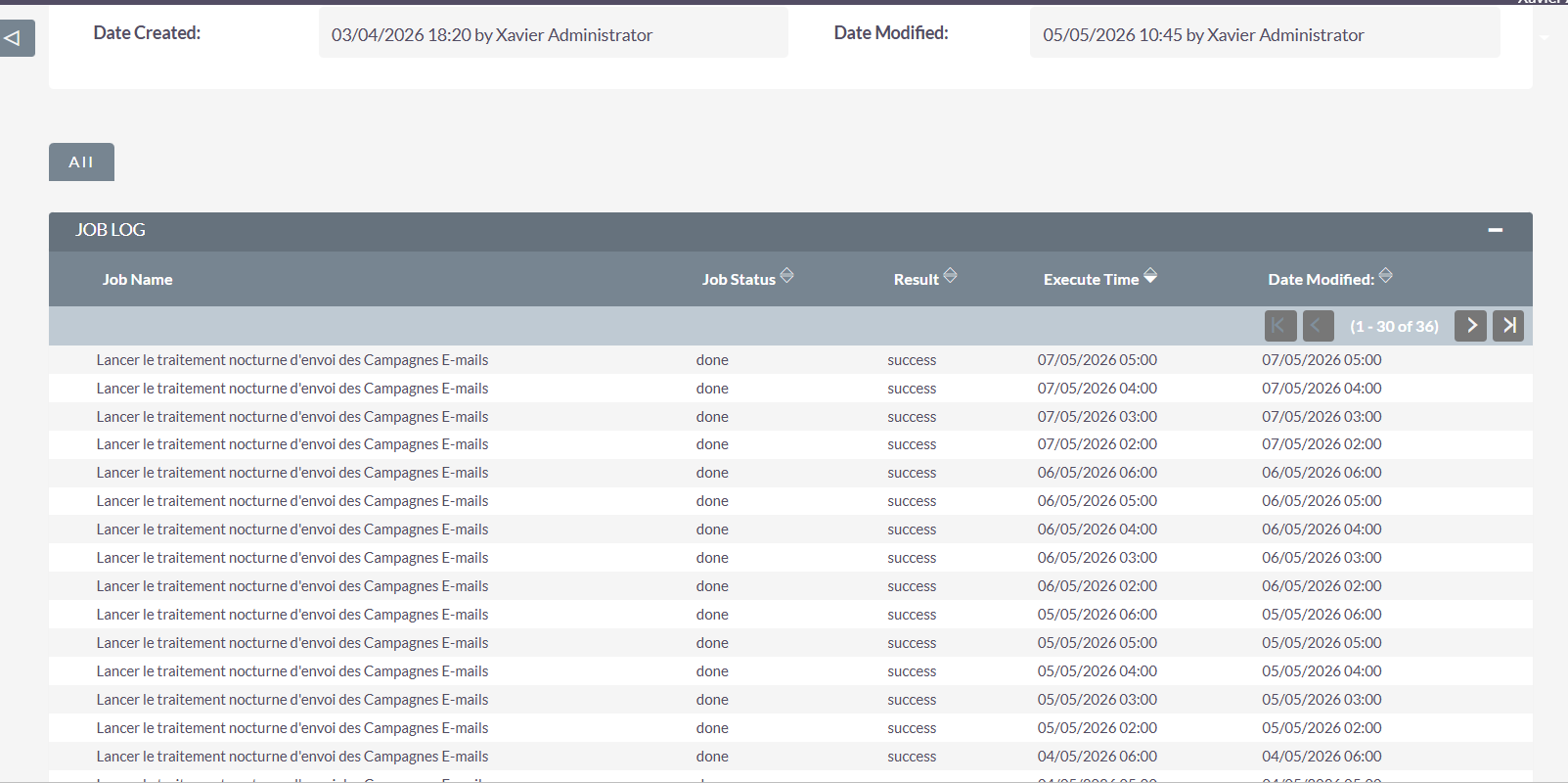
Also another thing to check that you have the send email campaign job running in the scheduler and it is actually running and succeeding. It this job is not working, no emails will be sent.
(Just trying to think of as many possibilities as I can)
Sounds like the scheduler side is the issue rather than SMTP itself. Since normal emails work but campaigns don’t, I’d check the cron/scheduler execution and compare CLI php.ini with the web one. Also worth verifying the “From” address exactly matches the authenticated Office365 sender.