I installed SuiteCRM 8.9.1 in a Docker container on a Linux VM. Everything seems to be working fine. After some troubleshooting, I also managed to get the schedulers running. Most of them show entries for their last executed tasks (mail notifications, workflows, etc.).
Now I’m trying to get email campaigns working. I created a new campaign, added a marketing email, and created a target list containing one contact and one target. I set a scheduled run date, added some email content, and clicked “Schedule”.
However, nothing happens. There are no entries in the mail queue or sending jobs, and no fatal errors appear in the logs.
General email sending works (for example, test emails are sent successfully).
What could be causing this issue, and how can I fix it?
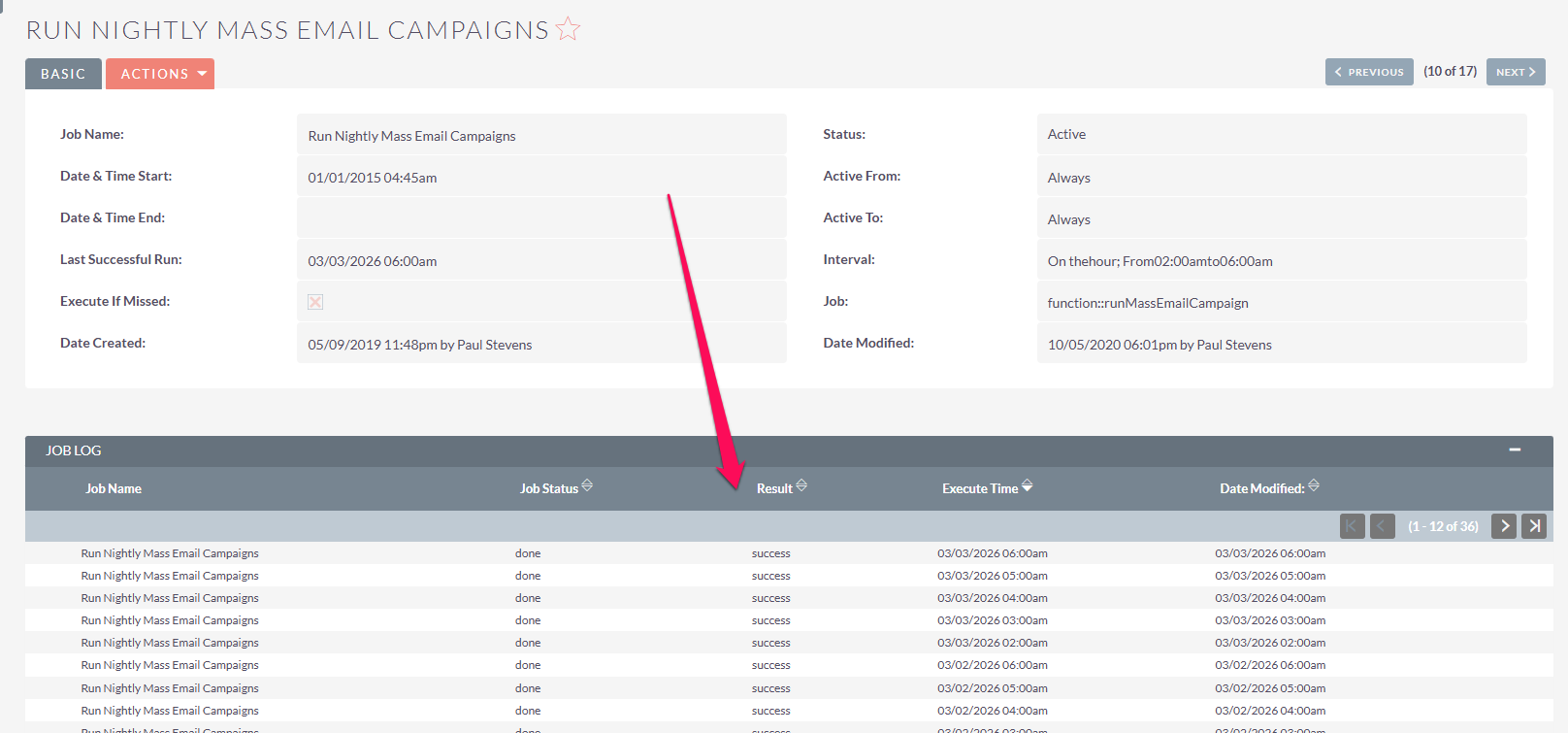
Check in the scheduler and ensure the job: “Run Nightly Mass Emails” has run. This is what actually creates the emails and put them in the queue.
Also, server time vs. suitecrm timezone can be an issue. Because it runs in the background it runs on server time. It can be out of sync when you expect it to run and send.
If that doesn’t help, do you have access to your DB?
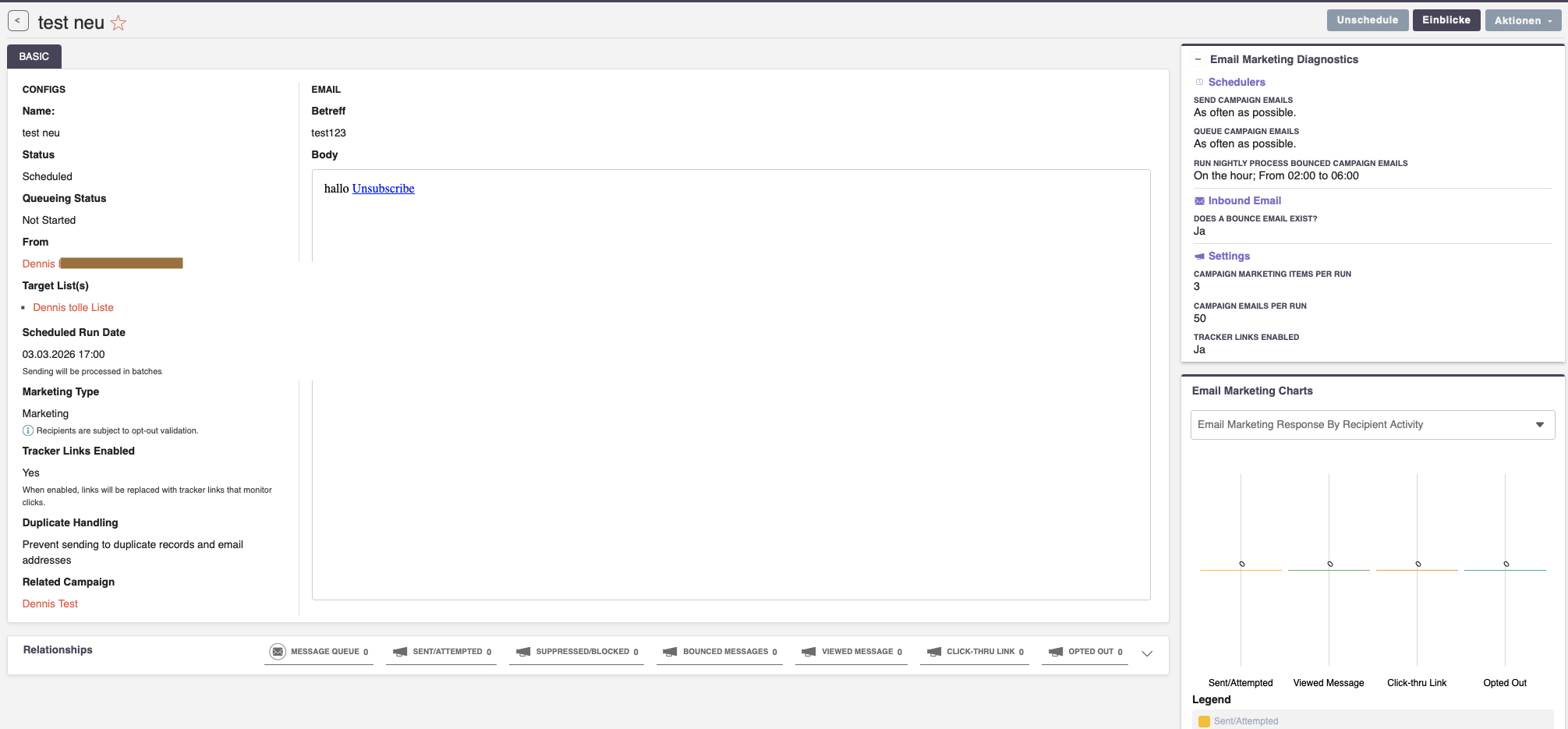
How does the table email_marketing look like? Specifically the status and queueing_status columns?
There have been a few bugs around 8.9.1 - an upgrade might be good.
And for the schedulers, this one is running: Queue Campaign Emails?
It seems like, your scheduler just doesn’t start.
Maybe there have been some issues with the upgrade or similar.
This one:
got fixed with the 8.9.2 upgrade.
I know, Docker and SuiteCRM don’t really work well together.
But not being able to upgrade due to a “wrong” system is a no go.
What if there are security patches available?
I’d first work on the upgrade and then investigate the scheduler.
One small thing that you can do in advance (probably difficult in docker as well:
Run the scheduler via CLI manually to check the output.
tried to upgrade but got stuck with redirects or whatever - login-loop. but my testmails where sent while upgrading or setting the permissions - to put it in a nutshell: I just lost 6hours of my life and rolled back to 8.9.1 because of the loop.
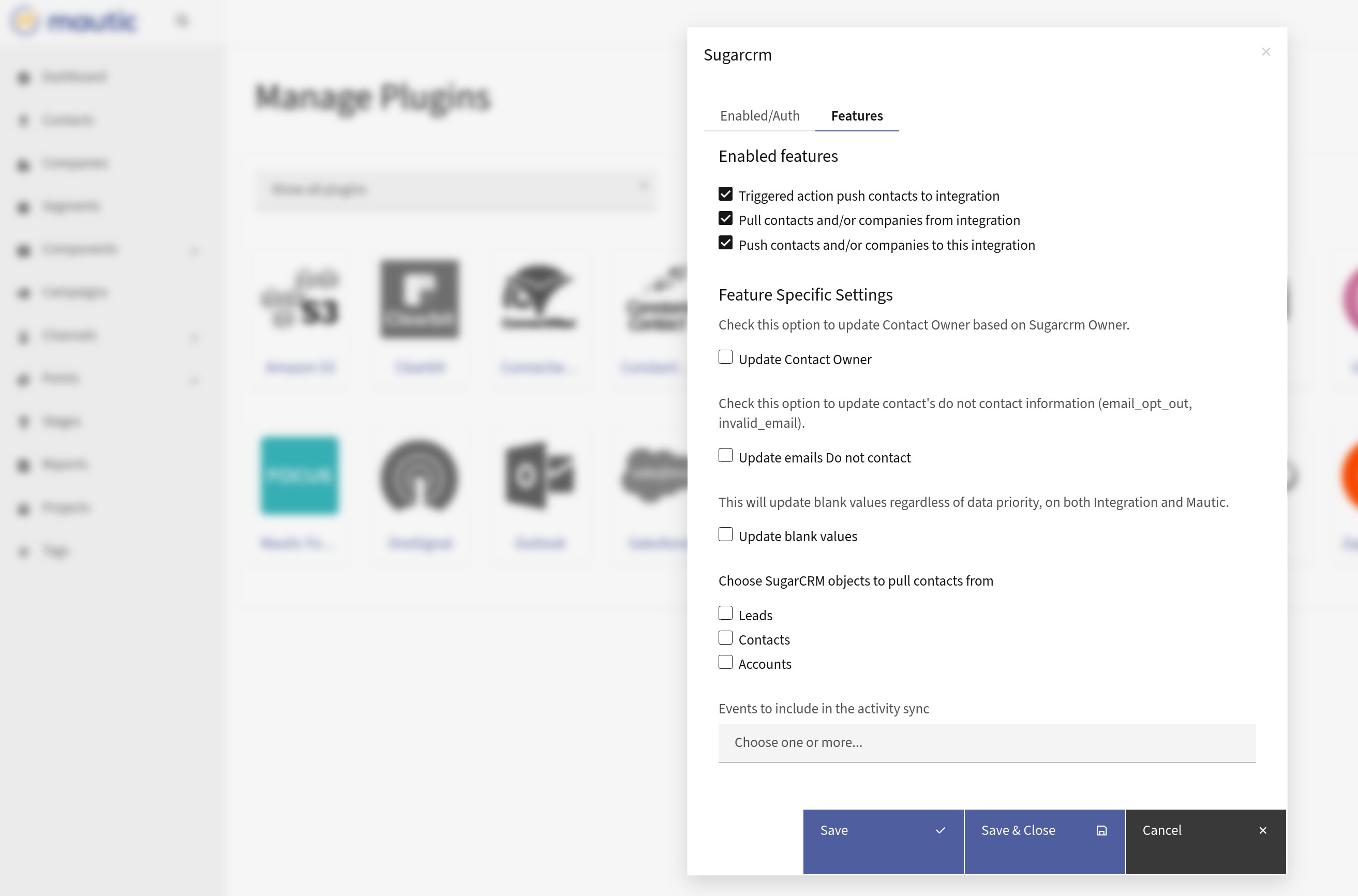
Because of that, I often implement integrations via the APIs between Mautic and SuiteCRM.
However, this approach requires custom development in every project.
See my videos about the approach here:
I’m currently building a dedicated integration that synchronizes much more, including:
contacts & accounts
campaigns
segments
marketing activity
lead scoring
If you’re interested, I’m collecting early users here:
Apart from that, you should still look into your CRM upgrade.
One hint: I usually export DB + files from docker, do the upgrade on a “real” LAMP system and create a new, custom Docker with the new version.