Hi,
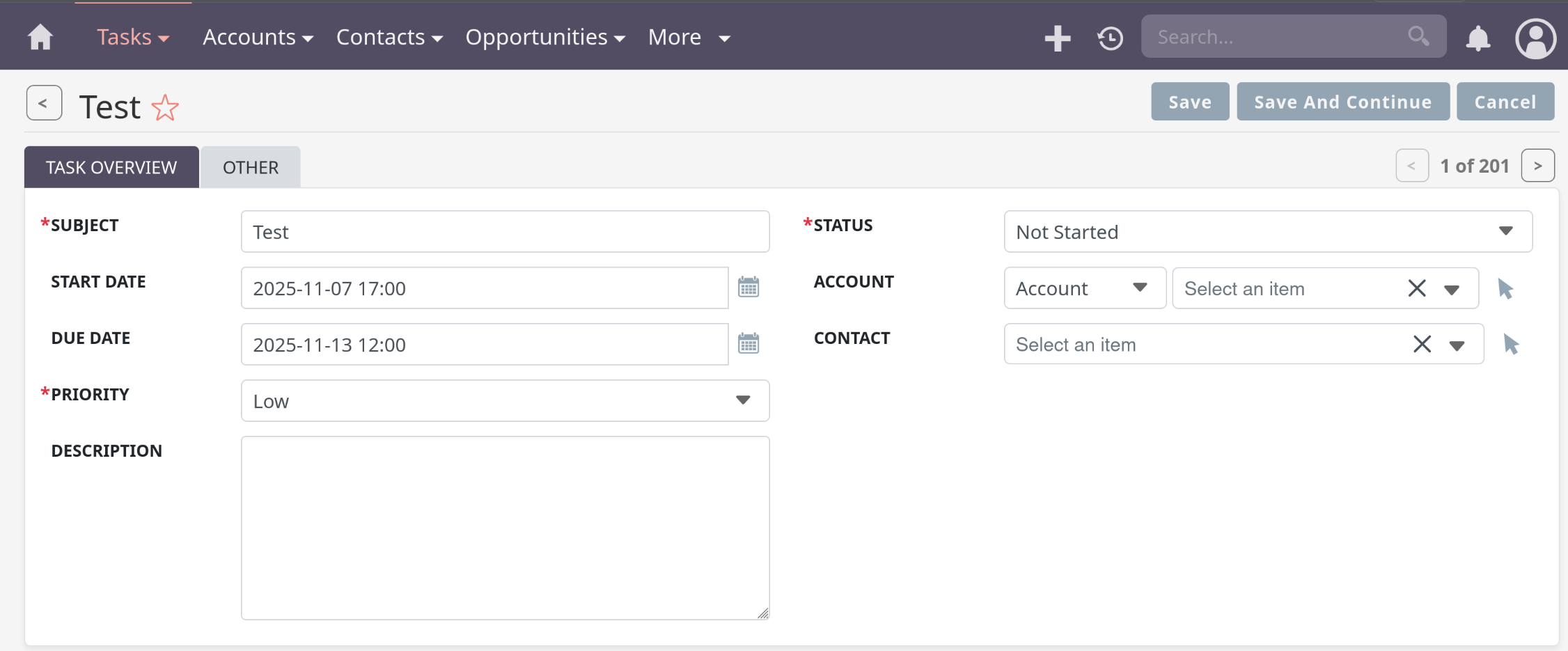
I have a wired problem where due date in Task is missing. The data/date value stored in DB, however it wont show on UI. Is this a bug ? how can I fix it ?
Hi,
I have a wired problem where due date in Task is missing. The data/date value stored in DB, however it wont show on UI. Is this a bug ? how can I fix it ?
What is SuiteCRM version? Do you have admin rights?
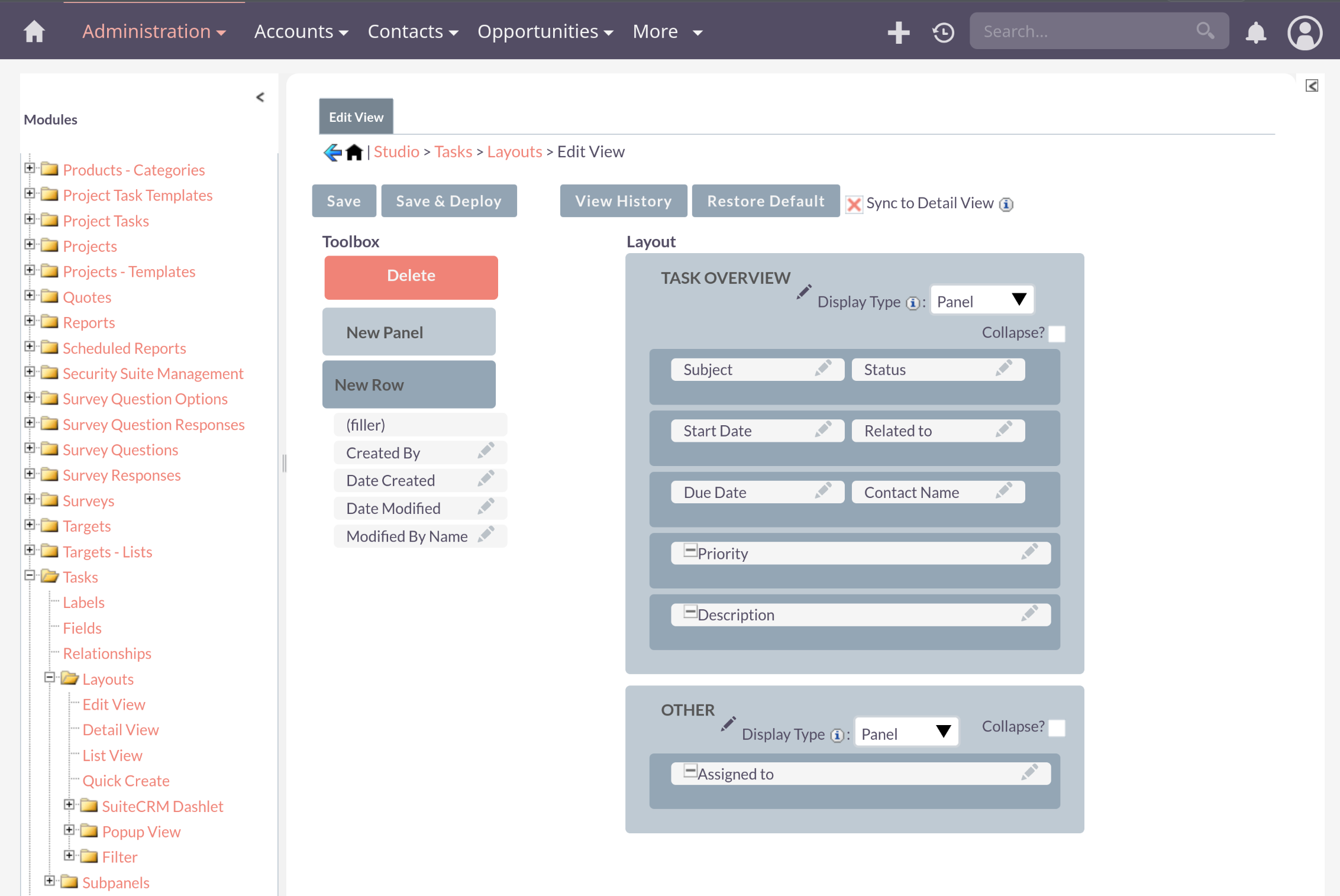
Please check the field in the studio.
Admin →Studio→Tasks→ Layouts→Edit View
Hi @bakery
Check whether the “Due Date” exists in the database for one of the tasks.
Check whether date_due (or date_end, depending on code) is listed in vardefs / metadata for Tasks.
Check all relevant layout definitions (list view, edit view, activities subpanels) to ensure date_due is included. * modules/Tasks/metadata/editviewdefs.php * custom/modules/Tasks/metadata/editviewdefs.php
Try editing a task and saving: then inspect the SQL update query in the logs (with debug enabled) to see if date_due is being saved or being overwritten to NULL.
Check PHP version / environment (if recently changed after upgrade) — sometimes due to compatibility issues.