DateTime field minute selector with free interval (0-59) - SuiteCRM 8.10.1

Hey everyone,

I’ve been struggling with the minute selector on DateTime fields in SuiteCRM 8.10.1 (Ubuntu Server 24.04) and can’t find a clean way to fix it.

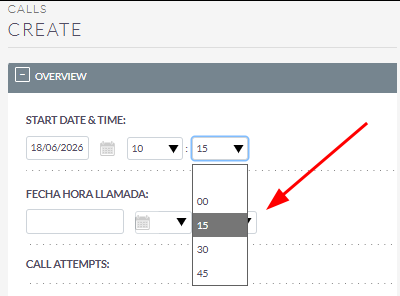
The issue is simple: I need the minute selector to allow any value from 00 to 59, not just 00, 15, 30 and 45. My use case is the Calls module, where I need to log the exact start time of a call.

For context, I have a before_save Logic Hook that automatically sets date_start to the current date and time when a new call is created. Works great, except the minutes always get rounded to the nearest quarter hour.

Things we’ve tried with no luck:

  • Custom JS in custom/include/javascript/ → no effect because Calls uses a legacy view, not Angular
  • Changing minuteStep=15 in the compiled Angular main.[hash].js → affects other time pickers but not the Calls module
  • Copying Datetimecombo.js to custom/include/SugarFields/Fields/Datetimecombo/ → ignored because sugar_getjspath doesn’t look in custom
  • Copying EditView.tpl to custom and changing the JS path → also doesn’t work

The only thing that actually worked was editing the core file directly at public/legacy/include/SugarFields/Fields/Datetimecombo/Datetimecombo.js — replacing the 4 fixed options with a loop from 00 to 59 and removing the rounding logic. But obviously this gets wiped on every update. But the problem is that when you go back in to edit the call—or view it in the table—it rounds back to 15, 30, or 45; this renders the 00–59 selector useless, even though the value saves correctly in the database.

Does anyone know if there’s an official, upgrade-safe way to override this file from custom/ without touching core?

Thanks!
Try out this:

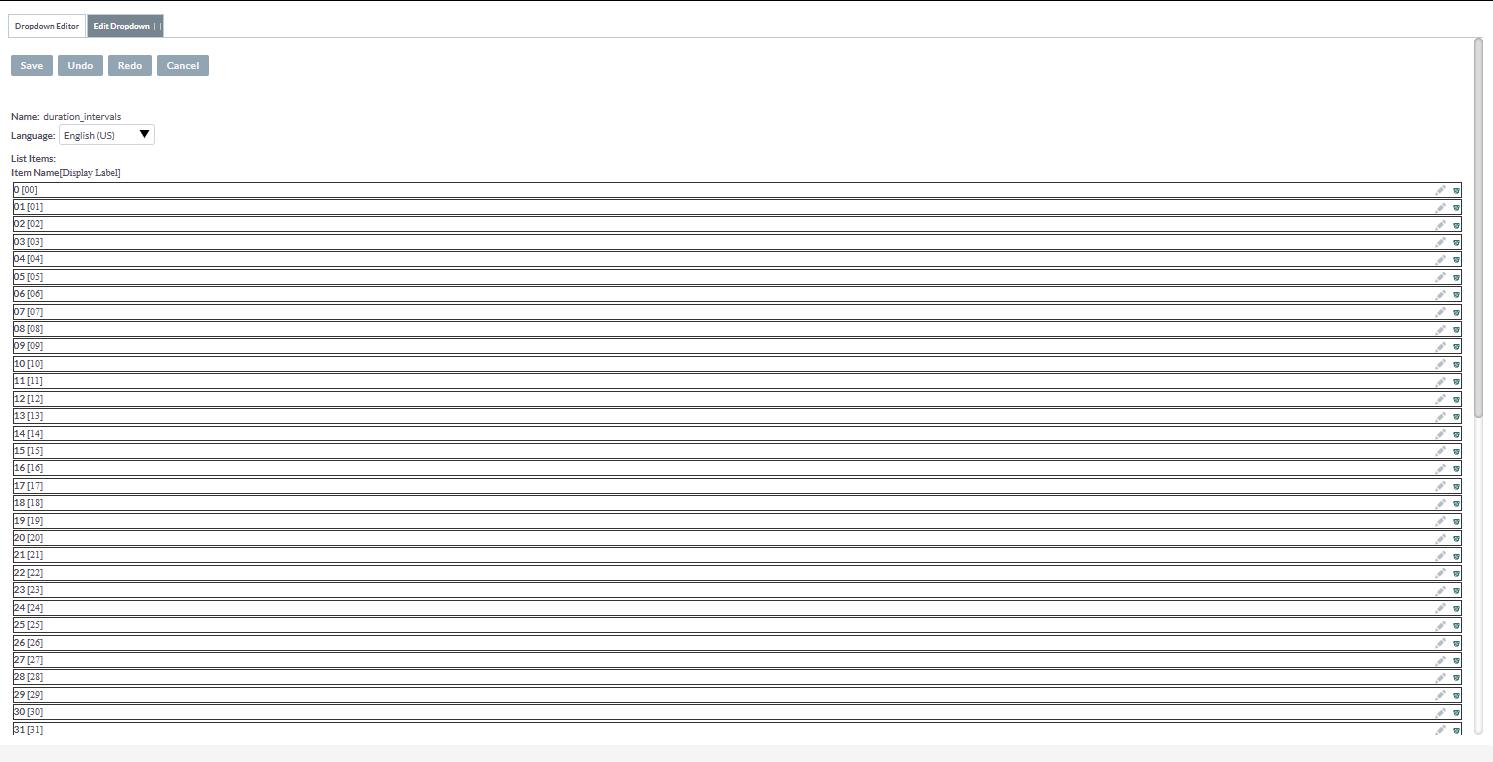
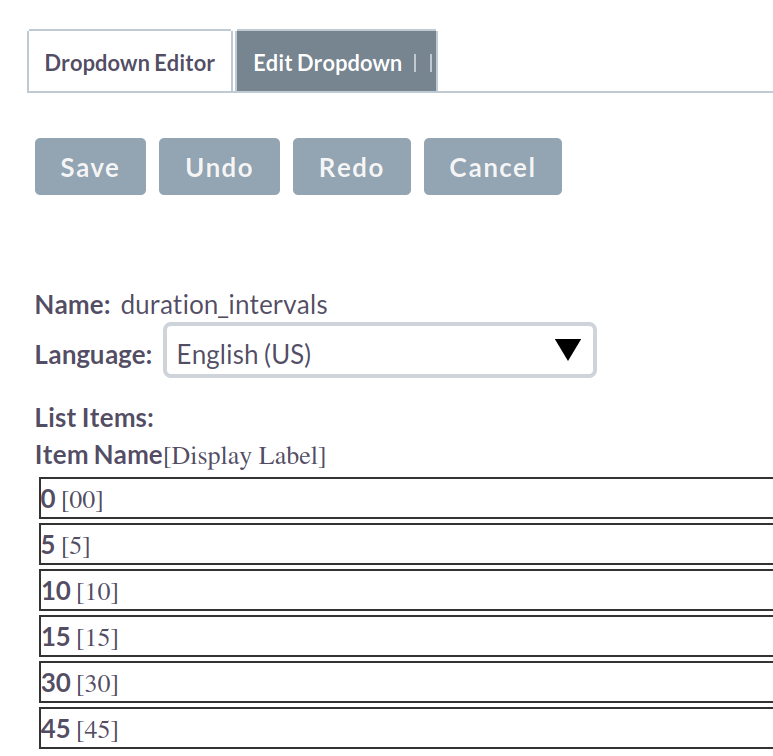
Admin → dropdown editor

Add 0 to 59 minutes options in the below option:

duration_intervals

Hello Alex,

this is an upgrade save way.

One idea in general:
Do your users care / really enter correct data minute wise?
It might be better to skip the manual entry entirely and have AI creating all the details via the API.
That’s something that gets requested more and more in recent projects.

Good afternoon,
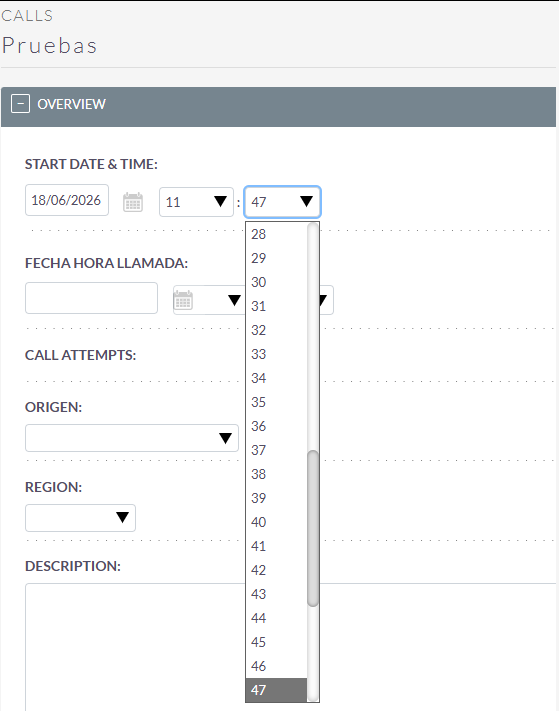
First of all, thank you very much for the reply. I have already tried that; although it looks correct in the dropdown menu, when I save and edit it again, it rounds the values ​​to 15, 30, and 45.

Good afternoon,

Modifying the dropdown was actually one of the approaches I tried initially. However, even though the dropdown displays correctly and allows me to save, for example, 14:39, when I reopen the record the system automatically rounds it to 14:45.

On the other hand, there are some calls that I already register through a PHP script that synchronizes SuiteCRM with my Asterisk PBX via API (currently it only synchronizes calls made outside business hours and calls abandoned in the queue).

However, what they want to do now is allow agents to manually register calls they have made themselves, as well as calls they need to schedule for the future, so they need to enter this information manually.

Thank you both very much for the quick responses and for your help.

Best regards,

Maybe in relationship with some custom code?
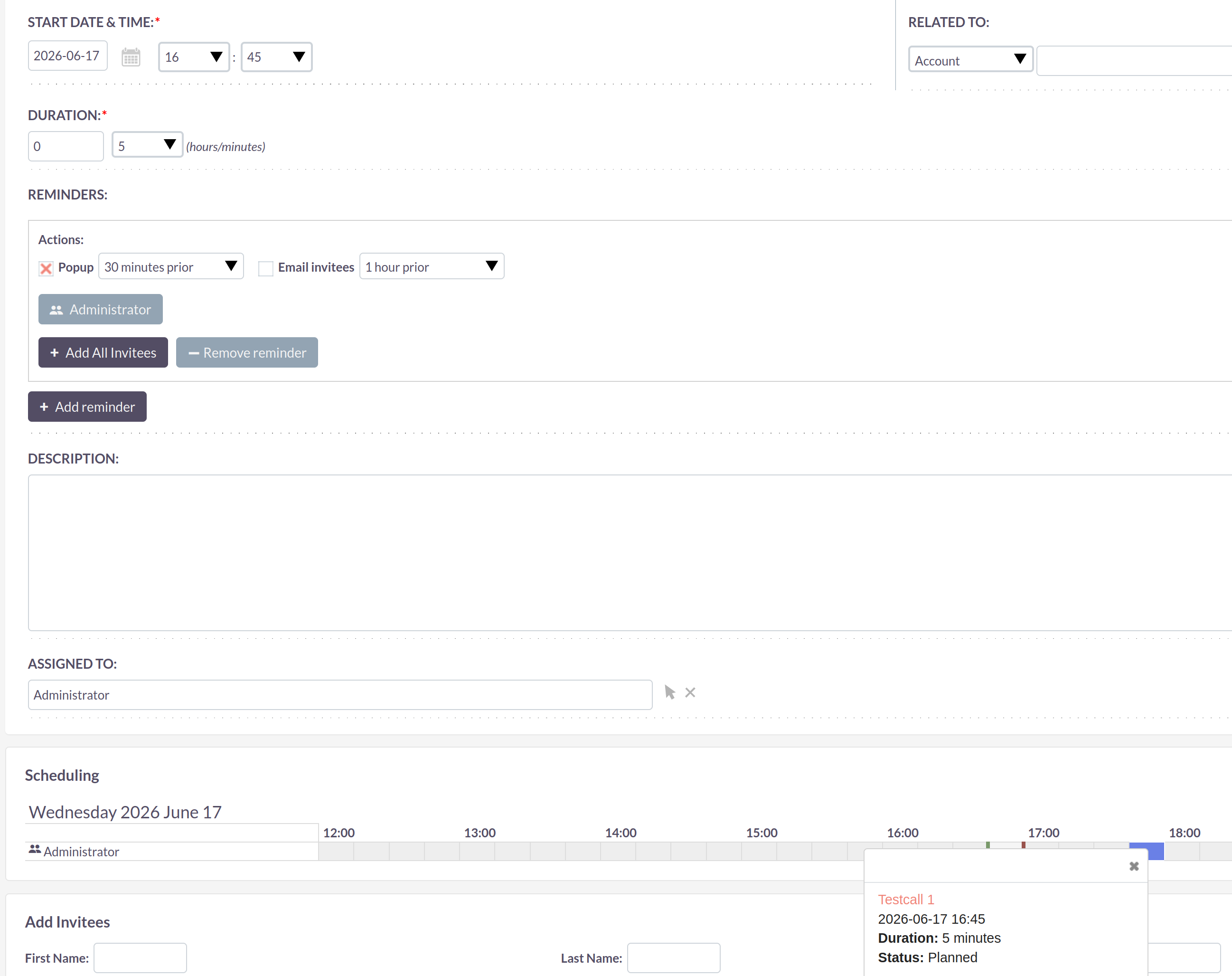
I’ve just tested it with a few additional dropdown values on 8.10.1 and it’s working just fine.
Saving, editing, re-saving - even the hover over info shows correct:

Good morning,

Thank you for your response.

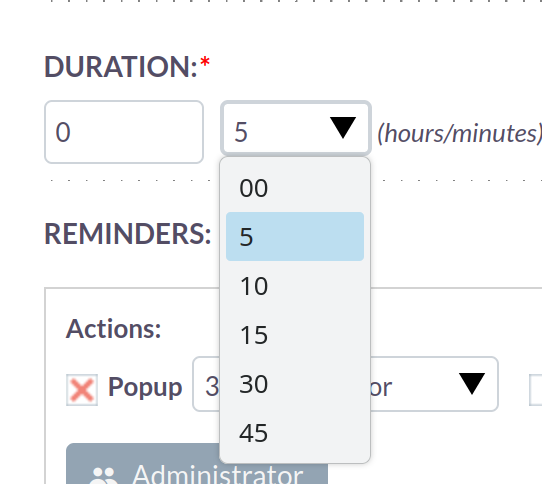
However, I modified the duration_intervals value, saved the changes, and then ran the Repair process. Despite that, when I go to the Calls module, I still only see the values 0, 15, 30, and 45.

I may be missing a step or there could be something that is not being applied correctly. Could you please let me know if there is any additional action required for the changes to take effect?

Thank you very much.

Good morning everyone,
After running tests in several clean environments, reviewing the application code in depth, and performing different validations, I have achieved the goal: the dropdown is displayed correctly, saved properly, and also shown as expected.

I have followed the following steps:

Step 1 — Backup

Before making any changes, create a backup of the original file:

sudo cp /var/www/html/public/legacy/include/SugarFields/Fields/Datetimecombo/Datetimecombo.js
/var/www/html/public/legacy/include/SugarFields/Fields/Datetimecombo/Datetimecombo.js.bak

Step 2 — Replace fixed options with a 00-59 loop

The original file generates the minute selector with four fixed options. We replace them with a loop that generates all options from 00 to 59:

sudo sed -i “s/text+=‘\\n<option value=“00” ‘+(this.mins==0?“SELECTED”:“”)+’>00’;text+=‘\\n<option value=“15” ‘+(this.mins==15?“SELECTED”:“”)+’>15’;text+=‘\\n<option value=“30” ‘+(this.mins==30?“SELECTED”:“”)+’>30’;text+=‘\\n<option value=“45” ‘+(this.mins==45?“SELECTED”:“”)+’>45’;/for(var m=0;m<=59;m++){var mv=m<10?‘0’+m:m;text+=‘\\n<option value=“’+mv+‘” ‘+(this.mins==m?‘SELECTED’:’’)+‘>’+mv+‘’;}/”
/var/www/html/public/legacy/include/SugarFields/Fields/Datetimecombo/Datetimecombo.js

Step 3 — Remove the rounding block

The file also contains logic that rounds saved minutes to 0, 15, 30 or 45. We remove it while keeping only the case where minutes exceed 59, which correctly increments the hour:

sudo sed -i ‘s/if(this.mins>0&&this.mins<15){this.mins=15;}else if(this.mins>15&&this.mins<30){this.mins=30;}else if(this.mins>30&&this.mins<45){this.mins=45;}else if(this.mins>45)/if(this.mins>59)/’
/var/www/html/public/legacy/include/SugarFields/Fields/Datetimecombo/Datetimecombo.js

Step 4 — Verification

grep -o “for(var m=0.{30}” /var/www/html/public/legacy/include/SugarFields/Fields/Datetimecombo/Datetimecombo.js
grep -o “this.mins>59.{30}” /var/www/html/public/legacy/include/SugarFields/Fields/Datetimecombo/Datetimecombo.js

The first command should return for(var m=0;m<=59;m++){var mv=m<10?'0'+m: and the second this.mins>59){this.hrs+=1;this.mins=0;if(t. If both return a result, the changes have been applied correctly.

Step 5 — Repair

From the SuiteCRM web interface go to Admin → Repair → Quick Repair and Rebuild and run the repair.

Clear the browser cache with Ctrl+Shift+R (or open a private/incognito window) and verify that the minute selector shows all values from 00 to 59 in any DateTime field.

That’s awesome!

You should make upgrade safe changes. Make folders and code file under custom folder.

sudo cp /var/www/html/public/legacy/custom/include/SugarFields/Fields/Datetimecombo/Datetimecombo.js

From my instance:

That all worked out of the box on a standard installation without QRR as well.
Maybe some customizations are interfering on your side?
Did you try with a fresh install?