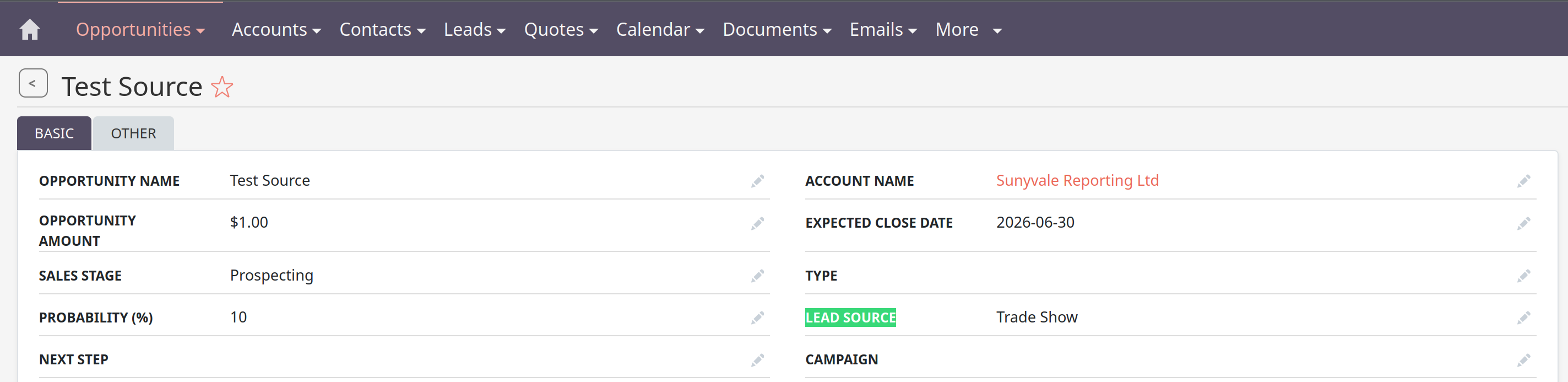
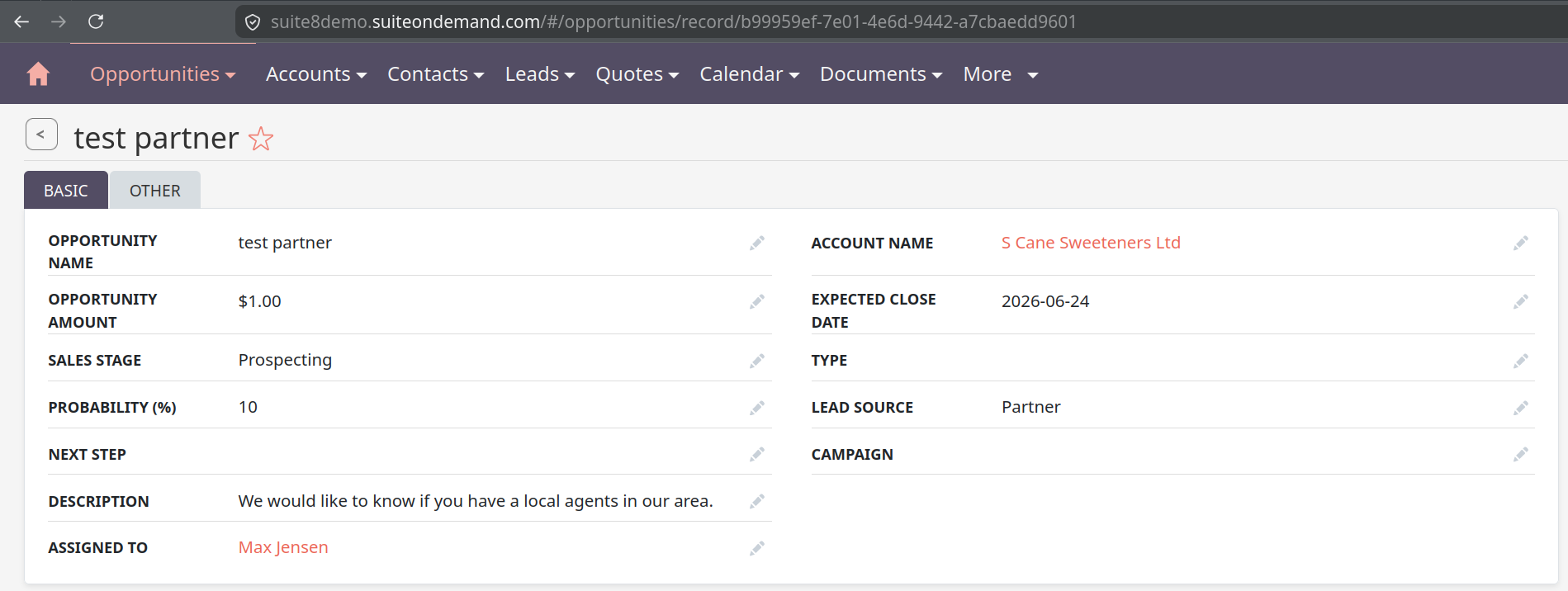
When we convent the leads in the SuiteCRM, it does not copy the lead source into the opportunities.
Does anyone know how to do it?
When we convent the leads in the SuiteCRM, it does not copy the lead source into the opportunities.
Does anyone know how to do it?
Hello,
any customizations in place?
Maybe an older version with an open issue?
I’ve just tested it on 8.10.1 and it worked right away / out of the box:
The Lead is related to the Opp. So you could create a workflow on Opp create and copy the value from the related lead.
I don’t think SuiteCRM copies the Lead Source to Opportunities out of the box.
You’ll probably need a small customization either in the lead conversion code or with a logic hook that copies the value when the Opportunity is created.
What SuiteCRM version are you running?
If it works in the demo, then it sounds like it’s not standard behavior.
I’d compare the Lead Source field configuration in both the Leads and Opportunities modules and verify you’re running the same SuiteCRM version as the demo. There may be a customization, version difference, or field mapping issue in your instance.
When converting a lead, it doesn’t always correctly pass the Lead Source to the Opportunity—this isn’t always included in the standard mapping.
First, I’d check:
Is the Lead Source field even present in the Opportunity layout?
Is it lost during the conversion process (sometimes it only remains in the Lead itself?)
If everything is OK there, then you essentially have two options:
either refine the mapping through Studio (if available in your version), or do it through a logic hook and manually transfer the value when creating the Opportunity.
Thank you for all the replies. It is version 7.13. 
I will try out the methods mentioned by you.
The opposite is true.
The demo is quite standard, therefor it works there.
Doesn’t always? It’s code - either it does, or it doesn’t.
Both modules use the same drop down list: lead_source_dom
In the standard, it’s actually impossible to make it not work. The lead source is a field that will be copied from Lead to Opp in the background:
Not sure, whether it worked there before. If you install a standard Suite 7.13 and test it there, that should give us a clue.
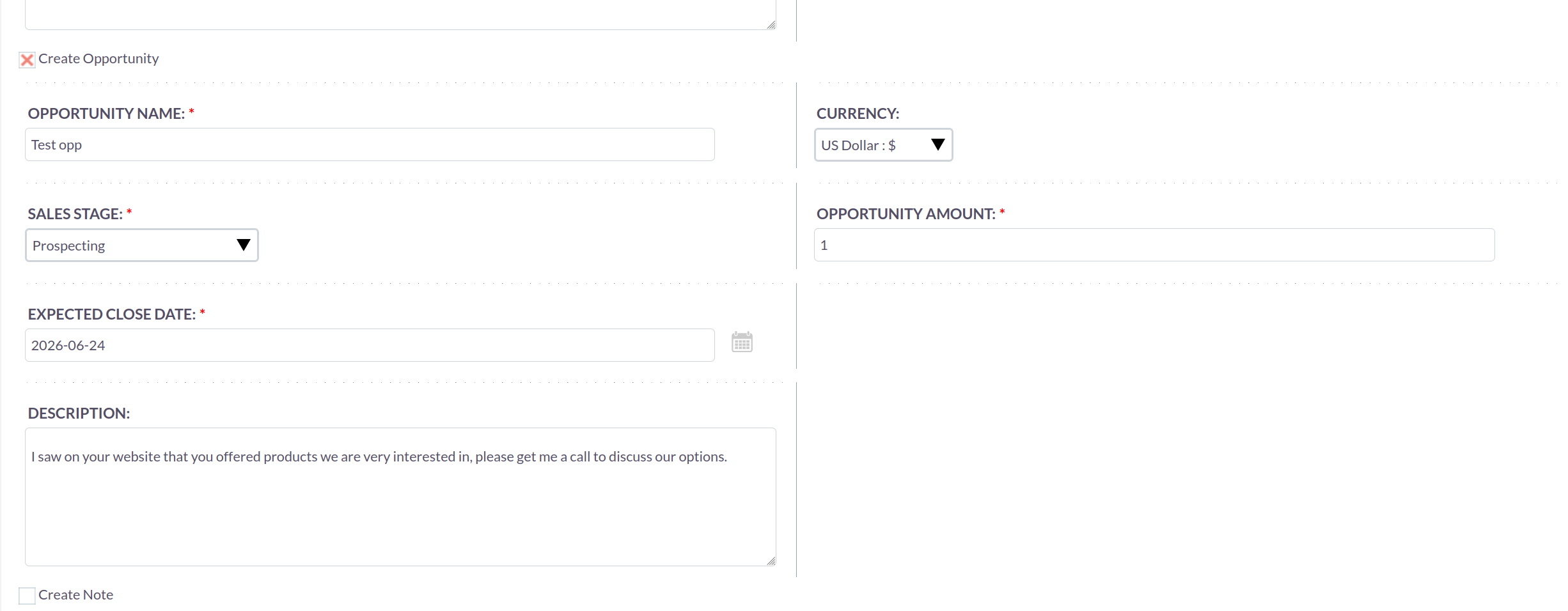
Can I add the lead source field on the lead convert page for opportunity via Studio?
Nope, unfortunately not.
You’d need to start customizing - likely from this file here:
$viewdefs['Opportunities']['ConvertLead'] = array(
    'copyData' => true,
    'required' => false,
    'templateMeta' => array(
        'form'=>array(
            'hidden'=>array(
            )
        ),
        'maxColumns' => '2',
        'widths' => array(
            array('label' => '10', 'field' => '30'),
            array('label' => '10', 'field' => '30'),
        ),
    ),
    'panels' =>array(
        'LNK_NEW_OPPORTUNITY' => array(
            array(
                'name',
                'currency_id'
            ),
            array(
                'sales_stage',
                'amount'
            ),
            array(
                'date_closed',
                ''
            ),
            array(
                'description'
            ),
        )
    ),
);
‘copyData’ => true,
@BastianHammer if we want to create workflow for it, do we need to select Leads or Opportunities module in the WorFlow Module dropdown?
You shouldn’t need to create anything or add anything special. Here is the rule:
Any field in the lead gets copied to the Account, Contact and Opportunity on conversion.
AS LONG AS: Its the exact same name and exact same field type.
For example: if the field is lead_source in the lead but lead_source_c in the Opportunity, it will not copy. They have to be exactly the same. I have never had an example where this does not work.
Thank you for direction. In both modules, we have id=lead_source
We have the below differences
Do you think that’s an issue?
Once, we select the default value in the studio for the field, how to remove it?
I would try to make them exactly the same AND make sure they use the same dropdown list.
I have lead_source populating from LEADS → OPPS on my install and many installs, no problem nothing special requried.
Since the field exists in both modules with the same id, I would first check whether the system expects the metadata to match (required flag, default value, etc.) when moving data between Leads and Opportunities.
The required setting on Leads makes sense if every lead should have a source, while Opportunities might allow blanks if they can be created from other flows. The blank default value in Opportunities is probably not an issue by itself, but it could cause unexpected behavior if any automation assumes lead_source is always populated.