Using SuiteCRM 8.9.1
Firstly, I was forced to change config/services/module/module_routing.yaml for the Tasks module to force records to use legacy mode (tasks: record: false ), as the Action → Close and Action → Close and Create New options do not seem to be present in the SuiteCRM modern template. If anyone has any insight on how I can ensure these options show up in the modern Tasks module template please let me know.
Secondly, for Calls, Meetings, and Tasks, when I click Action → Close on a record, the page reloads as if it has taken action, but the record status does not update to the appropriate completed status.
If I choose Action → Close and Create New the record gets update properly.
Please let me know what I should do to dig further into this
Thanks in advance!
Hello Josh,
the buttons / menu action items are not in Suite 8, yet.
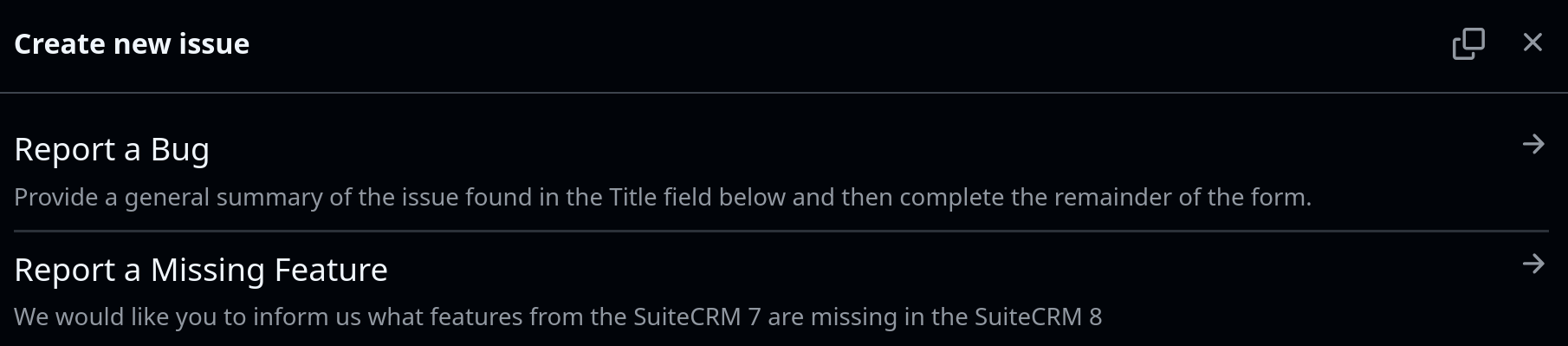
Do you want to report the missing feature issue:
1 Like
I’ll submit a missing feature request later, but the core issue is that the legacy detail view with the ‘close’ and ‘close and create new’ buttons is, the ‘close and create new’ button is functioning correctly, but the ‘close’ button is not updating the status.
Any ideas on how I can make the ‘Close’ button work? in the detailviewdefs.php file there is onclick logic that is supposed to be performing this:
'onclick' => 'this.form.status.value=\'Completed\'; this.form.action.value=\'Save\';this.form.return_module.value=\'Tasks\';this.form.isSave.value=true;this.form.return_action.value=\'DetailView\'; this.form.return_id.value=\'{$fields.id.value}\'',
SuiteCRM is executing every part of this EXCEPT the command 'this.form.status.value=\'Completed\'; which is the critical component of this.
Thanks again!
Hi @joshpatten
This is a straightforward Save operation (with the appropriate status value). It would be helpful if you could share the relevant log entries generated during this action and also check the browser console for any JavaScript errors. If you find any, please share them.
There weren’t any log entries related to this that I could find, and there were no javascript errors that I saw in the console.