Workflows not Firing for [+ days Created]

I’m not sure exactly where I’m going wrong, but I’ve been trying to get my workflows to fire for the past month when a created case is open past a certain number of days and getting nowhere.


This workflow is supposed to send an email to the assigned user when the case has been open for +2 days.


This workflow is supposed to send an email to the assigned user and manager when the case has been open for +5 days.

I’ve tried varying Run, Run On and Repeated Runs. Constantly testing. Nothings working. I’ve reworked the conditions so many times. Deleted workflows, created new ones, etc.

It’s not that it’s failing in the audit process, it literally just won’t fire.

I’m pulling my hair out trying to get it to work. I don’t have access to coding or the original db, just admin privileges.

I can’t find anything in the log. I can’t diagnose what’s happening. Please help.

Hello Isa,

do you have your scheduler setup and they’re running properly?
The workflow you’re building is setup to trigger on the scheduler execution?

Could you build a report first with your workflow conditions, and see whether you’re seeing any data there?

As for your date created: Is is equal to. That might almost be never true (exactly 5 days past on the second).

The condition would need to be “less than or equal to”.

Hi Bastian

Thank you for your response.

Unfortunately, the workflow will trigger significantly earlier if I do “less than or equal to” and “greater than or equal to” just won’t trigger.

The conditions show in the report so that’s all fine.

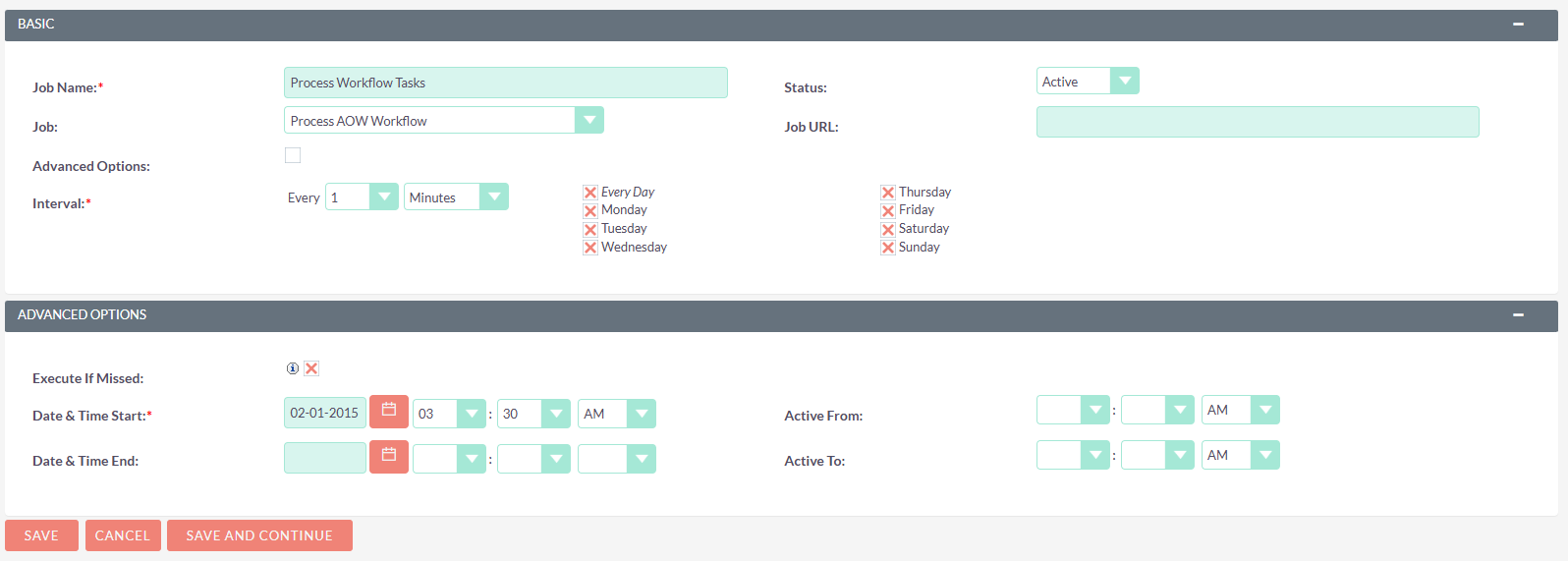
The scheduler is executing the workflow if it’s set to “less than or equal to” and it’s set up like this:

Otherwise, I just can’t get it to work properly. The idea that if the Case is left open for 2 days, the assigned case manager will get a notification. Once it hits 5 days opened it escalates to the manager.


What am I missing?

Thanks!

Lets check the details:

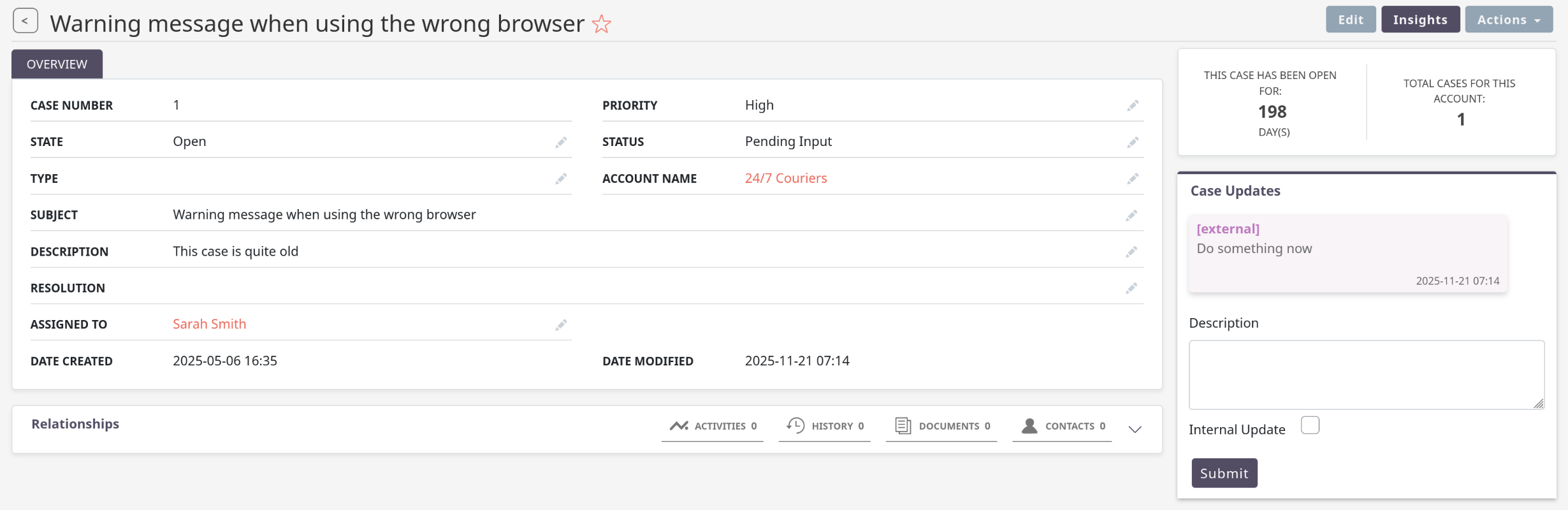
I’ve used the demo data and changed ONE case to be much older than the others:

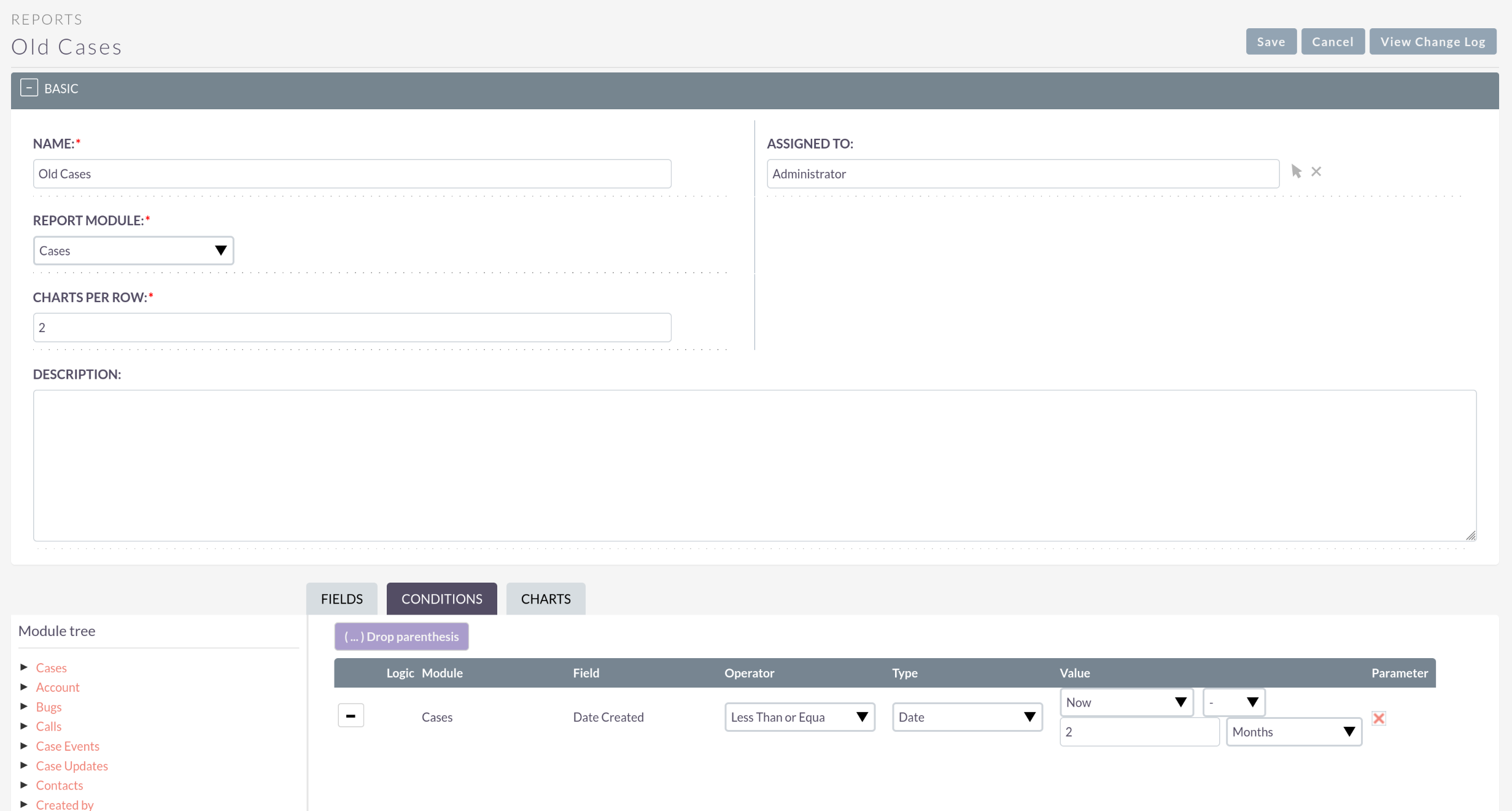
Then, I first build a report to make sure I get the correct data for triggering my logic:

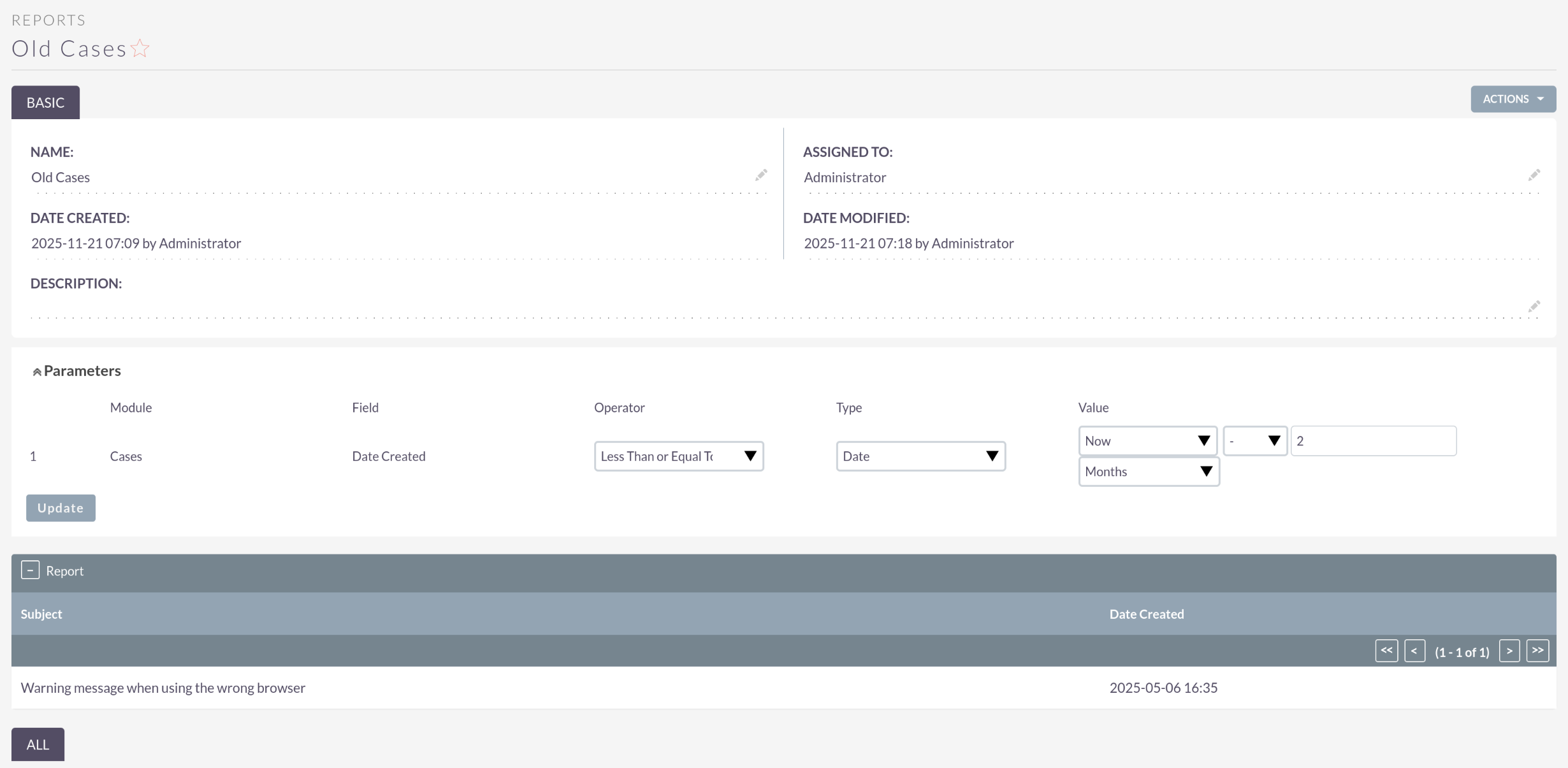
There, I only see this one case that I changed

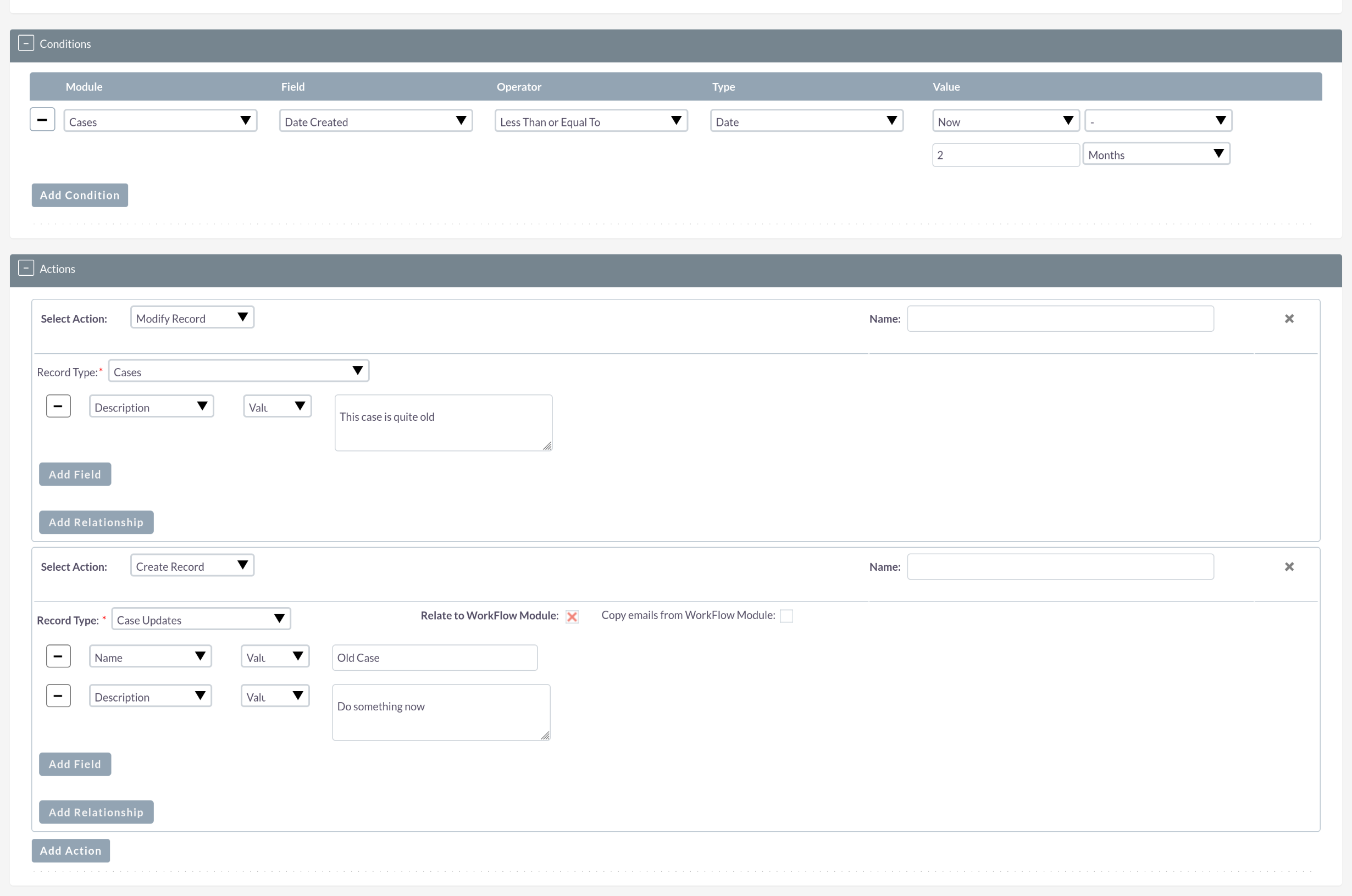
Then, I can build the workflow accordingly:

After the next execution, I can see my case has been updated:

Now, you’d just need to adjust your conditions for report and workflow and you should be good to go! :slight_smile:

1 Like

Thanks Bastian!

The workflows are finally working:

I appreciate your thorough response :slight_smile:

1 Like